AI Jewellery Photography in India: On-Model and White-Background Shots From One Photo
AI jewellery photography in India turns 1 phone photo of a ring, earring, necklace or bangle into on-model and white-background images at ₹38–56 each. Fluxx.work holds the design, colour and shape of the piece as photographed, so you can fill a catalogue without booking a model or a studio for every item.
Last updated:
Key facts
- 1 photo of the piece produces on-model and white-background images.
- ₹38–56 per image, with failed generations refunded.
- Exports up to 4K at the same credit cost as 1K.
- Covers 5 common types: rings, earrings, necklaces, bangles and pendants.
- Failed images cost 0 credits.
Real output from Fluxx.work
Generated from a single uploaded product photo — Jewellery & watches
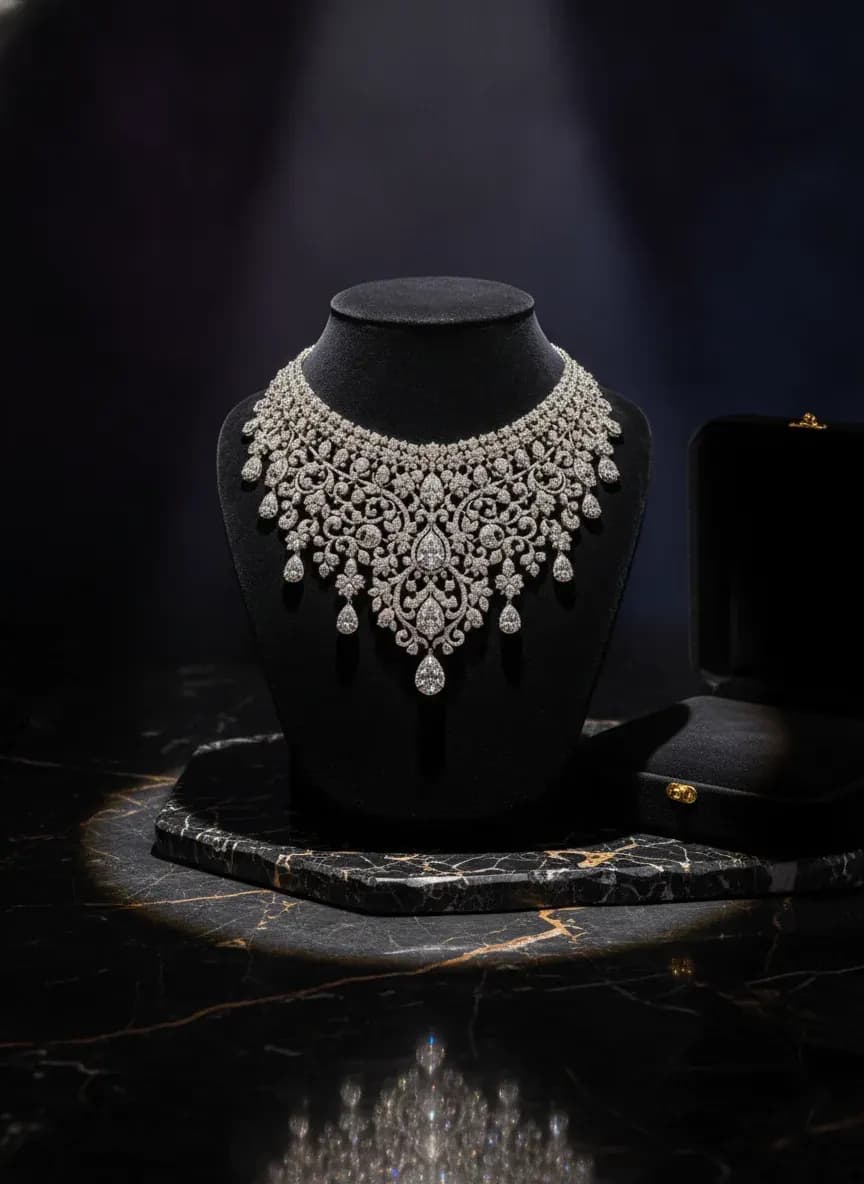
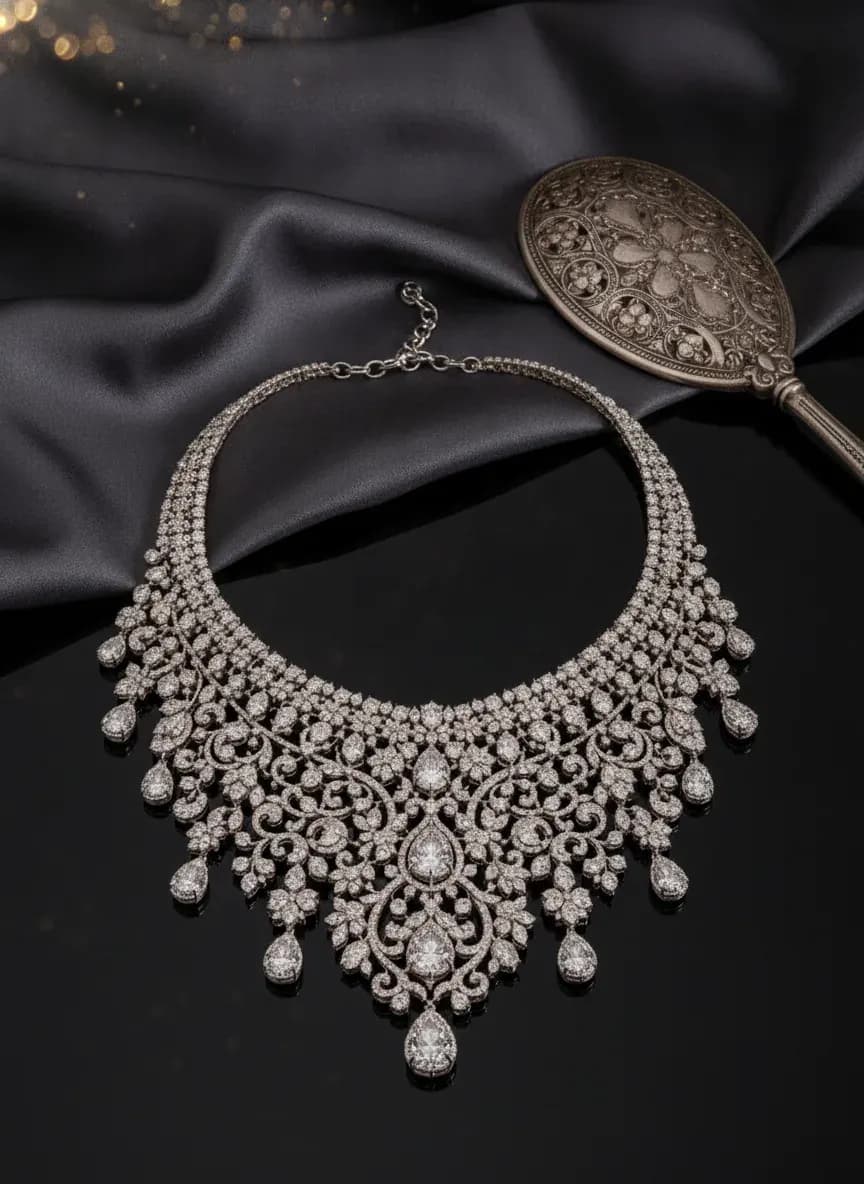
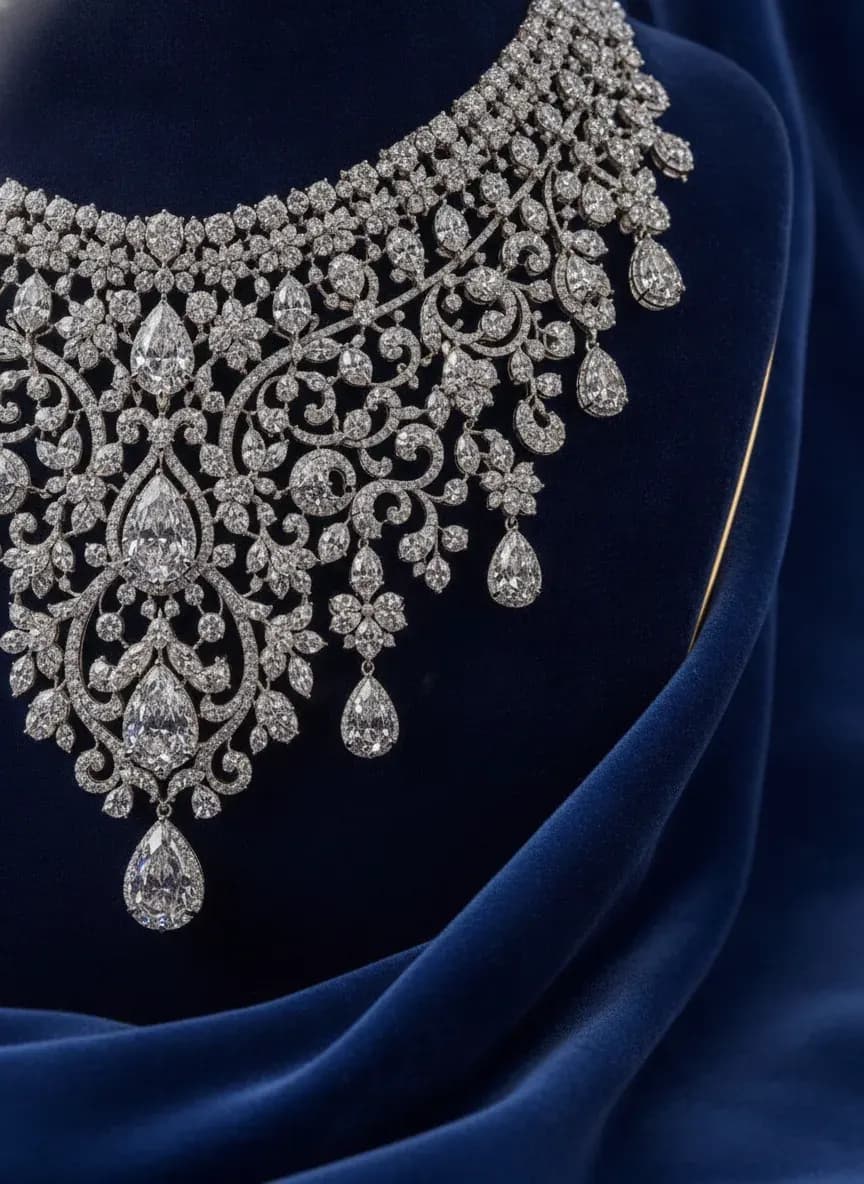
See more examples in the Fluxx.work gallery
Why jewellery is hard to photograph
Small reflective pieces pick up every light and reflection, and buyers judge metal finish, stone colour and scale from the image. Fluxx builds the scene around your photographed piece rather than redrawing it, so the design stays the same while the background and model change.
On-model shots for Indian jewellery
Use the accessories model shoot to show a piece on a hand, ear or neck, styled to fit the piece. Pair each on-model image with a clean white-background shot for marketplaces that require one.
Check the detail before you publish
Zoom into stones, settings, engraving and metal tone in each result and compare with the physical piece. Jewellery sells on detail, so keep a few real close-up photos on high-value listings.
| Piece | White-background shot | On-model shot |
|---|---|---|
| Rings | Front and top angle | Hand, close crop |
| Earrings | Pair, front angle | Ear, close crop |
| Necklaces | Flat and on stand | Neck and shoulders |
| Bangles | Stacked and single | Wrist and forearm |
Benefits
On-model and white-background images from one photo
Design, colour and shape held as photographed
No per-piece model or studio cost
Failed generations are refunded
How It Works
1
Photograph the piece on a plain background.
2
Choose white background or on-model.
3
Generate, then check stones and finish at full size.
4
Add real close-ups to high-value listings.
Best Practices
- check_circleShoot the piece on a plain, matte background in soft light
- check_circleGenerate the white-background image first, then the on-model shot
- check_circleCompare metal tone and stone colour with the physical piece
- check_circleKeep real close-ups on your highest-value listings
Common Mistakes
- cancelShooting the source piece with harsh reflections
- cancelPublishing without zooming in on stones and engraving
- cancelShowing no scale reference for small pieces
- cancelReplacing every real photo with an AI image
Brands that shoot with Fluxx








“With ChatGPT and Gemini, I kept rewriting prompts to get the look I wanted, and even then the model's face, expression and body would change from one image to the next. With Fluxx.work, I pick everything before I generate: how the model looks, the background, the style. Choosing a model is simple, there's no prompt to write again and again, and the model stays the same in every image.”
Prerna
Toonyport
“A photoshoot is never just the photos. There's the studio, the photographer, models, props and all the coordination. Fluxx.work lets me create product visuals without arranging all of that for every creative, so I can try more ideas and keep my marketing budget in check.”
Deepak
We Are Unproven
“As a small business, I can't have a designer on hand for every requirement. Fluxx.work lets me create product visuals myself, with no complicated production setup, so I spend less time on creatives and more on running the business.”
Aakash
Mr. Mop
“In an online store, product images are the first thing customers notice. Starting from photos I already have, Fluxx.work gives me clean product shots and lifestyle visuals for every marketing need, without booking a new shoot for each idea.”
Arihant
Wishkey
Frequently Asked Questions
Can AI make on-model photos of my jewellery for Indian marketplaces?
Yes. Upload 1 photo of the piece, choose the on-model style, and Fluxx shows it on a hand, ear or neck. Pair it with a white-background image for platforms that need one.
Will AI keep my jewellery design and stone colours accurate?
Fluxx locks the product before building the scene, and an optional QA check for 12 extra credits compares each result with your photo and retries if it drifts. Still check stones and metal tone at full size for every one of your best sellers.
How much does AI jewellery photography cost in India?
₹38–56 per image depending on the plan, and the same price applies at 1K, 2K and 4K.
Do I still need real photos of my jewellery?
Keep at least 1 or 2 real close-ups on high-value listings so buyers can judge stones, finish and scale, and use AI images to fill the rest of the gallery.
Why Fluxx.work
Fluxx.work locks your jewellery design before generating the scene, so the result stays true to the real piece.
Related Pages
AI Photography
AI Product Photography for Indian Sellers: One Phone Photo, a Full Catalogue
AI Photography
Jewelry Photography That Gets the Sparkle Right
AI Photography
AI Earrings Photography, From Studio Shot to On-Ear Model
AI Photography
AI Jewelry Try-On: Put Jewelry on an AI Model
Product Categories
Jewelry Photography With True Sparkle and Metal Finish
Product Categories
Necklace Photography That Shows True Drape and Pendant Detail
Blog
The Jewelry Photography Guide: Lighting, Reflections, and Sparkle