Jewelry Photography That Gets the Sparkle Right
Jewelry photography is a macro problem before it's anything else — facet-level gemstone sparkle, hairline prong and setting detail, and the specific way gold, silver, and rose gold each catch light are all visible at the scale jewelry is actually photographed. Fluxx.work generates jewelry imagery that respects that macro detail rather than treating a ring or necklace like a scaled-down general product.
Last updated:
Real output from Fluxx.work
Generated from a single uploaded product photo — Jewellery & watches
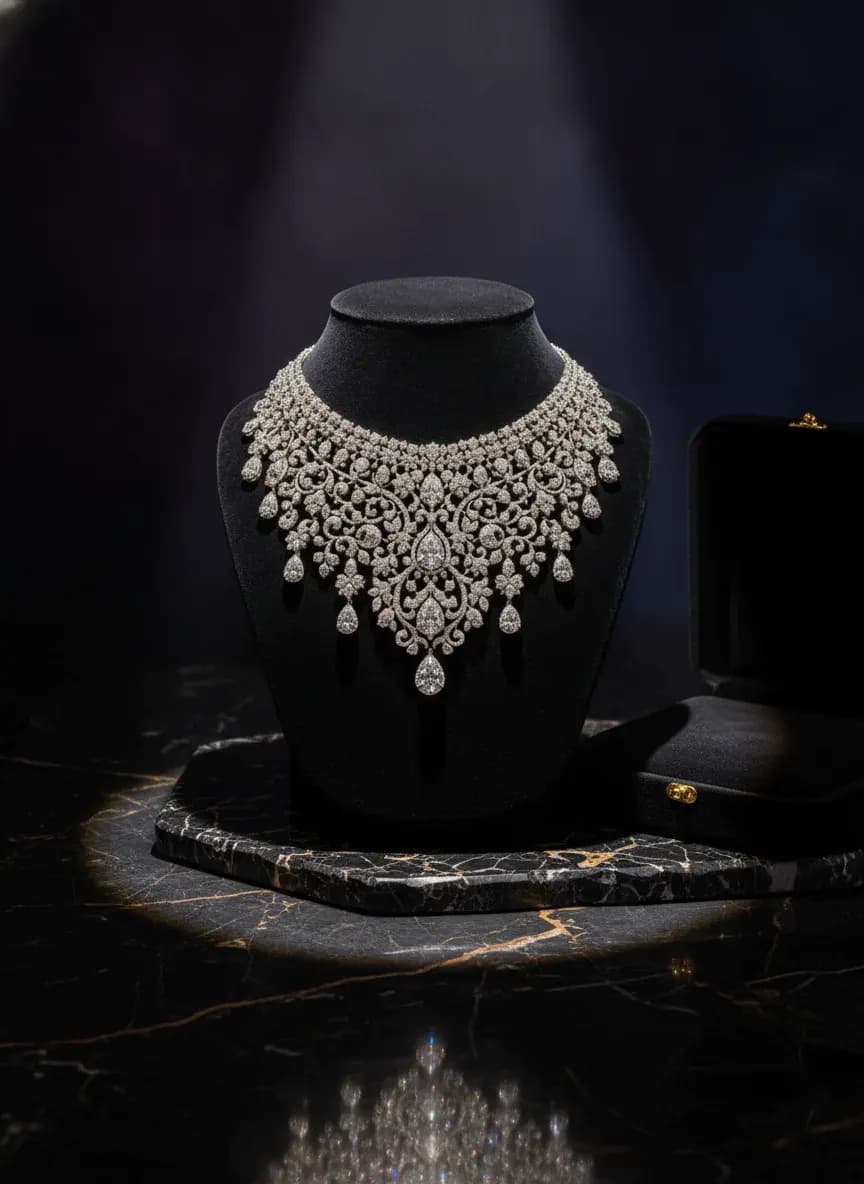
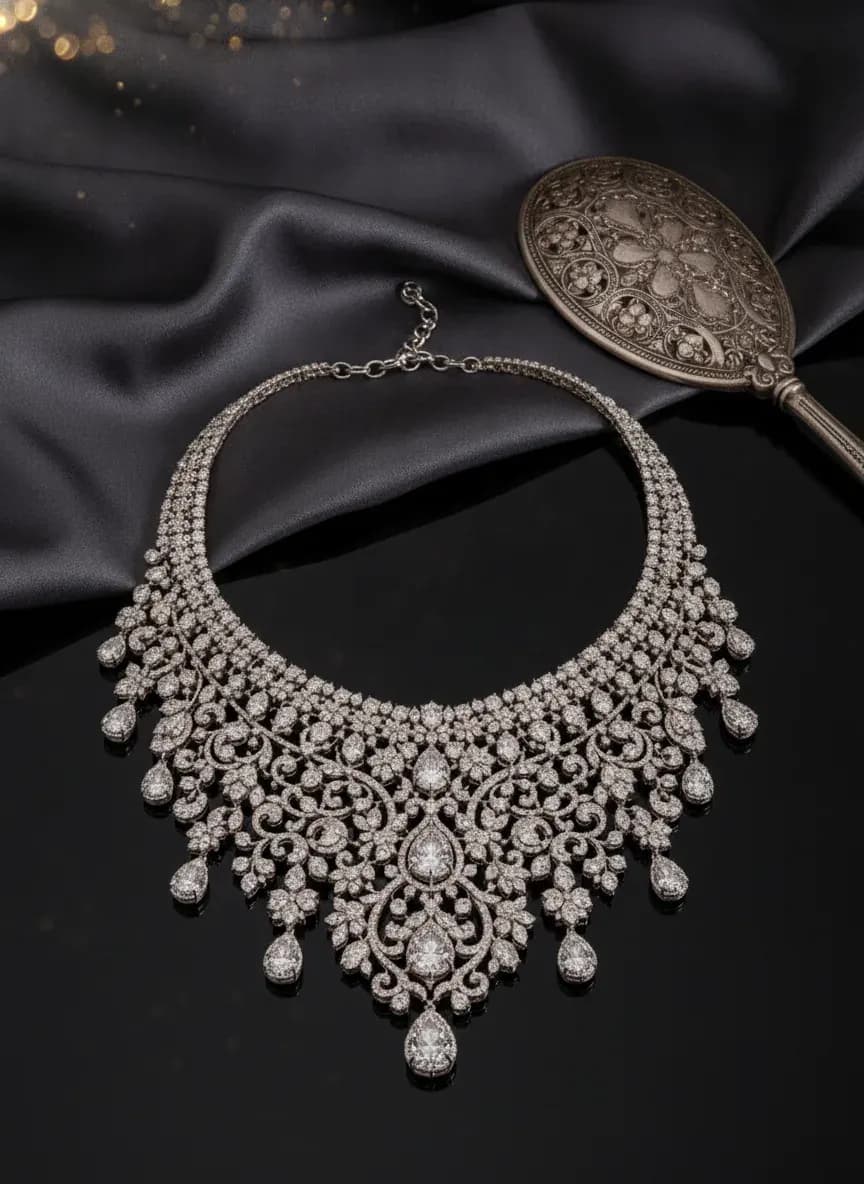
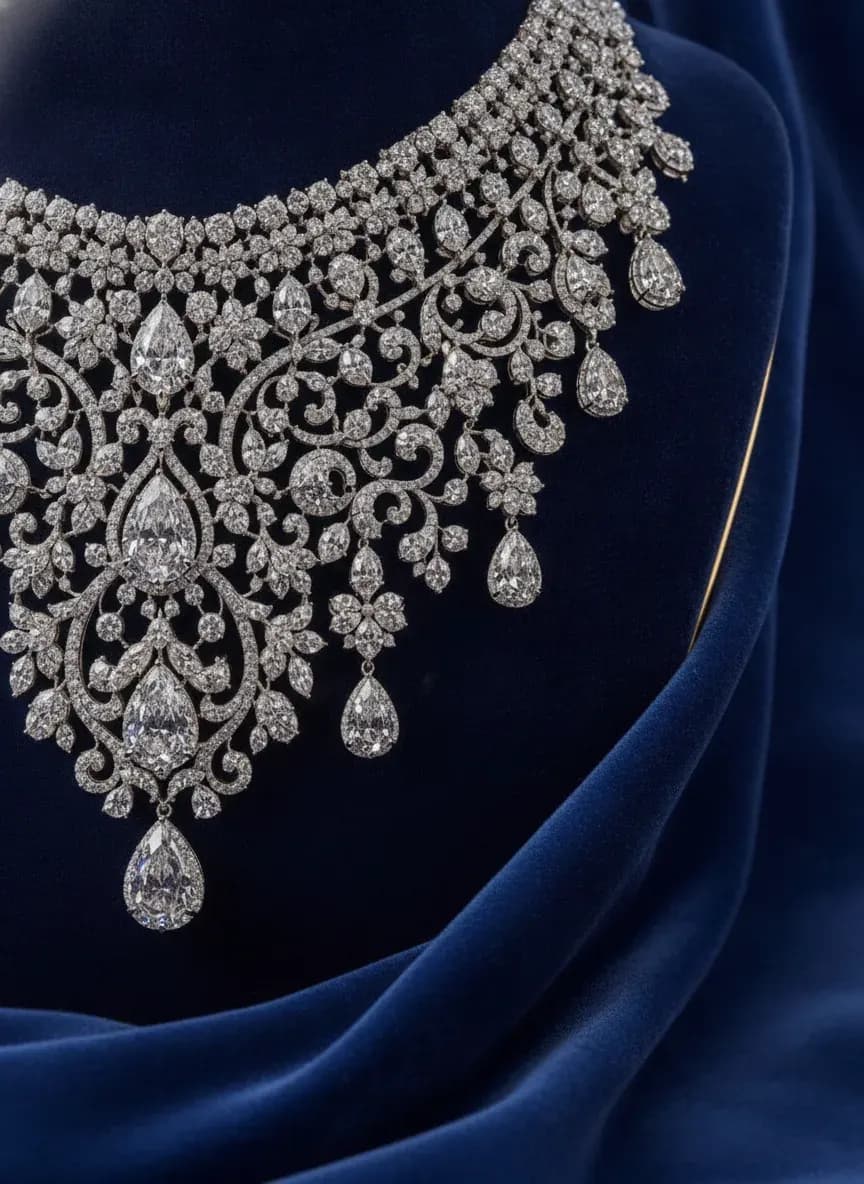
See more examples in the Fluxx.work gallery
Why jewelry is a macro-photography problem
At the size jewelry is shot and displayed (often filling most of a frame that represents an object smaller than a thumbnail), tiny details carry disproportionate visual weight: the sharpness of a facet edge, whether a pavé setting's stones catch light individually or blur into a texture, whether a chain's links show individual dimensional roundness or flatten into a printed-looking pattern. General product photography approaches that work fine at normal scale fall apart here because errors that would be invisible on a t-shirt are magnified to the point of obviousness on a diamond.
Gemstone facet sparkle isn't just 'shiny'
Real faceted gemstones scatter light into distinct, high-contrast points depending on facet angle and light source position — this is what jewelers call fire and scintillation. A flat, uniform sparkle overlay reads as fake glitter rather than a cut stone. Fluxx.work renders facet-level light behavior calibrated to the stone's actual cut visible in the source photo.
Metal color and finish need to be exact
Yellow gold, white gold, rose gold, and sterling silver each have a specific reflective color cast, and a buyer choosing between metal options is making a color decision as precise as a paint swatch. A slight color shift in the render can misrepresent which metal is being sold.
Hero shots vs. on-model shots for jewelry
A macro hero shot on a clean or reflective surface is standard for showing craftsmanship detail — prong setting, facet clarity, engraving. On-model shots (a ring on a hand, a necklace on a neckline, earrings framing a face) are essential for scale and wearability but need the same facet and metal accuracy as the macro hero, just at a further working distance.
How the generation works
Upload a clear, close-up photo of the piece. Fluxx.work preserves facet geometry, prong and setting detail, and exact metal tone, then generates macro hero shots and on-model compositions while keeping gemstone sparkle and metal color locked to the real piece.
Benefits
Facet-level gemstone sparkle instead of a flat glitter overlay
Exact metal tone preserved across gold, white gold, rose gold, and silver
Both macro detail and on-model shots from a single source photo
Accurate rendering of pavé and multi-stone settings at facet level
How It Works
1
Upload a clear, close-up photo of the jewelry piece.
2
Fluxx.work preserves facet geometry, setting detail, and exact metal tone.
3
Generate macro hero and on-model shots with locked sparkle and color accuracy.
4
Download listing-ready jewelry imagery.
Best Practices
- check_circleShoot the source photo as close and sharp as possible to capture true facet and setting detail
- check_circleVerify metal tone accuracy specifically when a piece is offered in multiple metal options
- check_circleAlways pair a macro hero shot with at least one on-model shot for scale context
- check_circleCheck pavé and multi-stone settings render with individual stone definition, not a blurred texture
Common Mistakes
- cancelApplying a generic sparkle filter that reads as glitter rather than faceted light
- cancelLetting metal color drift, misrepresenting which metal option is shown
- cancelShooting only a macro hero with no on-model shot for scale and wearability context
- cancelLosing individual stone definition in pavé settings, making it look like a textured surface
Trusted by 1,200+ businesses worldwide
“We used to book a studio every quarter. Now one product photo gives us the hero, lifestyle and detail shots in a single pass, and the catalogue finally looks like one brand instead of six separate shoots.”
Marcus T.
Founder, Home Goods Brand · Austin, TX
“The garment is genuinely the same in every frame — colour, print and trims all hold. That was the part I did not believe until we ran our own SKUs through it.”
Dana R.
Head of Ecommerce, Activewear · Brooklyn, NY
“Glass and reflections are where most tools fall apart. Ours come out clean, so we can photograph a new scent the week it launches instead of waiting on a studio slot.”
Layla A.
Founder, Fragrance Brand · Dubai, UAE
“Metal finish and stone detail survive a zoom now, which is what our listings actually needed. We stopped reshooting pieces that came back soft.”
Omar S.
Marketing Director, Jewellery · Abu Dhabi, UAE
“The textures and lighting are so realistic that customers tell us they can almost feel the product. We reshoot far less than we used to.”
Sneha P.
Founder, Coffee Brand · Coorg, India
“The AI-contextual backgrounds just work. It reads the product and picks the right aesthetic. We've stopped paying for stock photo subscriptions.”
Priya S.
Founder, Skincare Brand · Mumbai, India
Frequently Asked Questions
Will gemstone sparkle look like real facet fire, not a generic glitter effect?
Yes, facet-level light behavior is calibrated to the stone's actual cut from your source photo rather than applying a flat sparkle overlay.
Can it tell the difference between yellow gold, white gold, and rose gold accurately?
Yes, exact metal tone is locked from the source photo since metal color is often a primary purchase decision for jewelry buyers.
Can I get both a macro detail shot and an on-model shot from the same piece?
Yes, both macro hero shots and on-model compositions (ring on hand, necklace on neckline) are supported from one source photo.
Does this work for pavé or multi-stone settings, not just a single center stone?
Yes, pavé and multi-stone settings are rendered so individual stones catch light distinctly rather than blurring into one textured surface.
Why Fluxx.work
Fluxx.work renders sparkle and metal tone at the facet level instead of approximating jewelry as a small, shiny version of any other product.