AI Jewelry Try-On: Put Jewelry on an AI Model
AI jewelry try on shows a necklace, earring or ring worn by a realistic model, generated from one product photo. Fluxx.work keeps the metal, stones and scale accurate so a virtual jewelry try on image still looks like the piece you sell.
Last updated:
Real output from Fluxx.work
Generated from a single uploaded product photo — Jewellery & watches
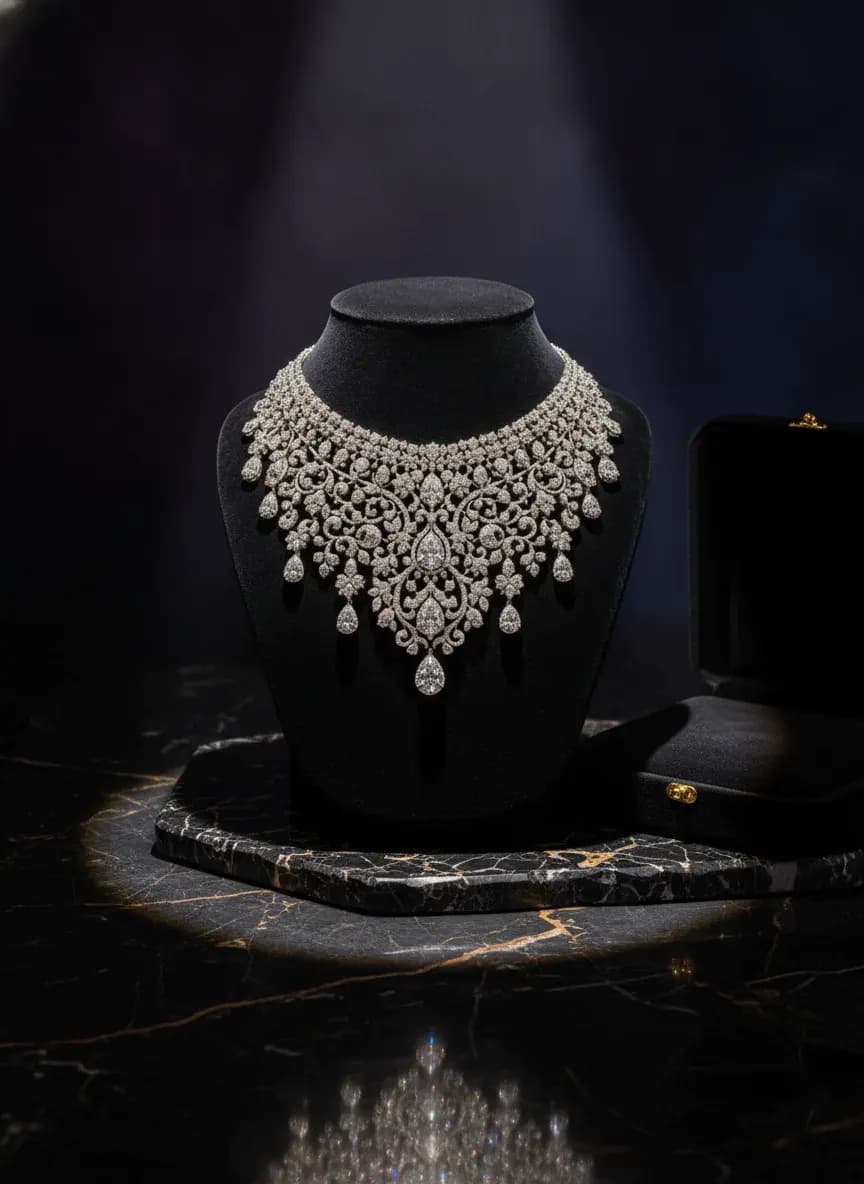
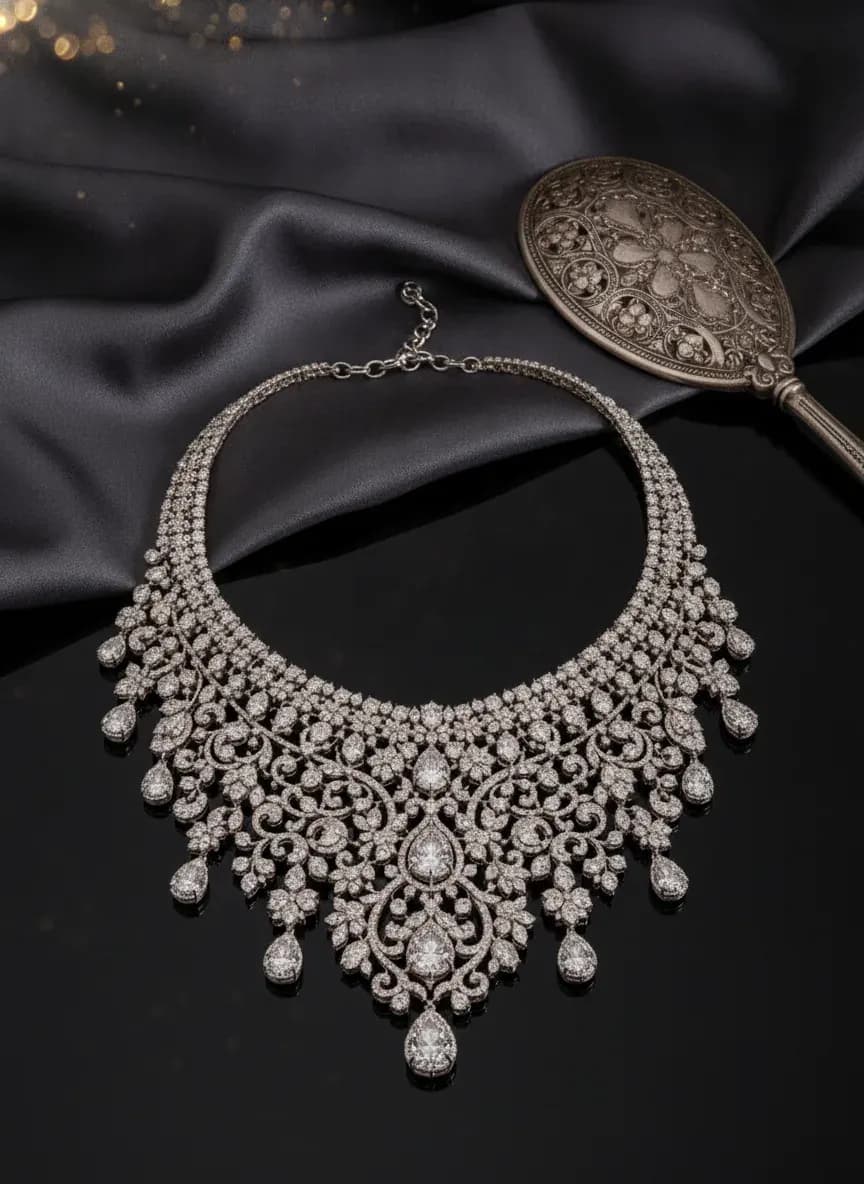
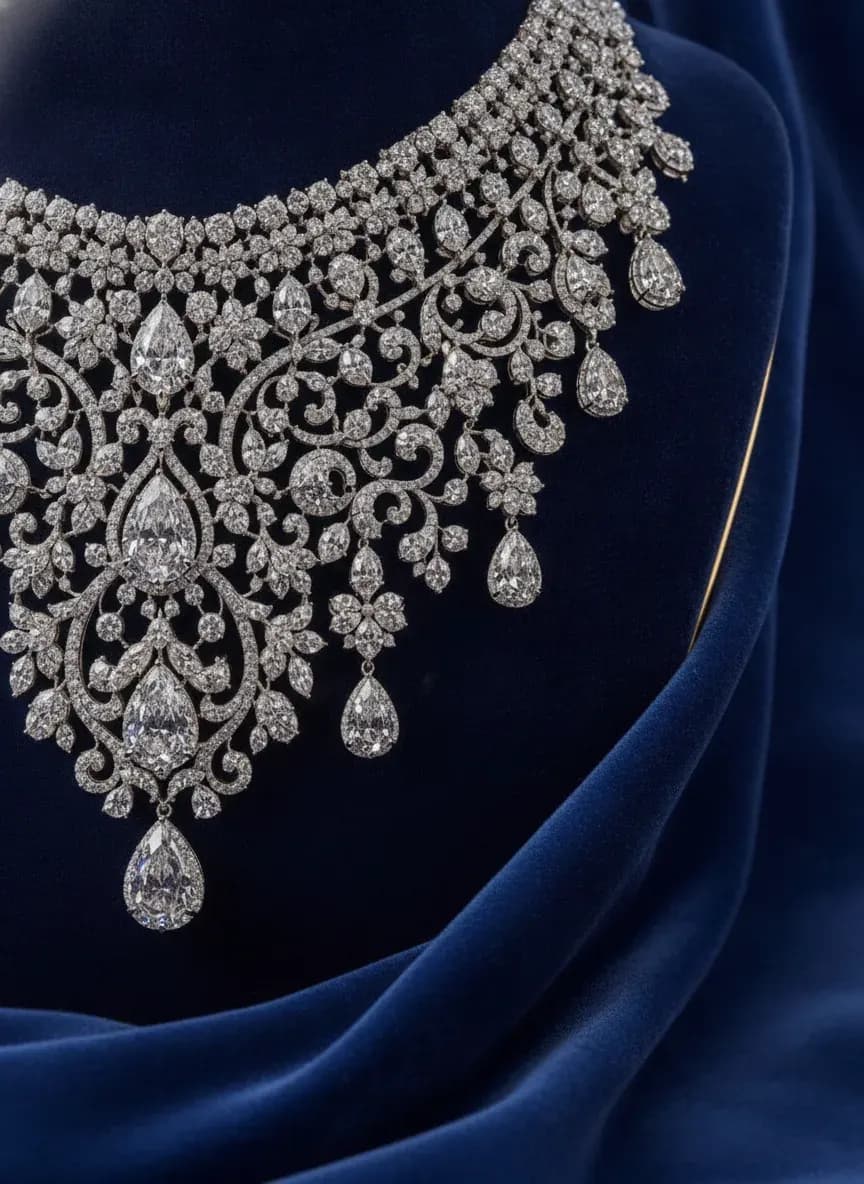
See more examples in the Fluxx.work gallery
Why jewelry needs on-model images
A pendant on white tells a buyer nothing about size. Worn images show length, drop and proportion, which are the questions that stop jewelry purchases. That is why an AI model wearing jewelry converts better than a product shot alone.
Put jewelry on AI model: how to get accurate scale
Photograph the piece sharply on a plain background and note its real dimensions. Choose the placement (neck, ear, hand), then generate and check that chain length, drop and ring band width look right against the model.
Try-on versus product photography
Product photography shows craftsmanship in close-up. Try-on shows the piece in use. Most jewelry stores need both, and Fluxx.work generates each from the same source photo.
Benefits
Jewelry shown worn, with real proportions
No model booking or studio day
Metal, stone and finish kept from your photo
One source photo per SKU
How It Works
1
Upload a sharp photo of the piece.
2
Pick the placement and model look.
3
Generate the try-on image.
4
Verify scale and download.
Best Practices
- check_circleUse diffused light to control reflections
- check_circleNote real dimensions and verify scale on the result
- check_circleKeep one model look per collection
- check_circlePublish worn shots alongside a plain product shot
Common Mistakes
- cancelSource photos with harsh glare on the metal
- cancelSkipping a scale check against the real dimensions
- cancelSwitching model look inside one collection
- cancelUsing try-on images without a plain product shot as well
Brands that shoot with Fluxx








“With ChatGPT and Gemini, I kept rewriting prompts to get the look I wanted, and even then the model's face, expression and body would change from one image to the next. With Fluxx.work, I pick everything before I generate: how the model looks, the background, the style. Choosing a model is simple, there's no prompt to write again and again, and the model stays the same in every image.”
Prerna
Toonyport
“A photoshoot is never just the photos. There's the studio, the photographer, models, props and all the coordination. Fluxx.work lets me create product visuals without arranging all of that for every creative, so I can try more ideas and keep my marketing budget in check.”
Deepak
We Are Unproven
“As a small business, I can't have a designer on hand for every requirement. Fluxx.work lets me create product visuals myself, with no complicated production setup, so I spend less time on creatives and more on running the business.”
Aakash
Mr. Mop
“In an online store, product images are the first thing customers notice. Starting from photos I already have, Fluxx.work gives me clean product shots and lifestyle visuals for every marketing need, without booking a new shoot for each idea.”
Arihant
Wishkey
Frequently Asked Questions
Can AI really put jewelry on an AI model accurately?
Yes, within limits. The piece is taken from your photo and placed on the model, but you should always check scale and fine detail against the real item before publishing.
What is the difference between AI jewelry try on and virtual jewelry try on?
They describe the same idea. Here it means generating finished images of jewelry worn by a model, not a live camera widget on your site.
How do I create an AI jewelry model generator workflow for a whole catalog?
Use one consistent model look and lighting per collection, then run each SKU through the same settings so the catalog reads as one shoot. It doubles as an AI jewelry photoshoot generator: create jewelry photoshoot with AI, or run a product to jewelry photoshoot AI flow, and extend it to an AI jewelry campaign generator.
Which jewelry types work best for AI model wearing jewelry shots?
Necklaces, earrings, rings, bracelets and watches all work. Very small or highly reflective pieces need a sharp, well-lit source photo.
Why Fluxx.work
Fluxx.work generates the model around your real jewelry photo, so the worn image still reflects the piece you sell.
Related Pages
AI Photography
Jewelry Photography That Gets the Sparkle Right
AI Photography
AI Model Photoshoot: Your Product on a Model, Without the Shoot
Product Categories
Necklace Photography That Shows True Drape and Pendant Detail
Product Categories
Ring Photography at True Macro, With Real Facet Sparkle
Product Categories
Jewelry Photography With True Sparkle and Metal Finish