AI Earrings Photography, From Studio Shot to On-Ear Model
AI earrings photography produces both the clean product shot and the on-ear model image from one photo of the pair. Fluxx.work keeps the drop, metal and stone detail accurate, so an AI earrings model photoshoot looks like the earrings you actually sell.
Last updated:
Real output from Fluxx.work
Generated from a single uploaded product photo — Jewellery & watches
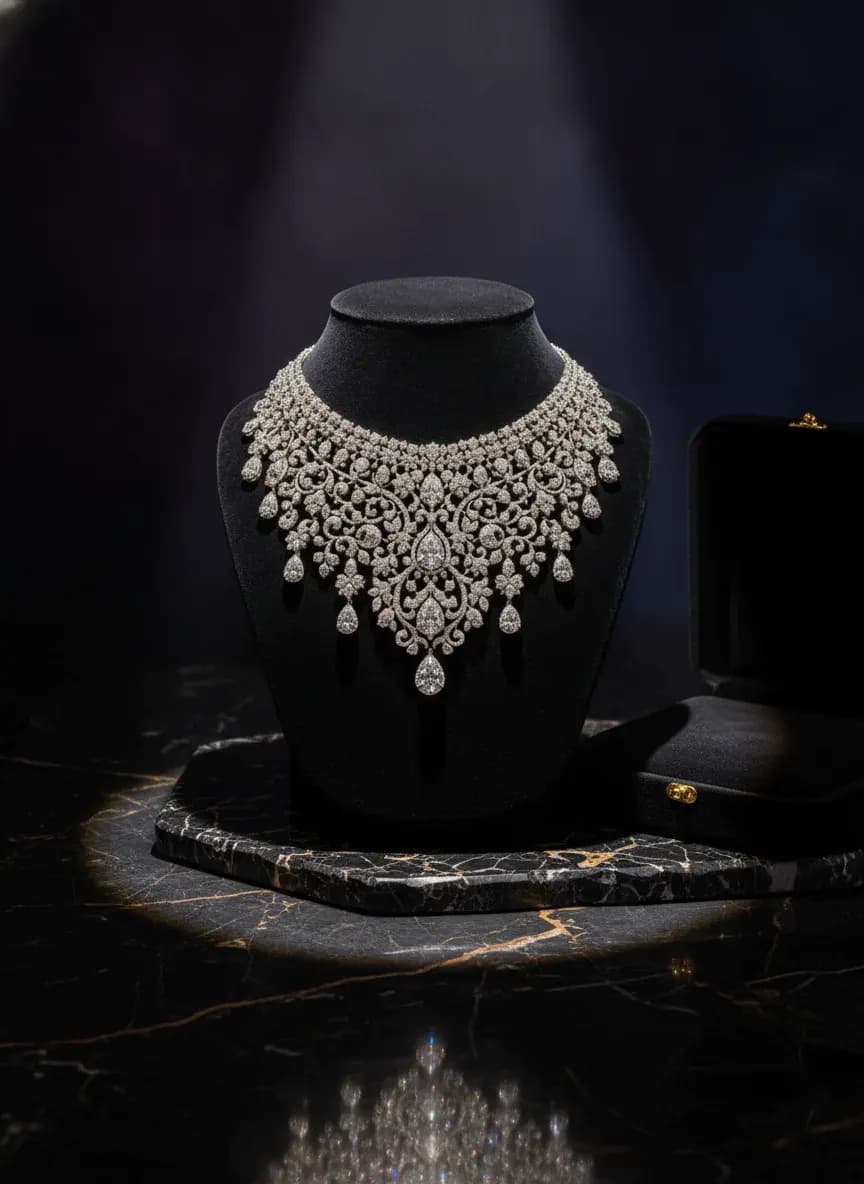
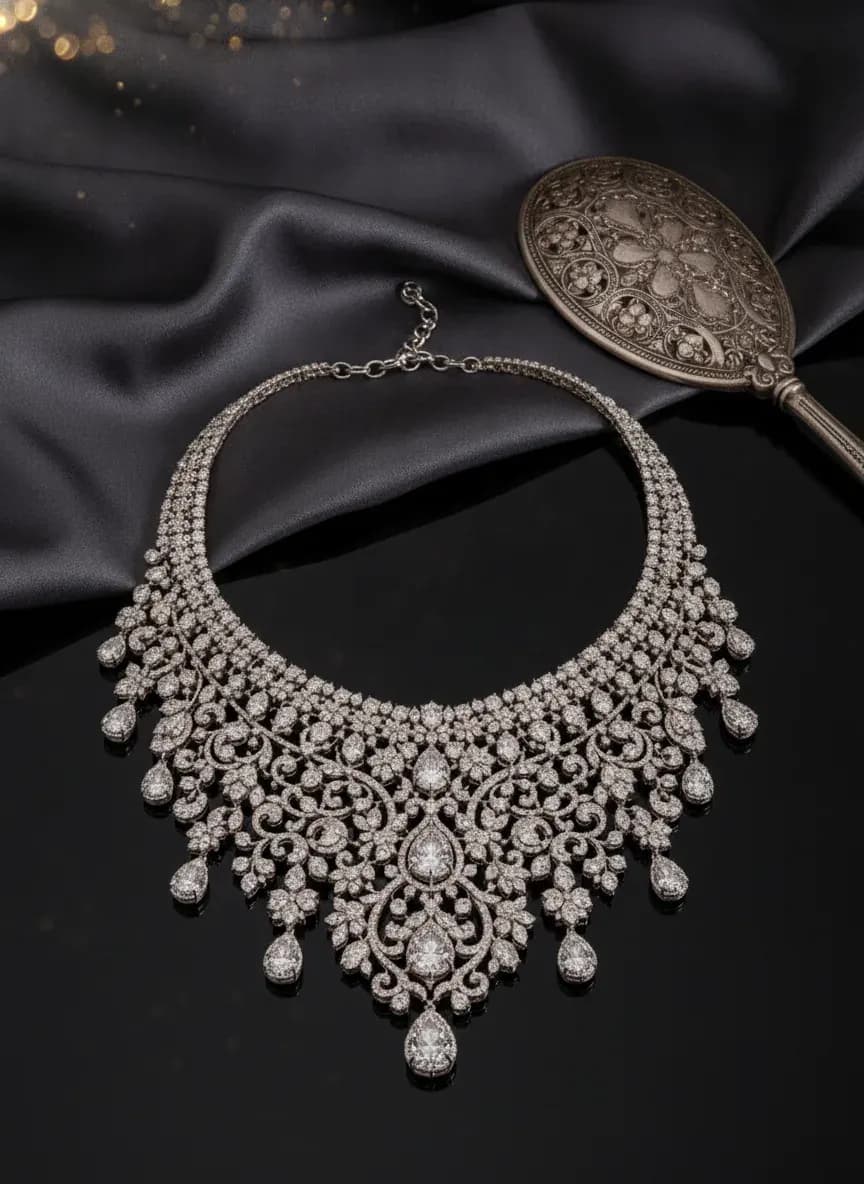
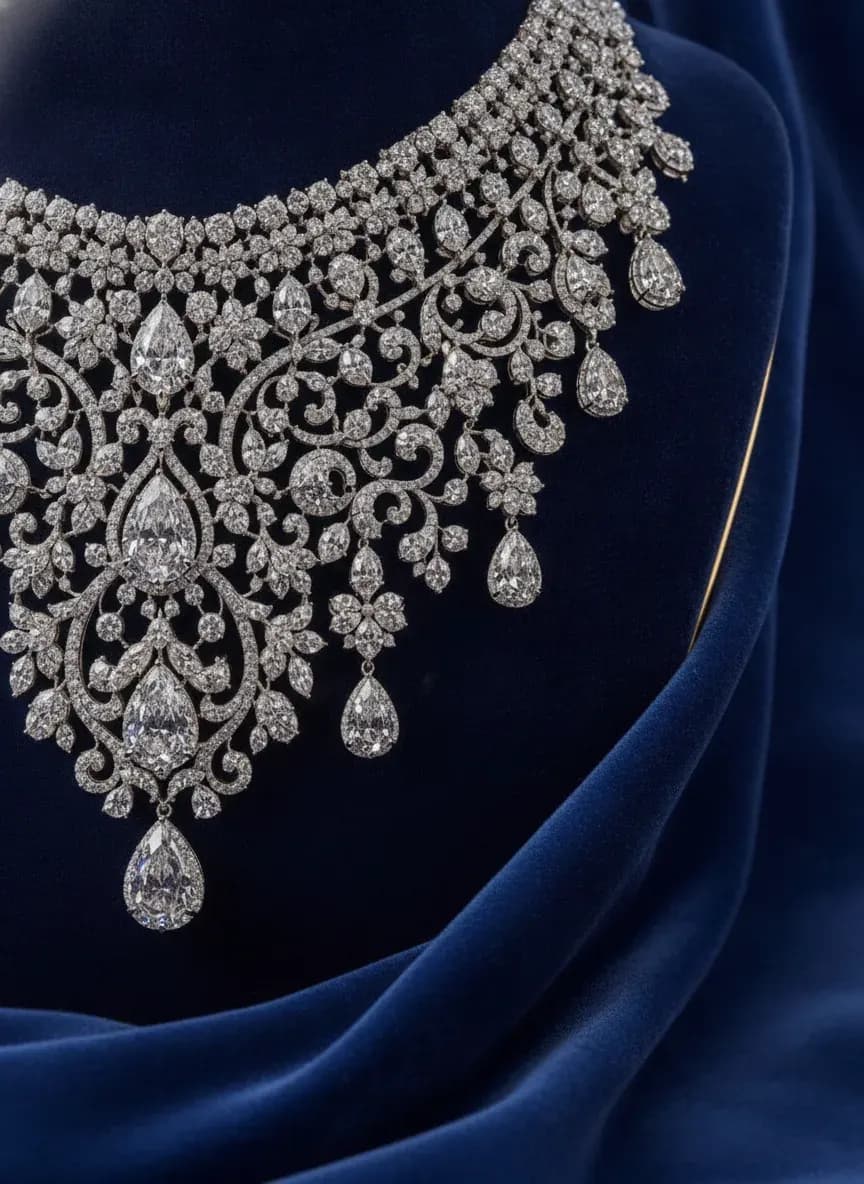
See more examples in the Fluxx.work gallery
Why earrings are hard to shoot
Earrings are small, reflective and asymmetric in a photo. Glare hides stones and a bad angle changes the apparent size. Generating from a controlled source photo avoids most of that.
Put earrings on AI model: getting the drop right
State whether you want a close ear crop or a head-and-shoulders view, and check the drop length and stud size against the model. Close crops show detail; wider shots show proportion.
Building a full earrings catalog
Run each style through the same model look and lighting so a hoops, studs and drops range reads as one collection.
Benefits
Product and on-ear images from one photo
No models or studio hire
Drop and stone detail kept accurate
Consistent look across a collection
How It Works
1
Upload a sharp photo of the pair.
2
Choose framing and model look.
3
Generate the images.
4
Check size and download.
Best Practices
- check_circleDiffuse the light on the source photo
- check_circleVerify drop and stud size
- check_circleKeep one model look per collection
- check_circlePublish close and wide framings
Common Mistakes
- cancelGlare-heavy source photos
- cancelNot checking drop length on the result
- cancelMixed model looks in one range
- cancelSkipping a clean product shot
Brands that shoot with Fluxx








“With ChatGPT and Gemini, I kept rewriting prompts to get the look I wanted, and even then the model's face, expression and body would change from one image to the next. With Fluxx.work, I pick everything before I generate: how the model looks, the background, the style. Choosing a model is simple, there's no prompt to write again and again, and the model stays the same in every image.”
Prerna
Toonyport
“A photoshoot is never just the photos. There's the studio, the photographer, models, props and all the coordination. Fluxx.work lets me create product visuals without arranging all of that for every creative, so I can try more ideas and keep my marketing budget in check.”
Deepak
We Are Unproven
“As a small business, I can't have a designer on hand for every requirement. Fluxx.work lets me create product visuals myself, with no complicated production setup, so I spend less time on creatives and more on running the business.”
Aakash
Mr. Mop
“In an online store, product images are the first thing customers notice. Starting from photos I already have, Fluxx.work gives me clean product shots and lifestyle visuals for every marketing need, without booking a new shoot for each idea.”
Arihant
Wishkey
Frequently Asked Questions
Can I put earrings on an AI model from a single photo?
Yes. Upload a sharp photo of the pair and choose an ear or portrait framing. Check drop length and size against the real product.
How do I handle reflective metal in AI earrings photography?
Photograph the source with diffused light so the metal shows its colour and the stones stay visible, instead of white glare.
What is an AI earrings model photoshoot best used for?
Listings, ads and social posts where buyers need to see size and wear. Pair it with a clean product shot.
Does the model's hair or skin tone change how earrings look?
It can. Pick a model look that makes the metal and stones readable, and generate alternates to compare.
Why Fluxx.work
Fluxx.work keeps the earrings fixed from your photo and generates the ear and model around them.
Related Pages
AI Photography
Jewelry Photography That Gets the Sparkle Right
AI Photography
AI Jewelry Try-On: Put Jewelry on an AI Model
Product Categories
Jewelry Photography With True Sparkle and Metal Finish
Product Categories
Necklace Photography That Shows True Drape and Pendant Detail
AI Photography
AI Model Photoshoot: Your Product on a Model, Without the Shoot