Jewelry Photography With True Sparkle and Metal Finish
Jewellery images live or die on two numbers: Amazon's main image needs the piece at 85% of the frame on pure white RGB 255,255,255, and Etsy recommends at least 2,000 px for listing photos with 635 px as the floor for the first. Amazon's upload floor is 500 px and 1,000+ px switches zoom on.
Last updated:
Key facts
- Amazon asks for jewellery at 85% of the image on a pure white RGB 255,255,255 background, and 85% is separately stated by Amazon.in as at least 85% of the image area.
- Amazon's upload floor is 500 px on the longest side with a 10,000 px ceiling, and 1,000+ px is the recommendation that enables zoom; Amazon.in asks for at least 1001 px.
- Etsy recommends at least 2,000 px for jewellery listing photos and says the first photo should be at least 635 px because a smaller one ranks lower.
- Etsy allows up to 20 photos and 2 videos per listing, but images larger than 1 MB may not finish uploading, so 2,000 px still has to be compressed.
- Macro detail is where jewellery competes: a 7-shot macro set costs 84 credits at 12 credits an image, and 4K output costs the same credits as 1K.
- Fluxx.work credits never expire and failed generations are refunded, so the ₹475 Starter pack's 7 images cost ₹67.86 each against ₹37.82 each on the ₹24,999 Agency pack.
Real output from Fluxx.work
Generated from a single uploaded product photo — Jewellery & watches
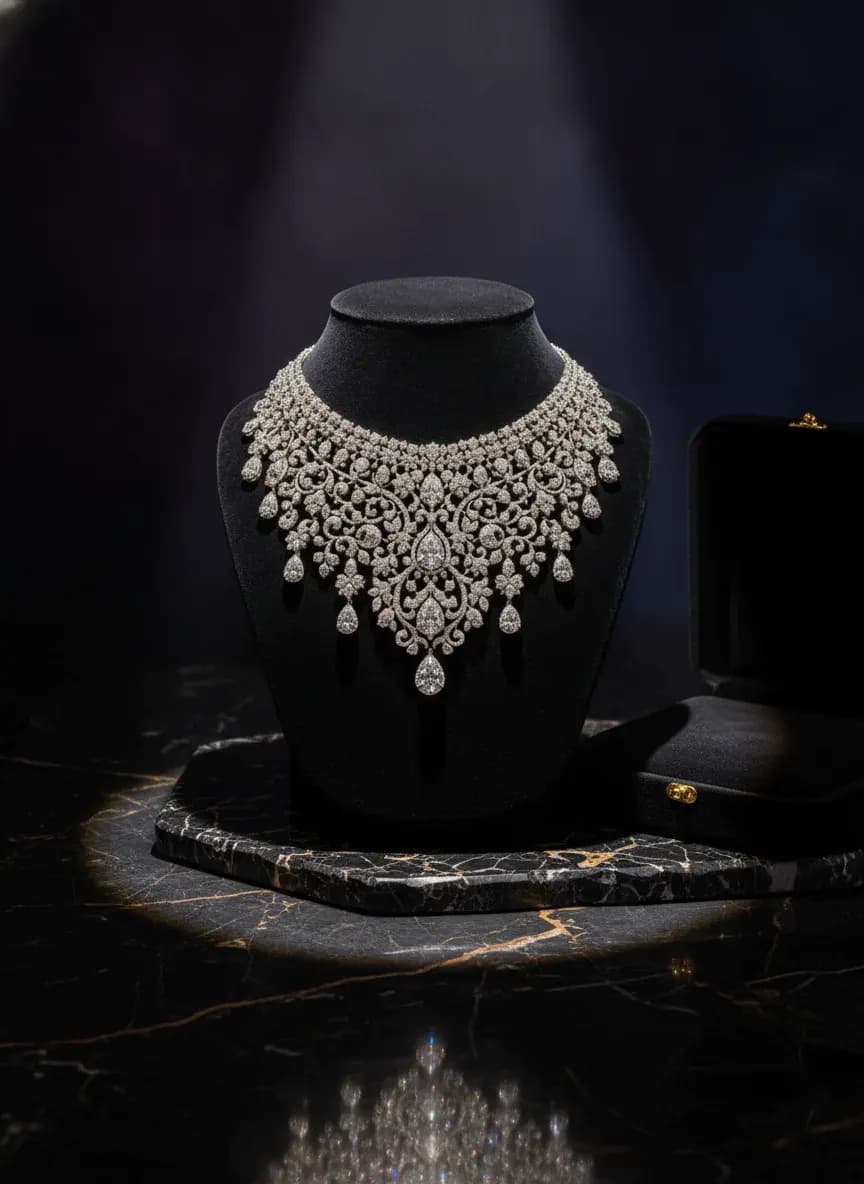
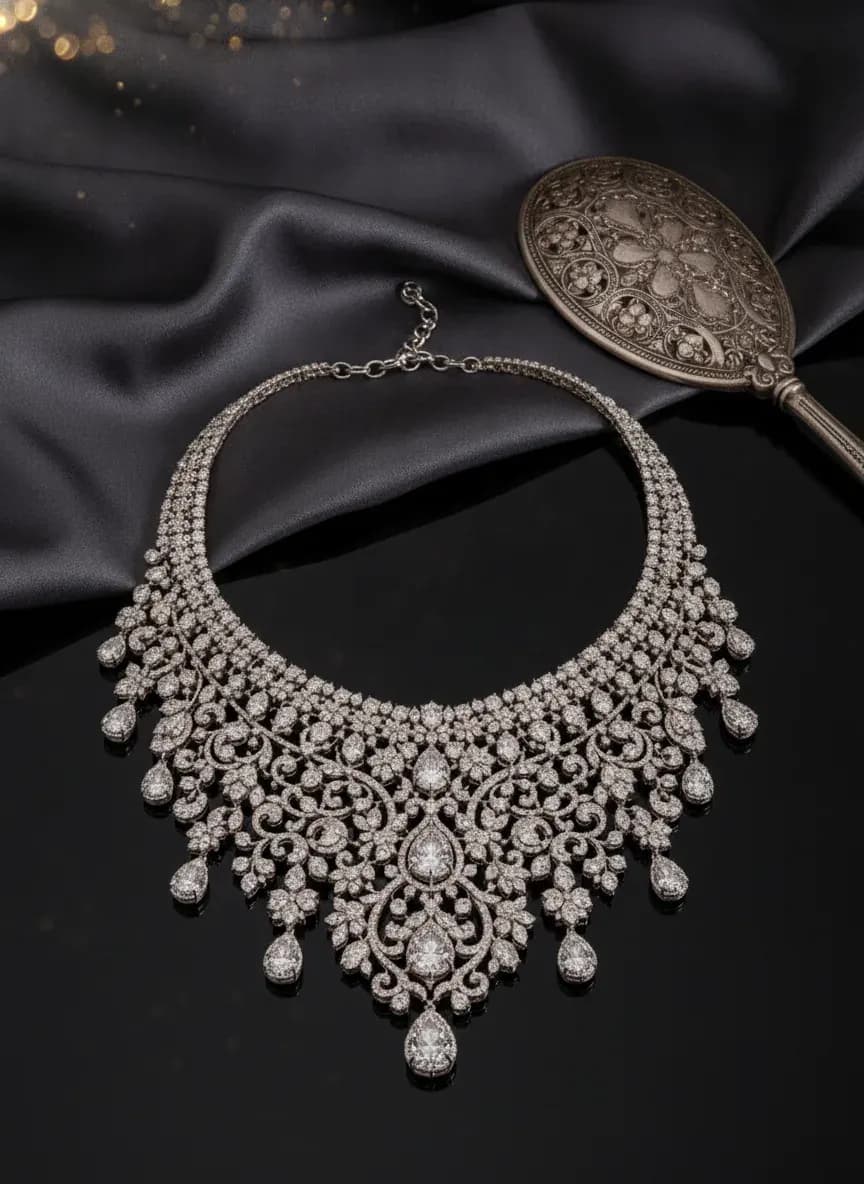
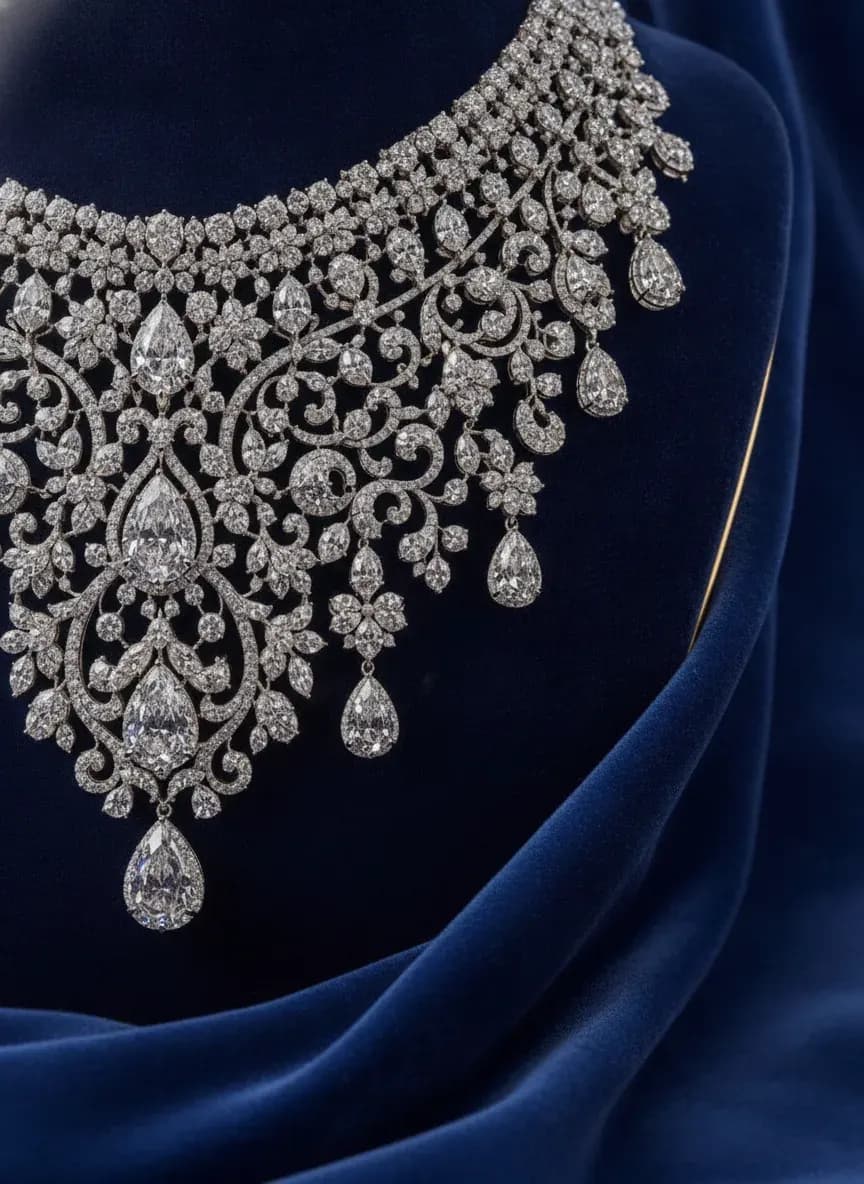
See more examples in the Fluxx.work gallery
Sparkle rendering can't be approximated
Faceted gemstones and polished metal produce specific, high-contrast light reflections that are core to a piece's perceived value, and generic AI image tools often smooth these into a flat, lifeless surface. Fluxx.work preserves the actual sparkle pattern and metal reflectivity captured in the source photo, so a diamond's brilliance or a polished gold finish keeps its light-catching quality in every generated shot.
Macro detail plus on-model scale context
Jewelry needs both extreme macro shots to show craftsmanship — prong settings, engraving, stone clarity — and on-model shots so buyers understand actual scale and how a piece sits against skin. Fluxx.work generates both from one source photo, keeping the piece's proportions and finish consistent whether it's a tight macro crop or a full on-model shot.
| Requirement | Amazon US & Amazon.in | Etsy (official) | Google Merchant Center |
|---|---|---|---|
| Longest side | Minimum 500 px or the image cannot be uploaded; Amazon recommends 1,000+ px for zoom; Amazon.in asks for at least 1001 px | At least 2,000 px recommended; the first photo should be at least 635 px or the listing ranks lower | At least 500 x 500 px, with a new size requirement beginning 31 January 2027; around 1500 x 1500 px recommended |
| Product fill in frame | Amazon asks for the product as 85% of the image; Amazon.in states at least 85% of the image area | Not stated by Etsy — no fill figure is published | Between 75% and 90% of the full image |
| Background | Pure white, RGB 255,255,255 / hex #FFFFFF, stated by Amazon.in as required | Not stated on Etsy's image requirements page | No background colour is specified — only the 75–90% fill band |
| Images per listing | Not stated by Amazon; it recommends at least 6 additional images plus 1 video | Up to 20 photos and 2 videos per listing | Not stated by Google Merchant Center |
| File size and formats | JPEG, TIFF, PNG and non-animated GIF, with JPEG recommended, at a 72 dpi minimum | Images over 1 MB may not finish uploading; .jpg, .gif, .png, .svg and .heic, with animated gif and transparent png unsupported | No file larger than 16 MB and no image larger than 64 megapixels, with JPEG and WebP recommended |
Benefits
True gemstone sparkle and metal reflectivity preserved
Macro and on-model formats from a single source photo
Consistent proportions and finish across detail and scale shots
No studio macro lighting rig required per piece
How It Works
1
Upload a well-lit photo of the jewelry piece.
2
Choose macro hero, on-model, or scale-reference format.
3
Generate — sparkle, metal finish, and proportions stay true to the source.
Best Practices
- check_circlePhotograph jewelry against a plain background with directional light to capture natural sparkle
- check_circlePair a macro detail shot with an on-model or scale-reference shot for every piece
- check_circleKeep lighting style consistent across a collection so metal tones compare accurately
Common Mistakes
- cancelUsing flat, dull renders that lose the light-catching quality of stones and metal
- cancelShowing only macro shots with no on-model context for actual wearable scale
- cancelLetting stone color or metal tone drift between macro and full-piece shots
Trusted by 1,200+ businesses worldwide
“We used to book a studio every quarter. Now one product photo gives us the hero, lifestyle and detail shots in a single pass, and the catalogue finally looks like one brand instead of six separate shoots.”
Marcus T.
Founder, Home Goods Brand · Austin, TX
“The garment is genuinely the same in every frame — colour, print and trims all hold. That was the part I did not believe until we ran our own SKUs through it.”
Dana R.
Head of Ecommerce, Activewear · Brooklyn, NY
“Glass and reflections are where most tools fall apart. Ours come out clean, so we can photograph a new scent the week it launches instead of waiting on a studio slot.”
Layla A.
Founder, Fragrance Brand · Dubai, UAE
“Metal finish and stone detail survive a zoom now, which is what our listings actually needed. We stopped reshooting pieces that came back soft.”
Omar S.
Marketing Director, Jewellery · Abu Dhabi, UAE
“The textures and lighting are so realistic that customers tell us they can almost feel the product. We reshoot far less than we used to.”
Sneha P.
Founder, Coffee Brand · Coorg, India
“The AI-contextual backgrounds just work. It reads the product and picks the right aesthetic. We've stopped paying for stock photo subscriptions.”
Priya S.
Founder, Skincare Brand · Mumbai, India
Frequently Asked Questions
What file size should a jewellery macro shot be for Etsy?
Etsy recommends at least 2,000 px for jewellery listing photos, with a 635 px floor for the first photo, but images over 1 MB may not finish uploading — so export 2,000 px and compress below 1 MB.
How many credits does a full jewellery detail set cost?
7 images at 12 credits each is 84 credits; Fluxx.work credits never expire, failed generations are refunded, and the ₹475 Starter pack covers exactly that 7-image set at ₹67.86 an image.
Does a jewellery piece have to fill 85% of the Amazon main image?
Yes — Amazon asks for the product as 85% of the image and Amazon.in states at least 85% of the image area, on a pure white RGB 255,255,255 background.
What is the smallest jewellery photo Amazon will accept?
500 px on the longest side is the floor and below that the image cannot be uploaded at all; 1,000+ px is Amazon's recommendation, and that 1,000+ px threshold is what enables zoom.
Will a 2,000 px jewellery photo pass Google Merchant Center?
Yes — Google Merchant Center asks for at least 500 x 500 px and recommends around 1500 x 1500 px, so 2,000 px clears both while the product sits inside the 75–90% fill band.
Why Fluxx.work
Fluxx.work is tuned to keep light-catching detail intact, because a jewelry photo that loses its sparkle loses its entire sales argument.