Flat Lays That Look Styled, Not Just Photographed From Above
A good flat lay isn't just a top-down photo — it's a deliberate composition: folds placed to show construction, accessories arranged to suggest an outfit, negative space left for text overlay. Fluxx.work generates flat-lay compositions directly from individual product photos, arranging fabric folds and multi-item layouts convincingly rather than just flattening a 3D render from above.
Last updated:
Real output from Fluxx.work
Generated from a single uploaded product photo — Fashion & apparel
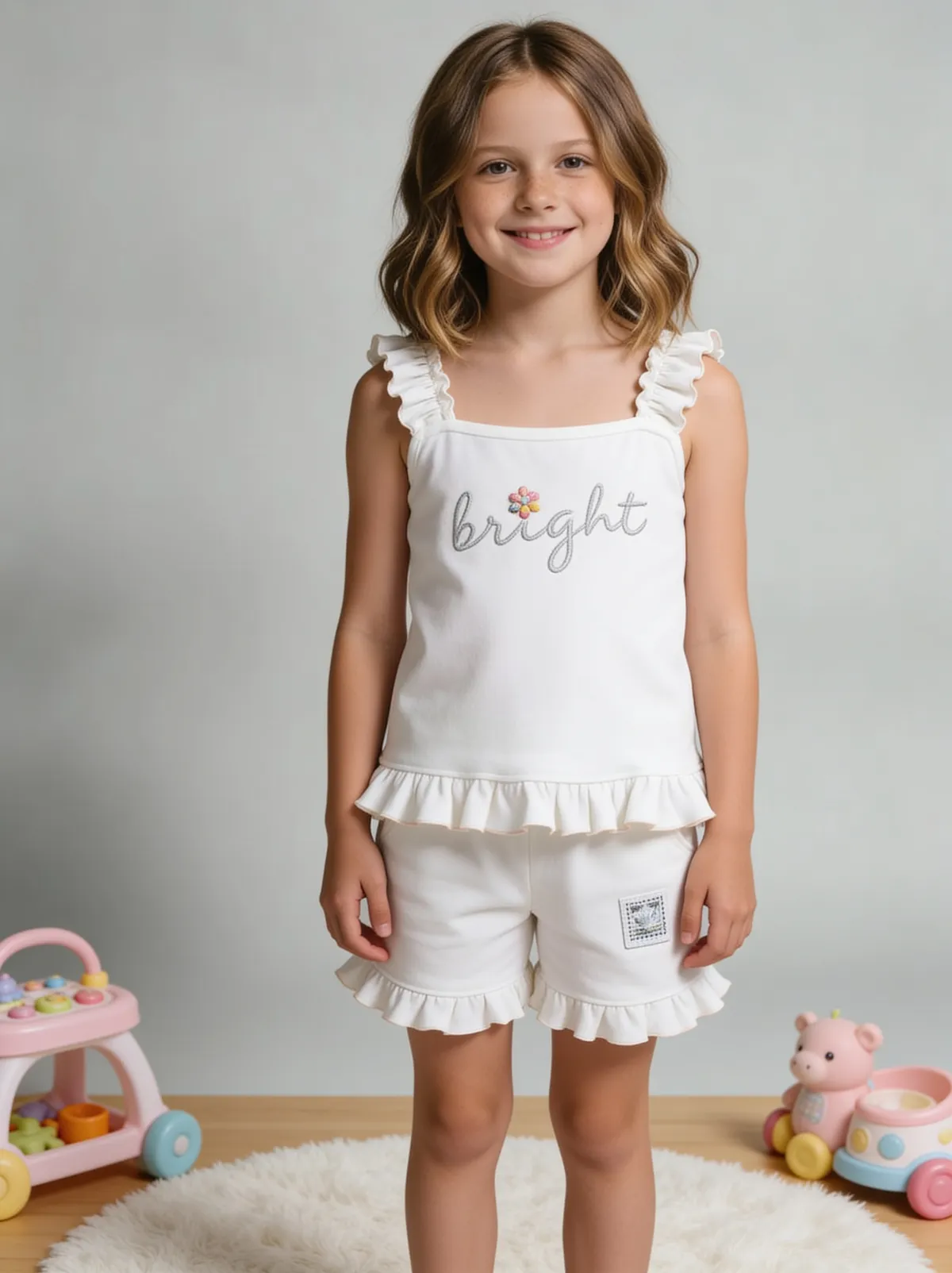
See more examples in the Fluxx.work gallery
What makes a flat lay convincing
Fabric doesn't lie perfectly flat on its own — a genuine flat lay has natural fold lines, slight fabric bunching at seams, and shadow variation within the garment itself, not just a uniformly flat silhouette. Multi-item flat lays (a garment plus accessories, styled as a mini outfit) also need believable relative scale and natural overlap between items, which is easy to get subtly wrong.
Single-item vs. styled multi-item flat lays
A single garment flat lay is mostly about fold realism and even lighting. A styled flat lay — garment plus shoes, bag, accessories arranged together — adds the challenge of consistent scale, natural shadow interaction between separate items, and an overall composition that reads as intentional rather than randomly scattered.
Where flat lays are used
Social media and Instagram-style product content where flat lays are a dominant format; marketplace secondary images that show a garment's full silhouette without a model; email and ad creative that benefits from negative space for text overlay, which flat lays naturally provide.
How the generation works
Upload individual product photos for each item you want in the composition. Choose single-item or styled multi-item layout. Fluxx.work arranges fabric folds and item placement with realistic shadow and scale, generating a cohesive top-down composition.
Benefits
Realistic fabric fold and shadow behavior, not a flattened silhouette
Multi-item styled compositions with accurate relative scale
Negative space control for social and ad creative text overlay
Consistent styling across a full collection's flat-lay set
How It Works
1
Upload individual product photos for the flat lay.
2
Choose single-item or styled multi-item layout.
3
Fluxx.work composes realistic folds, shadow, and item placement.
4
Download a styled, top-down flat-lay image.
Best Practices
- check_circleKeep styled multi-item flat lays to 3-5 items for visual clarity
- check_circleSpecify negative space placement upfront when the output is for ad or social creative
- check_circleMaintain consistent overhead lighting angle across a full collection's flat-lay set
- check_circleCheck relative scale between garment and accessories before finalizing a styled composition
Common Mistakes
- cancelGenerating flat lays with unnaturally uniform, shadowless fabric
- cancelCombining items at inconsistent relative scale in a styled composition
- cancelOvercrowding a flat lay with too many items, losing visual clarity
- cancelNot leaving negative space when the image is intended for text-overlay ad creative
Trusted by 1,200+ businesses worldwide
“We used to book a studio every quarter. Now one product photo gives us the hero, lifestyle and detail shots in a single pass, and the catalogue finally looks like one brand instead of six separate shoots.”
Marcus T.
Founder, Home Goods Brand · Austin, TX
“The garment is genuinely the same in every frame — colour, print and trims all hold. That was the part I did not believe until we ran our own SKUs through it.”
Dana R.
Head of Ecommerce, Activewear · Brooklyn, NY
“Glass and reflections are where most tools fall apart. Ours come out clean, so we can photograph a new scent the week it launches instead of waiting on a studio slot.”
Layla A.
Founder, Fragrance Brand · Dubai, UAE
“Metal finish and stone detail survive a zoom now, which is what our listings actually needed. We stopped reshooting pieces that came back soft.”
Omar S.
Marketing Director, Jewellery · Abu Dhabi, UAE
“The textures and lighting are so realistic that customers tell us they can almost feel the product. We reshoot far less than we used to.”
Sneha P.
Founder, Coffee Brand · Coorg, India
“The AI-contextual backgrounds just work. It reads the product and picks the right aesthetic. We've stopped paying for stock photo subscriptions.”
Priya S.
Founder, Skincare Brand · Mumbai, India
Frequently Asked Questions
Can I combine multiple products into one styled flat lay?
Yes, you can generate multi-item flat lays combining a garment with accessories, with realistic relative scale and natural shadow interaction between items.
Will the fabric look naturally folded, or artificially flat?
Fold lines and shadow variation are generated to look like genuine fabric behavior on a surface, not a flattened, uniformly lit silhouette.
Can I leave negative space for text overlay?
Yes, composition layout including negative space placement can be specified for social or ad creative use.
Does this work for accessories like bags and shoes, not just clothing?
Yes, accessories are supported both as standalone flat lays and as part of a styled multi-item composition.
Why Fluxx.work
Fluxx.work builds flat lays as a genuine styled composition, with real fold and shadow behavior, rather than a flattened render that reads as artificial from above.