What Is an E-commerce Product Shoot?
An e-commerce product shoot produces the 7 or so images a product page needs: a main image on white, extra angles, close-ups, a scale shot, a lifestyle scene and, for apparel, an on-model image. It can happen in a studio, on a phone, or with AI from 1 photo, and each route trades cost against control.
Key facts
- A complete listing set is usually 7 images: 1 main image plus 6 supporting shots covering angles, detail, scale, lifestyle and, for apparel, a model.
- Amazon's main image must sit on pure white (RGB 255,255,255) with at least 1,000 px on the longest side, and most marketplaces follow a similar rule.
- Soona charges $39 per photo plus a $149 studio pass per booking for non-members; Squareshot product shoots start at $50 per image or $750 for a 2-hour shoot (checked October 2026).
- Model shots cost more: Squareshot's model shoots start at $95 per image or $2,950 for 4 hours, and Soona lists full-body models from $159 an hour.
- An AI shoot on Fluxx.work generates a 7-image set from 1 product photo for 84 credits, which fits inside the 95-credit ₹475 Starter pack.
What an e-commerce product shoot is
An e-commerce product shoot is a photo session planned around one goal: giving an online shopper enough visual information to buy without seeing the product in person. That makes it different from a brand or campaign shoot, which sells a mood. A product shoot sells the item itself, so accuracy matters more than artistry. Colours must match the real product, labels must be readable, and every product in the catalog should look as if it was shot in the same place, under the same light, from the same distance. The output is a gallery per product, usually around 7 images, delivered at the sizes each sales channel asks for.
The shots a product shoot delivers
The main image comes first because it does the most work: it appears in search results and category pages, and marketplaces such as Amazon require it on pure white. The supporting images then answer the questions a shopper would ask in a store. What does the back look like? How thick is the fabric? How big is it next to my hand? What does it look like in a kitchen, on a desk, on a person? A shot list written before the shoot (one line per image, per product) is what keeps a 50-product shoot on schedule and stops a missing angle from being discovered after the studio is packed up.
Three ways to run one: studio, DIY or AI
A studio shoot hands the work to professionals. Online studios publish their prices: Soona charges $39 a photo plus a $149 studio pass per booking for non-members, and Squareshot starts at $50 an image or $750 for a 2-hour product shoot. You get control and expertise, but you ship samples and wait days for edits. A DIY shoot costs almost nothing beyond a phone, a window and a white background, but it takes practice to make 50 products look consistent. An AI shoot starts from one plain photo per product and generates the main image, angles, lifestyle and on-model shots from it. It is the cheapest per image and the fastest, while a studio still wins for complex physical styling, or when you need exact real-world reflections captured rather than generated.
How to prepare products before any shoot
Most problems in product photos are created before the camera comes out. Steam or iron garments, and use tissue to stuff bags and shoes so they hold their shape. Wipe glass, metal and glossy packaging with a microfibre cloth, because every fingerprint shows at full size. Remove price stickers and peel off protective film. Bring one sample of every colour variant, or decide upfront which variants will be recoloured in editing. For an AI shoot the same rules apply to the single source photo: a clean, evenly lit, in-focus product is what lets the generated images keep its true colour and detail.
What you should receive at the end
A finished product shoot delivers a named, organised set of files, not just pictures. Expect high-resolution JPG or WebP files, a white-background main image that meets your marketplace's rules, consistent crops across the catalog, and file names that match your SKUs so uploads do not get mixed up. Check the licence too: you need the right to use the images on every channel you sell on, including ads. If a studio quote does not say what usage rights and how many edits are included, ask before you book, because those are where final invoices most often grow.
| Shot | What it shows | Why the buyer needs it |
|---|---|---|
| Main image | The product alone on pure white, filling most of the frame | It is the search-result thumbnail and must meet marketplace rules |
| Additional angles | Back, side and three-quarter views | Answers what the product looks like from every side |
| Detail close-up | Fabric, texture, finish, stitching or label | Replaces touching the product in a store |
| Scale shot | The product held, worn or next to a familiar object | Prevents returns from wrong size expectations |
| Lifestyle scene | The product in use, in a real-looking setting | Shows who it is for and how it fits into daily life |
| On-model (apparel) | The garment worn by a person | Shows fit, drape and length on a body |
See the Difference
Drag the slider to compare: before your upload, after Fluxx.
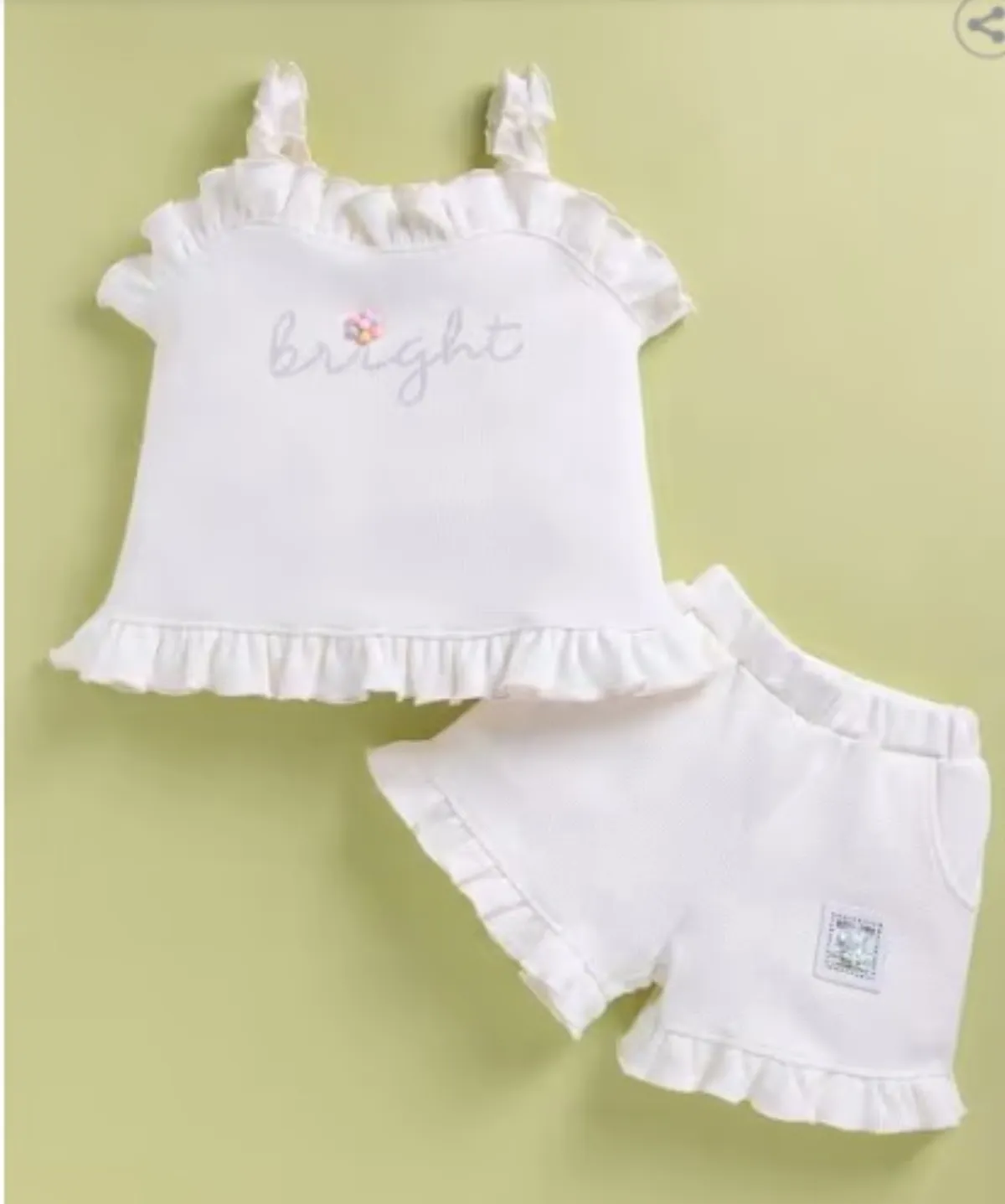
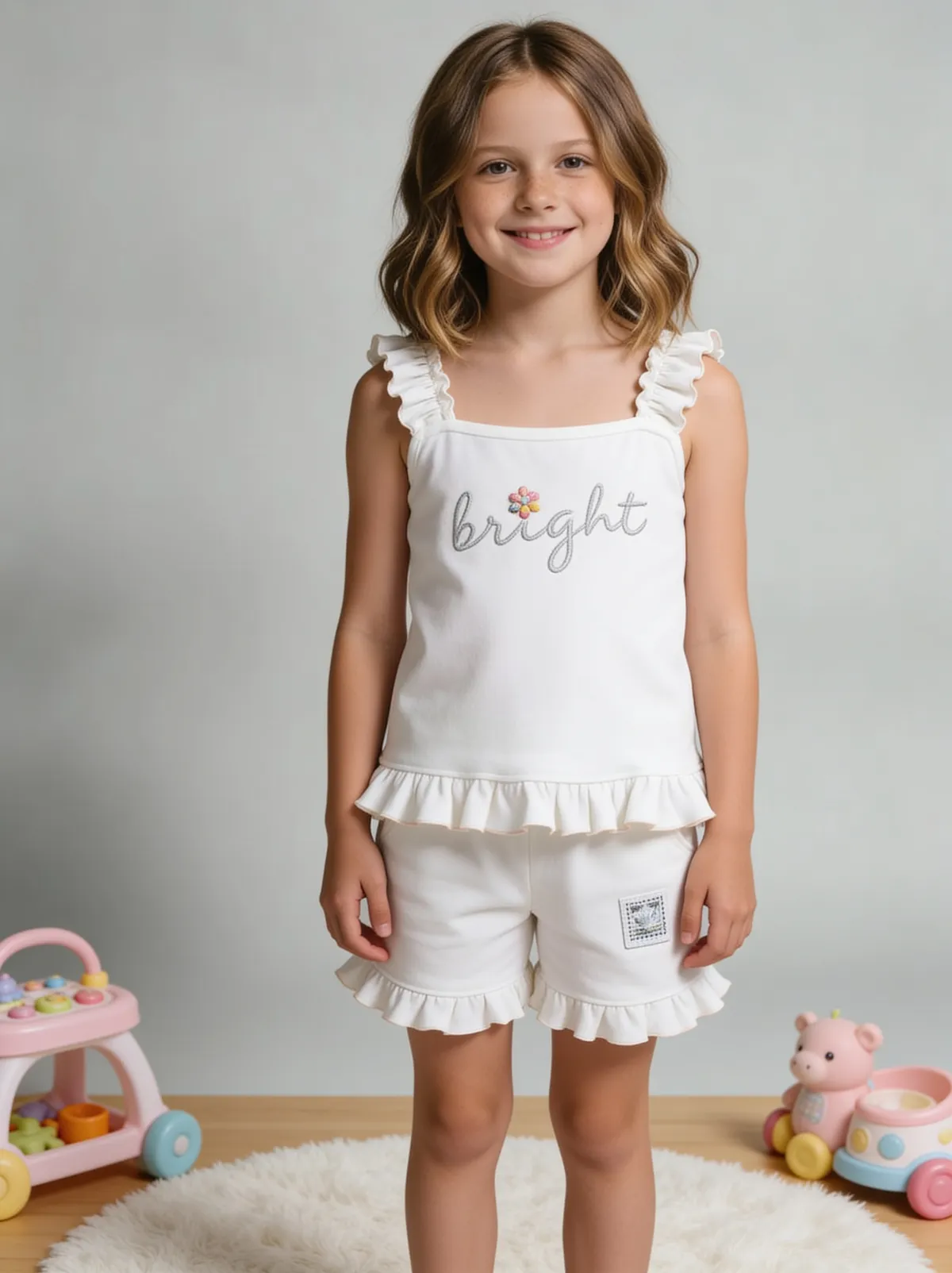 BeforeAfter
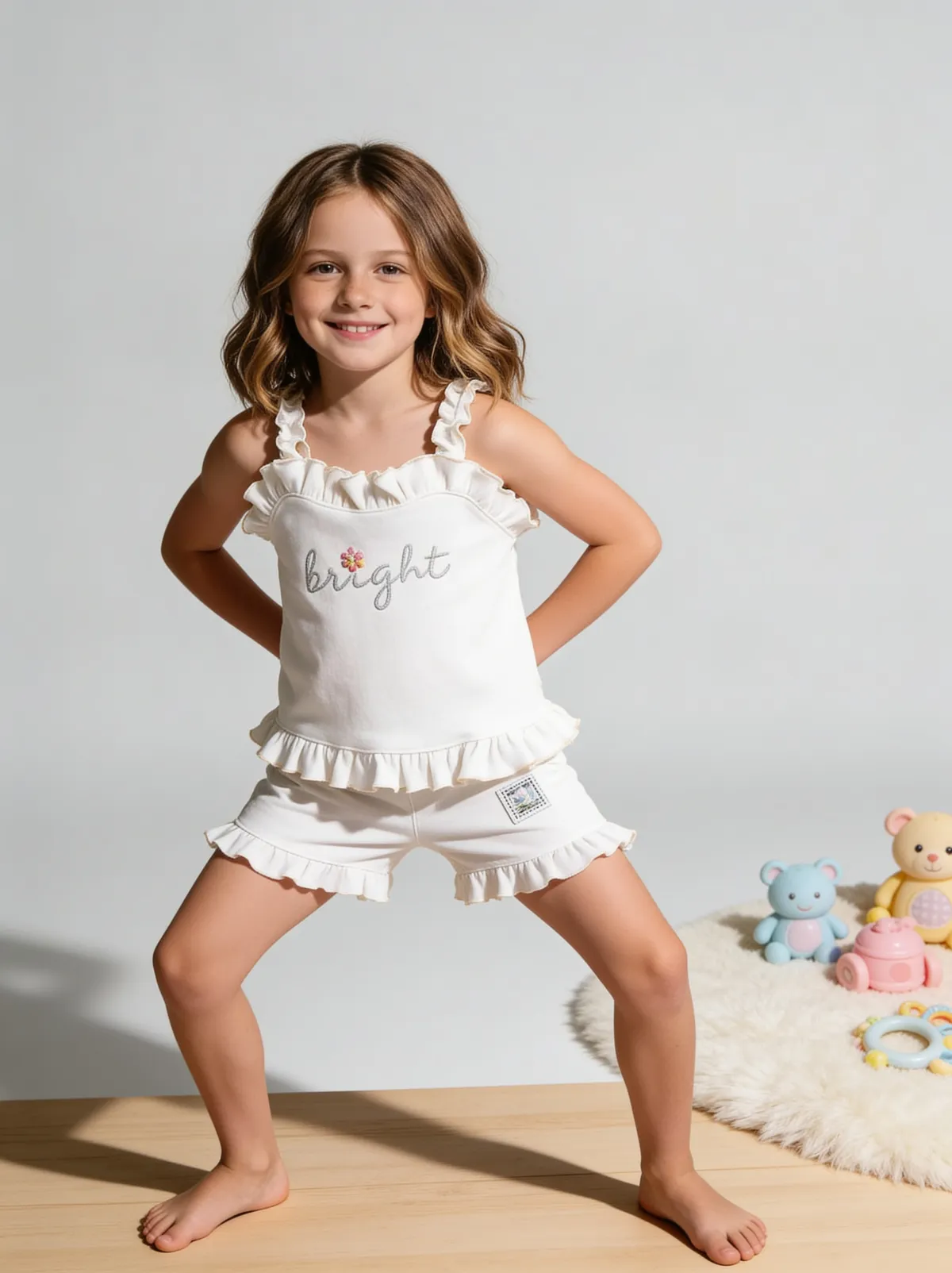 BeforeAfter
Benefits
Knowing exactly which shots to ask for before you book or start
A consistent catalog that looks like one brand, not many sessions
Fewer returns because buyers saw size, detail and fit before ordering
How It Works
1
List the 7 shots each product needs and the sizes each sales channel asks for.
2
Choose a route: studio, DIY or AI, by budget, volume and how much styling you need.
3
Prepare every product: clean, steam, stuff and remove stickers.
4
Review the finished set at full size against the real product before uploading.
Best Practices
- check_circleWrite one line per image, per product, before the shoot
- check_circleShoot every product with the same light, background and distance
- check_circleName files by SKU so uploads cannot be mixed up
Common Mistakes
- cancelBooking a shoot without a written shot list for each product
- cancelShooting products with dust, creases or price stickers still on
- cancelNot checking whether the quote includes usage rights and edits
Trusted by 1,200+ businesses worldwide
“We used to book a studio every quarter. Now one product photo gives us the hero, lifestyle and detail shots in a single pass, and the catalogue finally looks like one brand instead of six separate shoots.”
Marcus T.
Founder, Home Goods Brand · Austin, TX
“The garment is genuinely the same in every frame — colour, print and trims all hold. That was the part I did not believe until we ran our own SKUs through it.”
Dana R.
Head of Ecommerce, Activewear · Brooklyn, NY
“Glass and reflections are where most tools fall apart. Ours come out clean, so we can photograph a new scent the week it launches instead of waiting on a studio slot.”
Layla A.
Founder, Fragrance Brand · Dubai, UAE
“Metal finish and stone detail survive a zoom now, which is what our listings actually needed. We stopped reshooting pieces that came back soft.”
Omar S.
Marketing Director, Jewellery · Abu Dhabi, UAE
“The textures and lighting are so realistic that customers tell us they can almost feel the product. We reshoot far less than we used to.”
Sneha P.
Founder, Coffee Brand · Coorg, India
“The AI-contextual backgrounds just work. It reads the product and picks the right aesthetic. We've stopped paying for stock photo subscriptions.”
Priya S.
Founder, Skincare Brand · Mumbai, India
Frequently Asked Questions
How many photos does an e-commerce product shoot produce per product?
Usually around 7: 1 main image on white plus 6 supporting shots for angles, detail, scale, lifestyle and, for apparel, a model. Marketplaces allow more, but 7 covers the questions most shoppers ask.
What is the difference between a product shoot and a lifestyle shoot?
A product shoot shows the item accurately, often on a plain or white background, so a buyer can judge it; a lifestyle shoot shows it in use to sell a feeling. Most listings need both: at least 1 white-background main image, plus 1 or 2 lifestyle scenes among the supporting shots.
How long does an e-commerce product shoot take?
In a studio, Squareshot's smallest product shoot is booked as a 2-hour session, and its full studio day is 8 hours including setup and wrap-up. Edits then take days: Soona delivers edits in 24–72 hours depending on plan. An AI shoot from 1 photo takes minutes per product.
Can I do an e-commerce product shoot with just my phone?
Yes. A recent phone, 1 large window or 2 lamps, and a white background are enough for the main image, as long as every product is shot with the same setup. AI tools can then turn that 1 plain photo into the full 7-image set.
Why Fluxx.work
Fluxx.work runs the whole product shoot from 1 photo: main image on white, angles, detail, lifestyle and on-model shots, with no booking and no sample shipping.