AI Product Photo Shoot, Without the Studio Booking
A complete 7-image listing set costs 84 credits, because one image is 12 credits and the set is 1 hero plus 6 supporting shots. That is less than the 222 credits in the ₹1,179 Growth pack. Per-image cost runs from ₹65.50 on Growth down to ₹44.63 on the ₹29,499 Agency pack, and 4K costs the same credits as 1K.
Last updated:
Key facts
- A 7-image listing set is 84 credits, made up of 84 = 7 images × 12 credits, so two full sets fit inside the single 222-credit ₹1,179 Growth pack.
- One image costs 12 credits, a gallery edit costs 10, background removal alone costs 2 and scene recreation costs 15.
- Per-image cost falls from ₹65.50 on the 222-credit Growth pack to ₹44.63 on the 7,936-credit ₹29,499 Agency pack, with the ₹3,539 Pro pack covering 62 images at ₹57.08 each.
- 4K output costs the same credits as 1K, credits expire 30 days after you get them and failed generations are refunded.
- The 12-credit image and 84-credit set are Fluxx's own rates; the destination specs an image has to satisfy are set by the channel, such as Amazon.in's 1001 px pure white main image rule.
- One clear reference photo is still the starting point, so the first full test runs on the 222-credit ₹1,179 Growth pack.
Real output from Fluxx.work
Generated from a single uploaded product photo — Fashion & apparel
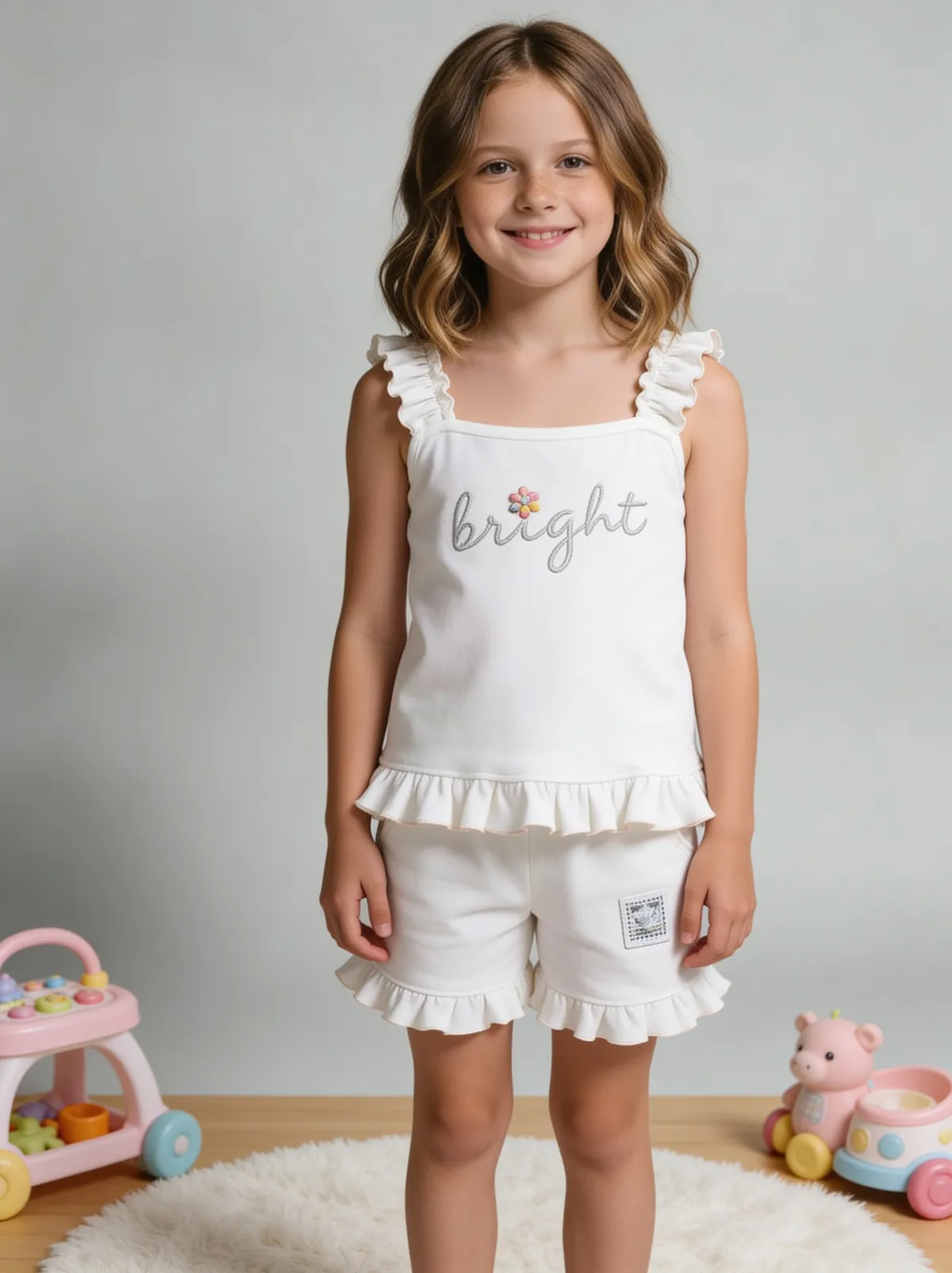
See more examples in the Fluxx.work gallery
What a photoshoot actually needs to deliver
A real shoot is judged on coverage, not just one hero shot: a clean front angle, three-quarter angle, back, close-up on texture or hardware, and often a scale or in-hand shot. Replacing a photoshoot means producing that same shot list — not a single pretty image — so the output can slot directly into a listing or catalog without gaps.
Where a generated shoot still needs a real source photo
This isn't shooting from nothing — it starts with one clear, well-lit reference photo of the actual product. From that single source, the generation step produces the additional angles and framings a studio day would have covered, which is why the quality of the initial reference photo still matters more than anything else in the workflow.
| Output | Credits |
|---|---|
| Single generated image | 12 |
| Hero plus 3 angles | 48 |
| 7-image listing set (1 hero + 6 supporting) | 84 |
| 7-image set with QA verification on every image | 168 |
| List price of a 7-image set at the ₹44.63 per-image Agency rate | ₹312 |
| Fluxx pack that covers a 7-image set | ₹1,179 Growth pack, 222 credits |
See the Difference
Drag the slider to compare: before your upload, after Fluxx.
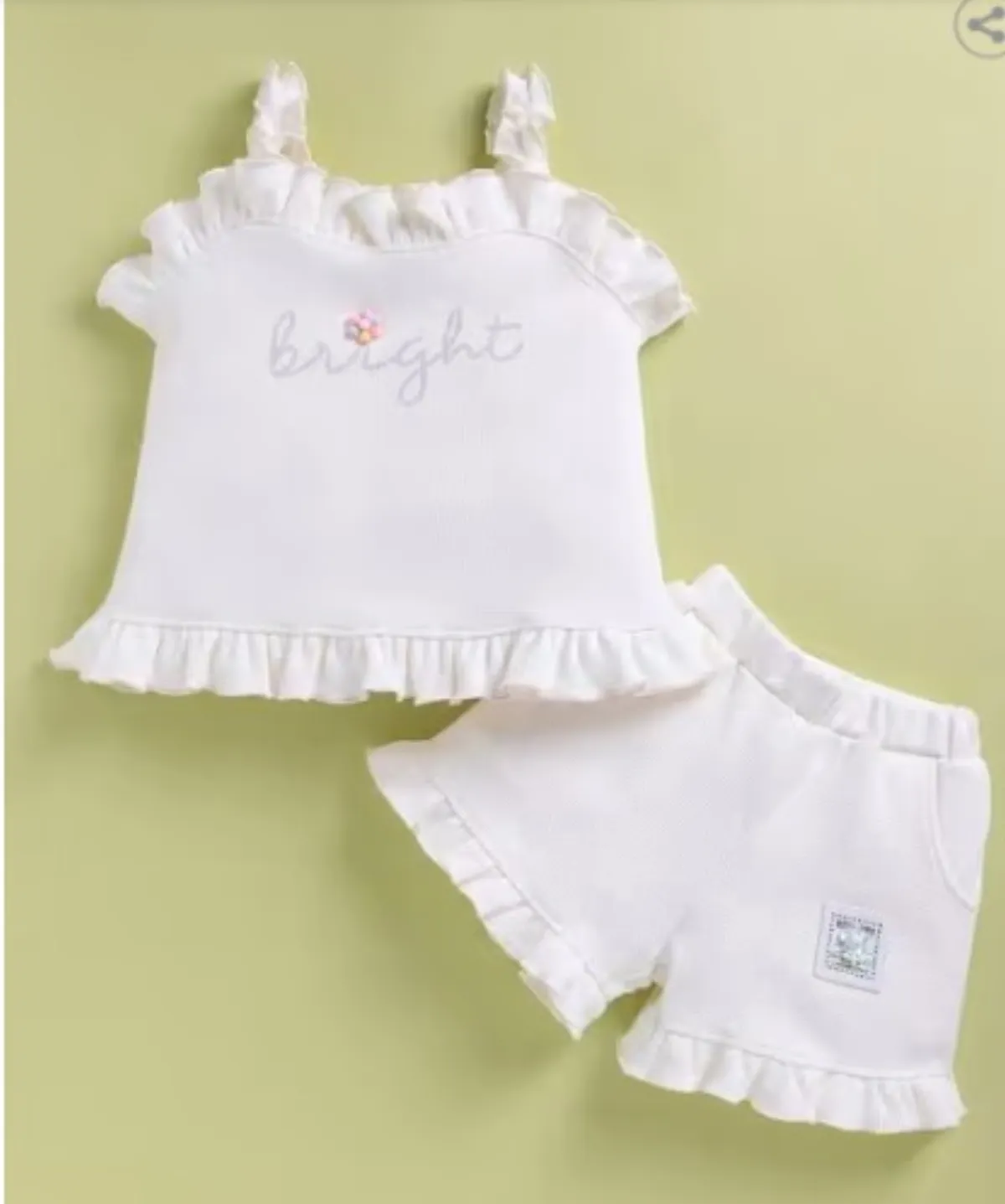 BeforeAfter
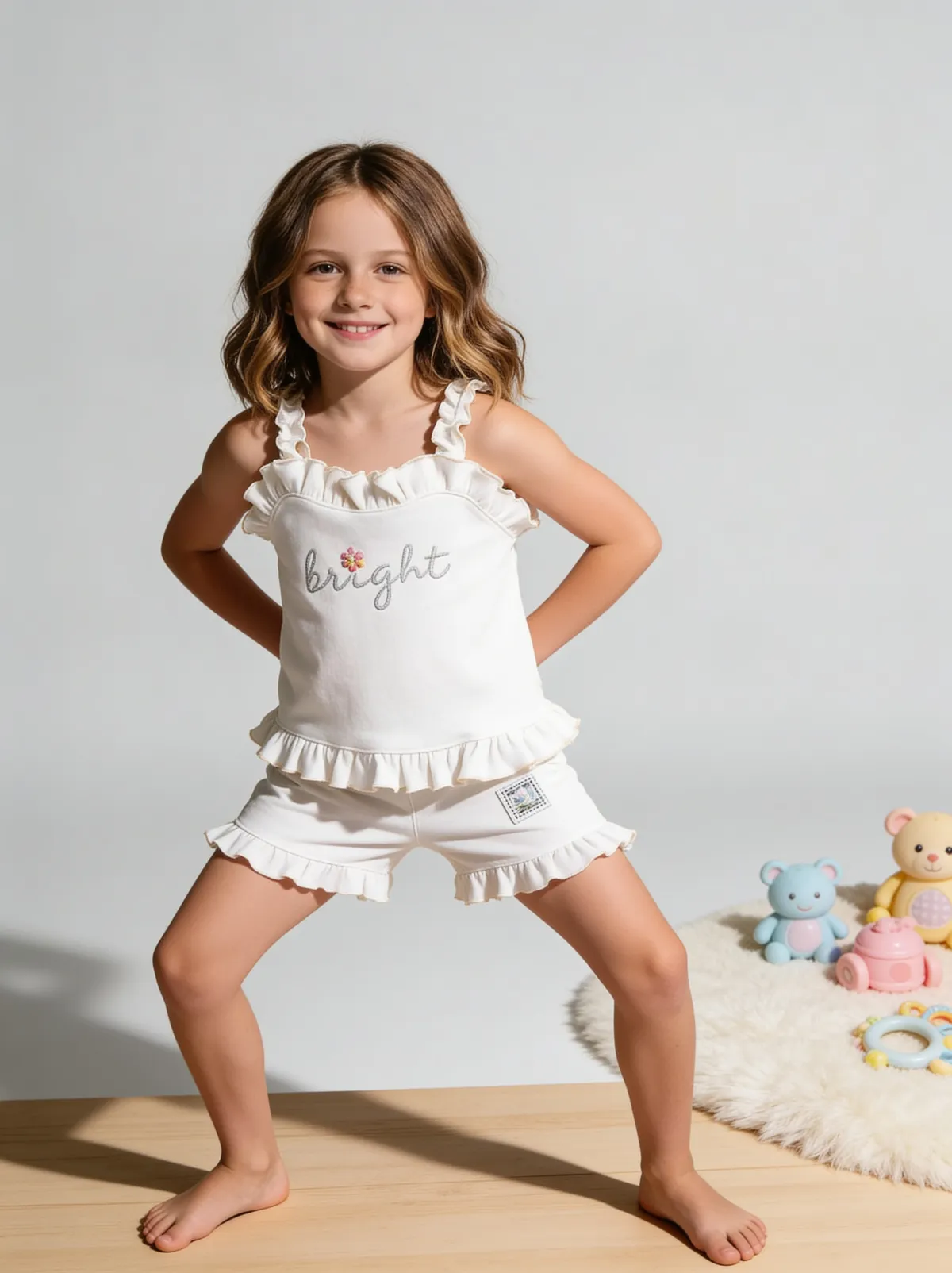 BeforeAfter
Benefits
Full shot coverage from one reference photo instead of a studio day
No booking, lighting setup, or rental equipment required
Consistent lighting and background across every angle generated
How It Works
1
Upload one reference photo of the product.
2
Select the shot list: hero, angles, back, detail.
3
Generate the full set with matching lighting and background.
4
Download and publish directly to listings or catalog.
Best Practices
- check_circleStart with the sharpest, most evenly lit reference photo available
- check_circleGenerate the full angle set in one pass so lighting stays consistent across the shot list
- check_circleTreat the reference photo as the single source of truth for color and shape
Common Mistakes
- cancelUsing a low-quality or poorly lit phone photo as the only reference
- cancelOnly generating a hero shot and skipping the angle/detail coverage a listing needs
- cancelExpecting the workflow to invent texture or material detail not visible in the source photo
Brands that shoot with Fluxx








“With ChatGPT and Gemini, I kept rewriting prompts to get the look I wanted, and even then the model's face, expression and body would change from one image to the next. With Fluxx.work, I pick everything before I generate: how the model looks, the background, the style. Choosing a model is simple, there's no prompt to write again and again, and the model stays the same in every image.”
Prerna
Toonyport
“A photoshoot is never just the photos. There's the studio, the photographer, models, props and all the coordination. Fluxx.work lets me create product visuals without arranging all of that for every creative, so I can try more ideas and keep my marketing budget in check.”
Deepak
We Are Unproven
“As a small business, I can't have a designer on hand for every requirement. Fluxx.work lets me create product visuals myself, with no complicated production setup, so I spend less time on creatives and more on running the business.”
Aakash
Mr. Mop
“In an online store, product images are the first thing customers notice. Starting from photos I already have, Fluxx.work gives me clean product shots and lifestyle visuals for every marketing need, without booking a new shoot for each idea.”
Arihant
Wishkey
Frequently Asked Questions
How do I turn a product photo into a professional photoshoot?
Upload 1 product photo, choose a scene, and generate. Fluxx.work is a product photoshoot generator: turn a product photo into a professional photoshoot (a product photo to AI photoshoot workflow), or a product image to a model photoshoot when it needs to be worn or held. You can turn product photo into professional photoshoot results in 1 step, or run a product image to model photoshoot when the item needs a person. It also lets you generate product photos with models and create AI model photos for my products, with an AI model wearing product shots for apparel and accessories.
Can I upload a product photo and generate an AI photoshoot?
Yes. Upload 1 product photo and generate an AI photoshoot from the product image. You get an AI photoshoot for your product, and can create or generate a photoshoot for your product and turn a product image into professional photos without a studio. Upload product photo, generate AI photoshoot: that is AI photoshoot from product image in 1 workflow, giving you an AI photoshoot for my product. Generate photoshoot for my product, create photoshoot for my product, turn product image into photoshoot, and product image to professional photos all use the same flow.
How many credits does one complete product photoshoot cost?
84 credits for a 7-image set: 7 × 12 credits covers one hero plus six supporting angles. The 222-credit ₹1,179 Growth pack covers that set with 138 credits left over.
How many of a photoshoot's images can one credit pack pay for?
The ₹1,179 Growth pack holds 222 credits and covers 18 images, ₹3,539 Pro covers 62 images, ₹11,799 Business covers 238 and the ₹29,499 Agency pack covers 661, at which point an image costs ₹44.63 rather than ₹65.50.
Does higher resolution output cut the number of images my credits buy?
No. 4K output costs the same credits as 1K, so the 84-credit 7-image set does not change when you export at 4K. QA verification is the one add-on that does, at 12 extra credits per image.
What do I still have to do myself if the studio day is replaced?
Shoot one clear, evenly lit reference photo. Everything from that source is billed at 12 credits an image, or 2 credits if you only need the background removed.
Why Fluxx.work
Fluxx.work was built to cover a full shot list from a single photo, so replacing a studio day doesn't mean settling for just one image.