Free AI E-commerce Photo Shoot: What Each Tool Really Gives You
Free AI product photo shoots in 2026 range from 1 image to 100 exports a month, and the biggest free allowance, PhotoRoom's, is not licensed for commercial use. For free AI product photography with models, Flair's 5 images with 1 custom model and Botika's 8 no-card credits are the realistic options to test.
Key facts
- PhotoRoom's free tier allows 100 exports a month (25 a week), but that output is not licensed for commercial use, so it cannot go on a live listing.
- Flair AI's free plan includes 1 custom model, 5 generated images and 1 video; a company commercial licence starts at Pro+ for $35/month, and free-plan content may be featured publicly.
- Botika gives 8 free credits with no card, and commercial use is allowed, but you may not resell the photos or present its AI models as real people.
- Pebblely publishes no free tier; its cheapest way in is Lite at $9/month for 30 images.
- Fluxx.work includes 1 free image (12 credits) on signup with no card, generated from your own product photo; the ₹475 Starter pack then buys 7 images, and credits never expire.
"Free" means three different things
Free AI photo shoot offers fall into three shapes. A free tier is a permanent allowance, such as PhotoRoom's 100 exports a month, which is generous for practice but carries a licence that rules out commercial use. A free trial is a fixed starting balance, such as Botika's 8 credits or Fluxx.work's 1 signup image, meant to show what the paid product does on your own item. A free plan with restrictions, such as Flair's 5 images and 1 custom model, sits between the two, and Flair notes that free-plan content may be featured publicly. None of these is a free way to run a whole catalog. Each is a free way to decide which tool deserves your money, and they are worth using exactly that way.
Free AI product photography with models
On-model images are the expensive shot in a real shoot, because they need a model, a stylist and a studio day, so free access to them is the most valuable thing to test. Flair's free plan lets you create 1 custom model and generate 5 images with it. Botika's 8 no-card credits run its core flat-lay-to-on-model workflow, and its terms allow commercial use, with two limits: no reselling the photos, and no presenting its AI models as real people. Fluxx.work's free signup image can be an on-model shot generated from your own garment photo. Whichever you try, upload your own garment rather than a demo item. A tool that handles a stock T-shirt well tells you nothing about your printed kurta, your sequinned dress or your hijab drape.
What a free test should prove before you pay
Spend your free allowance on the products most likely to fail, not the easiest ones. A good test set is one garment with a print or embroidery, one reflective item such as a bottle or a watch, and one pack with small label text. Check each output at full size against the real product: does the print keep its pattern, does the label stay readable, does the colour match the item in your hand? Then check the licence on that exact output before you list it. A free image you cannot legally publish is a demo, not a product photo, however good it looks.
When free stops being the cheaper option
Free tiers are built to run out at the point where a store needs them most. A single listing needs 7 images in most marketplace galleries, and a catalog of 30 products needs 210. At that scale the question becomes cost per usable image. Monthly subscriptions are cheapest if you list steadily, such as Pebblely Lite at $9 for 30 images, while prepaid credits suit seasonal sellers because nothing expires at the end of the month. On Fluxx.work, the ₹475 Starter pack covers 7 images at ₹67.86 each, the ₹2,999 Pro pack brings an image down to ₹48.37, and failed generations are refunded rather than counted against you.
A sensible order for trying free tools
Start with the job you most need done. If it is on-model apparel, test Botika's 8 credits and Flair's custom model on the same garment. If it is product shots for a marketplace, test PhotoRoom's free exports to see the quality, accepting they cannot go live. If it is the whole listing set from one photo, use Fluxx.work's free image on your hardest product and judge the result at full size. Keep the same source photo across every tool, and keep notes: after two or three tests you will know which tool earns the first paid month.
| Tool | Free allowance | AI models on the free option | Commercial use of free output |
|---|---|---|---|
| PhotoRoom | 100 exports/month (25/week) | Not confirmed for the free tier | No: free tier is not licensed for commercial use |
| Flair AI | 5 images, 1 custom model, 1 video | Yes: 1 custom model | Company licence only from Pro+ ($35/mo); free content may be featured publicly |
| Botika | 8 credits, no card | Yes: on-model is its core product | Yes, but no reselling photos or presenting AI models as real people |
| Pebblely | No free tier published | No on-model generation | Not applicable: Lite starts at $9/mo |
| Fluxx.work | 1 image (12 credits), no card | Yes: product and on-model shots | Same terms as paid images; review each image before commercial use |
See the Difference
Drag the slider to compare: before your upload, after Fluxx.
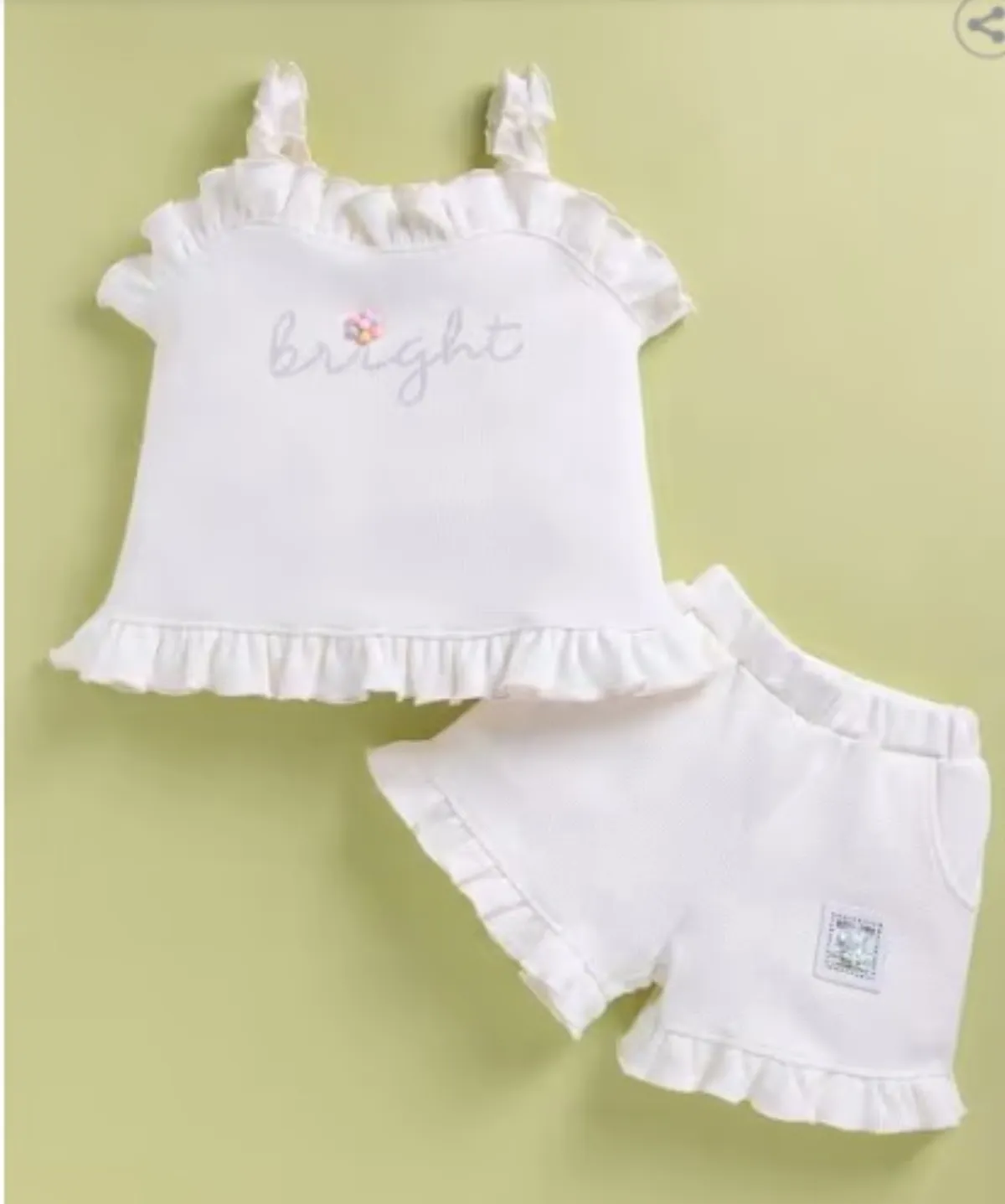
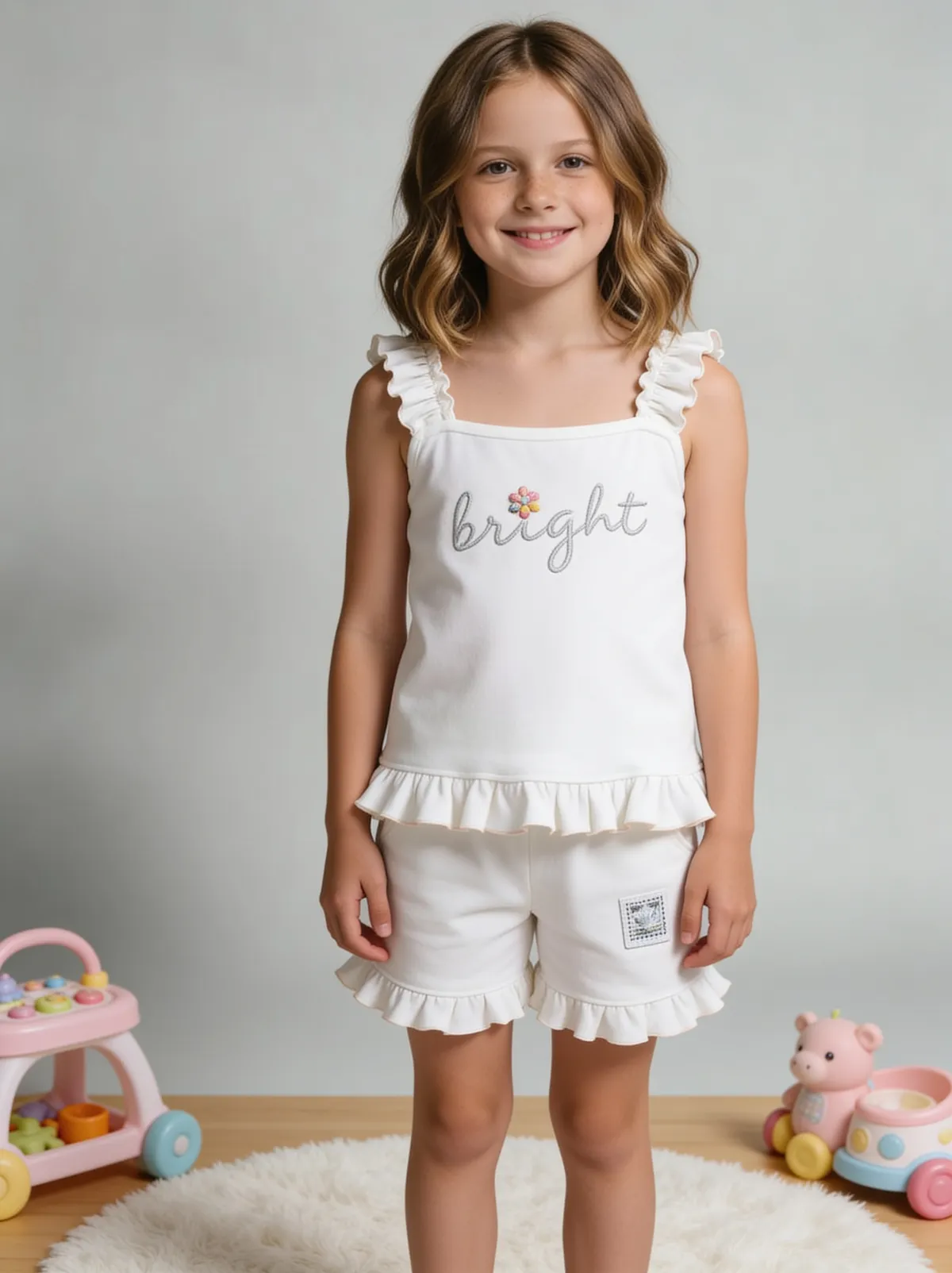 BeforeAfter
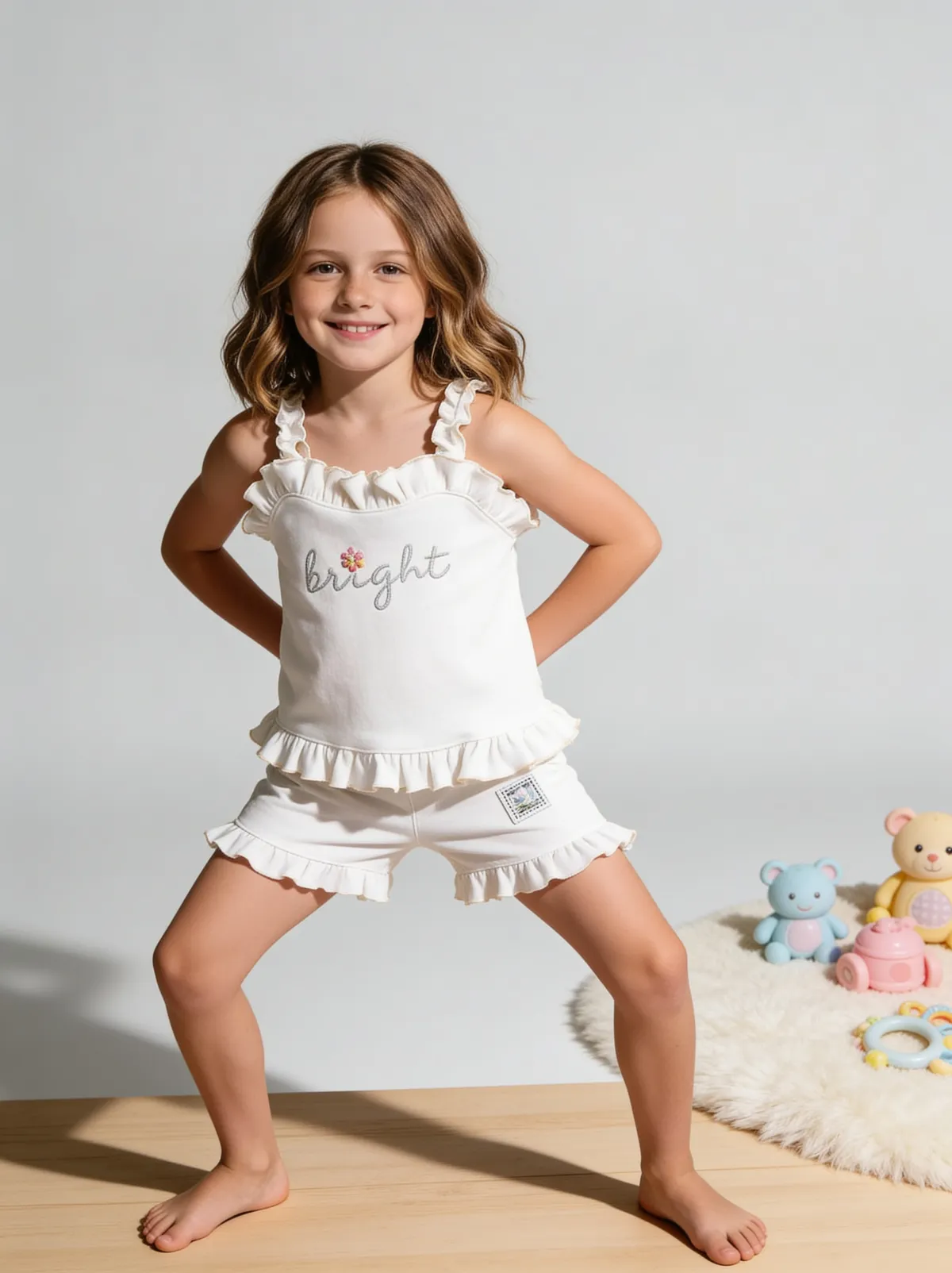 BeforeAfter
Benefits
Knowing which free allowances can legally go on a live listing
Testing on-model output on your own garment before paying
Spending free credits on the products most likely to expose weak output
How It Works
1
Pick 3 hard test products: a patterned garment, a reflective item and a label-heavy pack.
2
Run them through 2 or 3 free options that do the job you need, including one with AI models.
3
Compare results at full size and read each tool's licence for free output.
4
Pay for the tool that passed, sized to the listings you actually plan.
Best Practices
- check_circleUse the same source photo in every tool you test
- check_circleCheck prints, label text and colour at full size against the real product
- check_circleRead the licence on the exact free output before listing it
Common Mistakes
- cancelPublishing free-tier images whose licence excludes commercial use
- cancelTesting with a stock demo item instead of your own product
- cancelSpending the free allowance on easy products that any tool handles well
Trusted by 1,200+ businesses worldwide
“We used to book a studio every quarter. Now one product photo gives us the hero, lifestyle and detail shots in a single pass, and the catalogue finally looks like one brand instead of six separate shoots.”
Marcus T.
Founder, Home Goods Brand · Austin, TX
“The garment is genuinely the same in every frame — colour, print and trims all hold. That was the part I did not believe until we ran our own SKUs through it.”
Dana R.
Head of Ecommerce, Activewear · Brooklyn, NY
“Glass and reflections are where most tools fall apart. Ours come out clean, so we can photograph a new scent the week it launches instead of waiting on a studio slot.”
Layla A.
Founder, Fragrance Brand · Dubai, UAE
“Metal finish and stone detail survive a zoom now, which is what our listings actually needed. We stopped reshooting pieces that came back soft.”
Omar S.
Marketing Director, Jewellery · Abu Dhabi, UAE
“The textures and lighting are so realistic that customers tell us they can almost feel the product. We reshoot far less than we used to.”
Sneha P.
Founder, Coffee Brand · Coorg, India
“The AI-contextual backgrounds just work. It reads the product and picks the right aesthetic. We've stopped paying for stock photo subscriptions.”
Priya S.
Founder, Skincare Brand · Mumbai, India
Frequently Asked Questions
Can I do a complete e-commerce photo shoot with AI for free?
Not for a whole catalog. Free allowances run from 1 image (Fluxx.work) to 8 credits (Botika) to 100 exports a month (PhotoRoom), and the largest of those is not licensed for commercial use. Use free tiers to choose a tool, then budget for the roughly 7 images each live listing needs.
Which tool offers free AI product photography with models?
Flair's free plan includes 1 custom model and 5 generated images, Botika gives 8 no-card credits for its on-model workflow, and Fluxx.work's 1 free signup image can be an on-model shot of your own garment. Pebblely publishes no on-model generation at all.
Can I sell products using images from a free AI tool?
Only if that tool's licence covers commercial use of free output. PhotoRoom's free tier (100 exports a month) does not, Flair's company commercial licence starts at Pro+ for $35 a month, and Botika allows commercial use of its 8 free credits but bans reselling the photos or passing its AI models off as real people.
Do free AI photo shoot tools ask for a credit card at signup?
Botika's 8 free credits and Fluxx.work's 1 free signup image both need no card. Pebblely has no free tier, so its cheapest entry is Lite at $9 a month.
How many free images do I need to judge an AI photo tool?
Around 3 is enough if you choose them well: one patterned or embroidered garment, one reflective product and one pack with small label text. Those are where AI output most often fails, so 3 hard tests reveal more than 20 easy ones.
Why Fluxx.work
Fluxx.work's free signup image is generated from your own product photo, with no card, so your first test is on your real product. After that, credits never expire and failed generations are refunded.