Best AI E-commerce Photo Shoot Software & Apps: 6 Tools Compared
Six AI photo shoot tools cover most e-commerce catalog work in 2026, and they split into three jobs: background swaps, on-model fashion shots and complete 7-image listing sets. Pick the job first, then check where the tool runs: PhotoRoom has iPhone and Android apps, Botika an iPhone app, and the rest work in a browser.
Key facts
- PhotoRoom Pro is $12.99/month for 1,000 exports a month and runs on iPhone, Android and the web; its free tier's 100 exports a month are not licensed for commercial use.
- Botika has an iPhone app (iOS 15.1 or later) built for on-model fashion shots, lists Pro at $46/month billed annually, and gives 8 free credits with no card.
- Flair AI runs in the browser, and its own FAQ says mobile support is limited; the free plan includes 5 images and 1 custom model, then Pro is $10/month.
- Pebblely is a web app plus a Shopify app with no free tier: Lite is $9/month for 30 images and Pro $39/month for 500.
- Claid AI Basic is $15/month for 50,000 credits and is built around its API, with a separate $3/month mobile-only plan.
- Fluxx.work runs in the browser and installs to a phone's home screen; a 7-image listing set costs 84 credits, and 1 image is ₹67.86 on the ₹475 Starter pack.
Software or app: which one a photo shoot actually needs
The split is less about features than about where the catalog work happens. A seller who photographs on a phone and lists to Instagram, WhatsApp or a marketplace app the same afternoon is best served by a native phone app, and PhotoRoom is the strongest phone-first option because it ships on both iPhone and Android. Botika's app is iPhone-only, so Android sellers use its web version. A brand uploading 50 SKUs at once is better served on a desktop browser: batch upload, side-by-side review against the physical product, and a real screen for checking fabric texture and label text. Fluxx.work sits between the two. It is a web app that installs from Chrome or Safari with Add to Home Screen, opens full-screen straight into the generator, and shares one account and one credit balance with the desktop.
Three different jobs hide behind the phrase "AI photo shoot"
A background swap keeps your photo and replaces what is behind it; Pebblely and PhotoRoom are built for that, and they are fast and cheap at it. An on-model shot puts a garment or accessory on a generated person; Botika specialises in apparel, Flair lets you train a custom model, and Fluxx.work generates model shots alongside product shots. A full listing set is the third job: a main image plus supporting angles, a detail shot, a lifestyle scene and an on-model image, all showing the same product consistently. Most tools produce one image per prompt, which means seven separate prompts per listing and seven chances for the product to drift. Decide which of the three you need most before comparing prices, because a tool that is excellent at one is usually average at the others.
What one product's shoot should deliver
Marketplaces reward a complete gallery, not one good picture. The main image usually has to sit on pure white (Amazon asks for RGB 255,255,255 and at least 1,000 px on the longest side). The supporting images do the selling: a second angle, a close-up of the material or finish, a scale shot, a lifestyle scene that shows the product in use and, for apparel, the garment on a body. When you test any tool, ask it for that whole set from one source photo and check whether the logo, print, stitching and label text survive in every frame. That consistency check separates catalog software from a general image generator.
How the pricing models compare in practice
PhotoRoom, Pebblely and Flair sell monthly quotas, Claid sells monthly credits, and Fluxx.work sells prepaid packs whose credits never expire. Which is cheaper depends on how evenly you list. A seller adding 500 background swaps every month pays about $0.08 an image on Pebblely Pro at $39 for 500, far below Fluxx.work's ₹37.82 ($0.40) on the largest pack, and should take the subscription. A seller who lists 40 SKUs before Diwali and 5 in March wastes most of a monthly quota, while a prepaid pack carries over. Check what an image costs at the volume you actually produce, and whether on-model or 4K output costs extra: on Fluxx.work 4K costs the same 12 credits as 1K, and failed generations are refunded.
How to test any of these tools in under an hour
Use the same three products everywhere: something reflective (a bottle or watch), something with fine print or pattern (a printed garment) and something with small label text (a cosmetic or food pack). These are where AI output usually breaks. Run each through every tool's free option, then compare the results at 100% zoom against the physical product: colour accuracy, legible text, intact logos, believable shadows. Read the licence on the free output before you publish anything; PhotoRoom's free exports, for example, are not licensed for commercial use. An hour of side-by-side testing on your own products tells you more than any comparison table, including this one.
| Tool | Best at | Where it runs | Entry paid plan | Free option |
|---|---|---|---|---|
| PhotoRoom | Background removal and staging at volume | iPhone, Android, web | Pro $12.99/mo for 1,000 exports | 100 exports/mo, not for commercial use |
| Botika | On-model apparel from flat-lay or mannequin photos | iPhone app, web | Pro $46/mo billed annually | 8 credits, no card |
| Flair AI | Hand-composed scenes with props and lighting | Browser (desktop recommended) | Pro $10/mo ($8/mo annual) | 5 images + 1 custom model |
| Pebblely | Quick AI backgrounds behind existing photos | Web, Shopify app | Lite $9/mo for 30 images | None published |
| Claid AI | API-driven batch processing in your own pipeline | Web, API, $3/mo mobile plan | Basic $15/mo for 50,000 credits | Not verified |
| Fluxx.work | Complete listing sets, product and on-model, from 1 photo | Browser, installs to home screen | ₹475 Starter pack (7 images) | 1 image on signup, no card |
See the Difference
Drag the slider to compare: before your upload, after Fluxx.
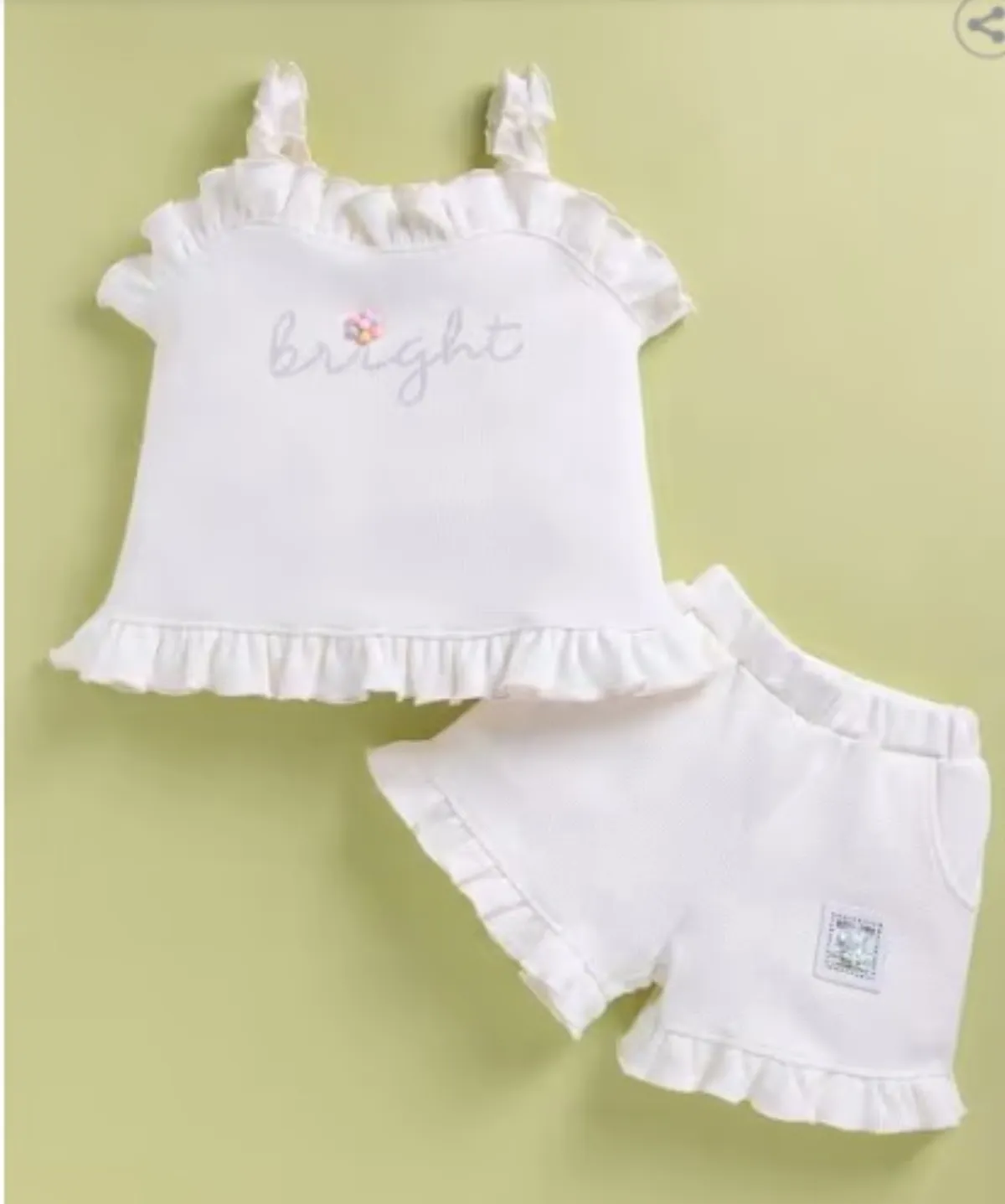
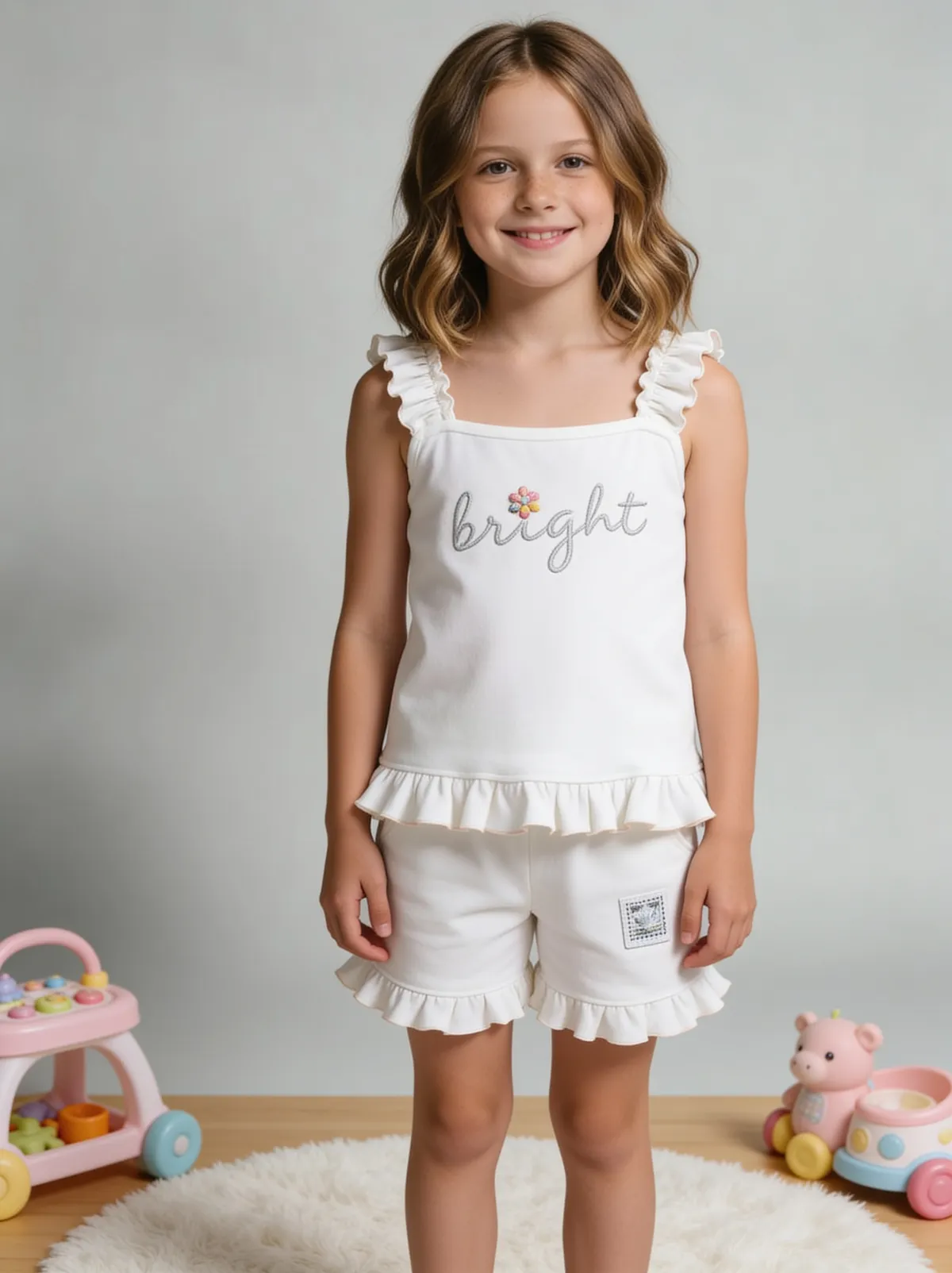 BeforeAfter
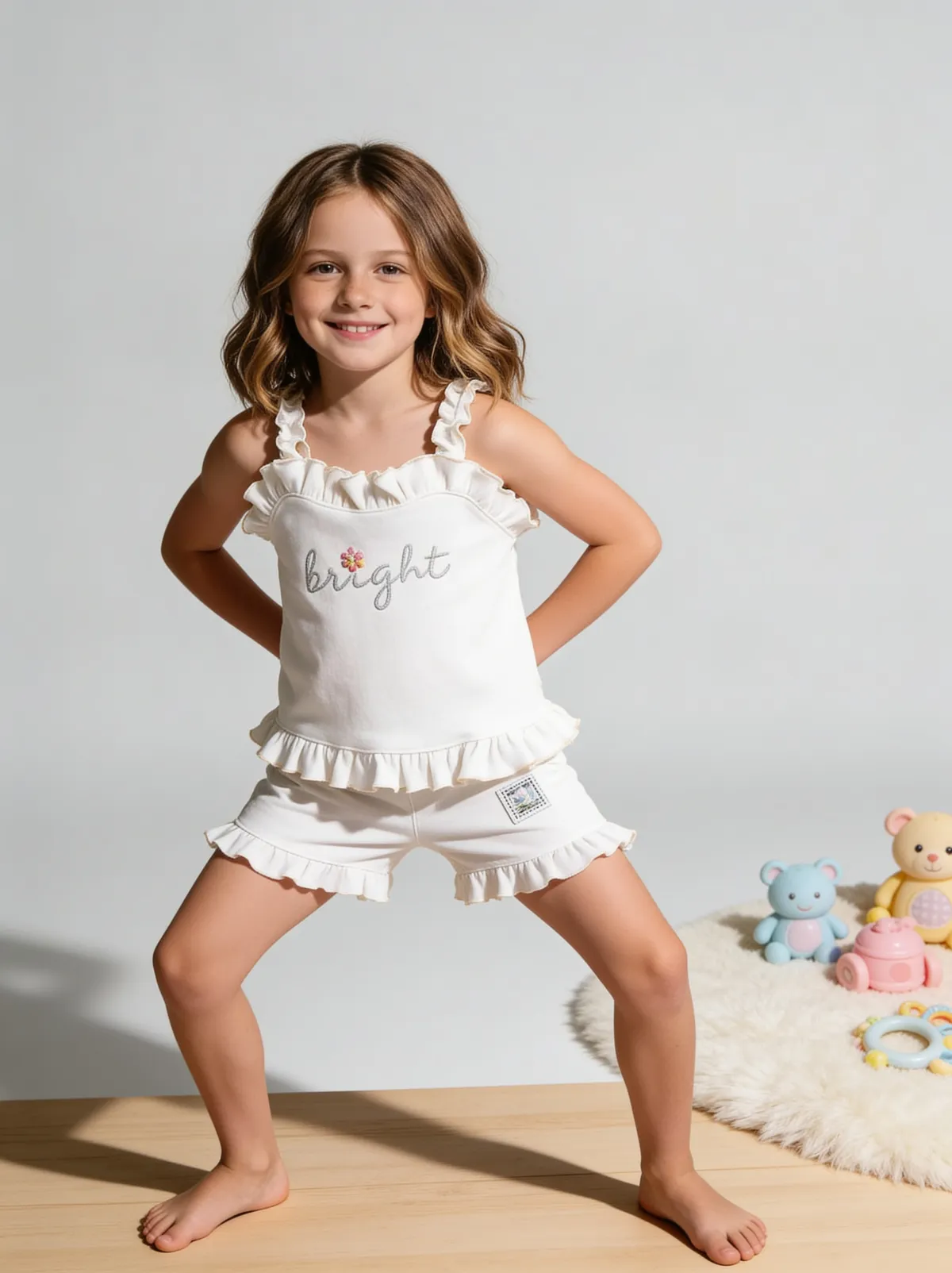 BeforeAfter
Benefits
Choosing by the job (background swap, on-model, full set) instead of by feature count
Knowing before you sign up which tools run natively on your phone
Comparing the cost per image at the volume you actually list
How It Works
1
Decide which job matters most: background swaps, on-model shots or complete listing sets.
2
Shortlist two or three tools from the table that do that job and run where you work.
3
Run the same three test products through each free option and compare at full size.
4
Price your real monthly volume on the tool that passed, including on-model and 4K costs.
Best Practices
- check_circleTest with one reflective, one patterned and one label-heavy product in every tool
- check_circleCompare output at 100% zoom against the physical product, not on a thumbnail
- check_circleMatch the pricing model to your listing rhythm: steady volume suits subscriptions, seasonal bursts suit prepaid credits
Common Mistakes
- cancelTesting every tool with a different product, which makes the results impossible to compare
- cancelPublishing free-tier output without reading its commercial-use licence
- cancelPaying a monthly quota for seasonal listing volume that leaves most of it unused
Trusted by 1,200+ businesses worldwide
“We used to book a studio every quarter. Now one product photo gives us the hero, lifestyle and detail shots in a single pass, and the catalogue finally looks like one brand instead of six separate shoots.”
Marcus T.
Founder, Home Goods Brand · Austin, TX
“The garment is genuinely the same in every frame — colour, print and trims all hold. That was the part I did not believe until we ran our own SKUs through it.”
Dana R.
Head of Ecommerce, Activewear · Brooklyn, NY
“Glass and reflections are where most tools fall apart. Ours come out clean, so we can photograph a new scent the week it launches instead of waiting on a studio slot.”
Layla A.
Founder, Fragrance Brand · Dubai, UAE
“Metal finish and stone detail survive a zoom now, which is what our listings actually needed. We stopped reshooting pieces that came back soft.”
Omar S.
Marketing Director, Jewellery · Abu Dhabi, UAE
“The textures and lighting are so realistic that customers tell us they can almost feel the product. We reshoot far less than we used to.”
Sneha P.
Founder, Coffee Brand · Coorg, India
“The AI-contextual backgrounds just work. It reads the product and picks the right aesthetic. We've stopped paying for stock photo subscriptions.”
Priya S.
Founder, Skincare Brand · Mumbai, India
Frequently Asked Questions
Which AI photo shoot app works on Android phones?
PhotoRoom has native apps for both Android and iPhone. Botika's app is iPhone-only (iOS 15.1 or later), so Android users work in its web version. Fluxx.work installs to an Android home screen from Chrome, and Flair's own FAQ says its mobile support is limited.
Is desktop software better than a phone app for a 50-product catalog?
Usually yes. A 50-product catalog at 7 images each is 350 images to review, and checking prints, stitching and label text against the real product is far quicker on a large screen with batch upload. Phone apps win when you shoot, edit and list a handful of products on the same device.
Which AI product photo software is cheapest per image?
For background swaps, Pebblely Pro at $39 a month for 500 images works out to about $0.08 an image if you use the full quota. For complete sets that include on-model shots, Fluxx.work costs ₹67.86 an image on the ₹475 Starter pack, falling to ₹37.82 ($0.40) on the Agency pack, with no monthly expiry.
Can one tool create both product shots and model shots?
Several can: Fluxx.work, Flair (with 1 custom model on its free plan) and PhotoRoom all offer on-model images alongside product images. Pebblely publishes no on-model generation, and Botika focuses on apparel worn by AI models.
Do I need an API to shoot 1,000 SKUs with AI?
Not necessarily. 1,000 SKUs at 7 images each is 7,000 images, which is where an API pipeline such as Claid's ($144 a month for 300,000 credits on Pro API I) starts to pay for itself if you have engineers. Without one, prepaid packs work: Fluxx.work's ₹24,999 Agency pack covers 661 images with no integration.
Why Fluxx.work
Fluxx.work generates the whole listing set (main image, angles, detail, lifestyle and on-model) from one product photo, in a browser that installs to your phone, with prepaid credits that never expire.