Ghost Mannequin Shots Without the Mannequin Shoot
The ghost mannequin technique gives a garment real three-dimensional shape — collar structure, sleeve volume, hem drape — without a visible mannequin or model in frame, which is why it's the standard for apparel e-commerce. Fluxx.work generates this effect directly, without the traditional two-shot-and-composite process a photo studio uses.
Last updated:
Real output from Fluxx.work
Generated from a single uploaded product photo — Fashion & apparel
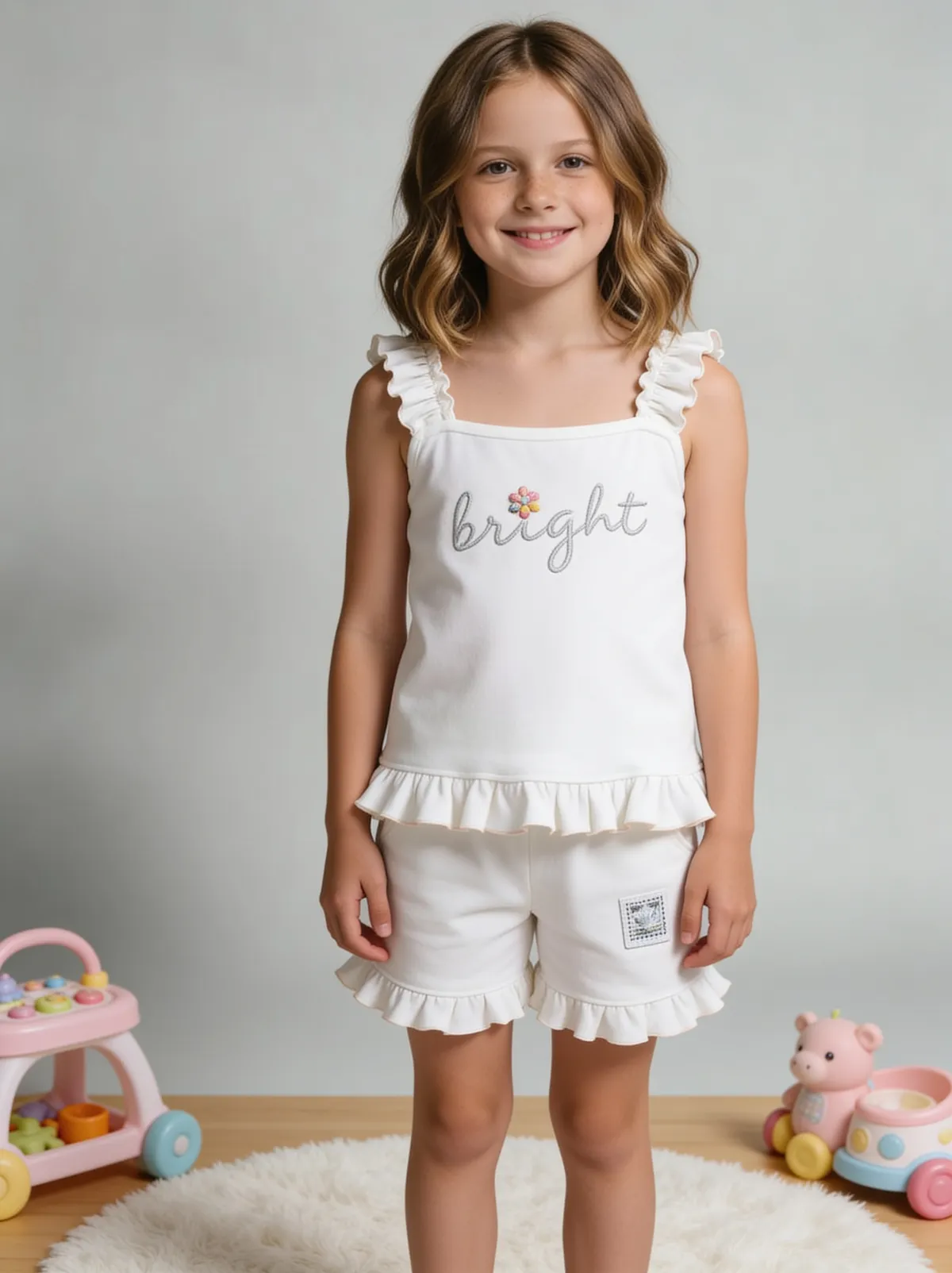
See more examples in the Fluxx.work gallery
How ghost mannequin traditionally works, and why it's slow
In a studio, ghost mannequin photography typically requires shooting the garment on a mannequin, then a separate interior shot (the mannequin partially undressed or a hollow-form insert) to capture the inside of the collar or waistband, then manually compositing both in Photoshop to remove the mannequin while preserving garment shape. It's a skilled, time-consuming retouching job per SKU, which is why ghost mannequin images cost more than flat product shots in traditional photography pricing.
Collar and neckline interiors are the hardest part
The interior of a collar or neckline is the detail that makes or breaks a convincing ghost mannequin shot — it has to show believable interior structure and shadow, not a flat cutout. This is typically the most manual and skill-dependent part of traditional ghost mannequin retouching.
What it's used for
Apparel e-commerce listings across nearly every garment category — shirts, jackets, dresses, sweaters — where buyers need to see three-dimensional fit and structure without a model shoot or the distraction of a visible mannequin form.
How the generation works
Upload a flat-lay or on-mannequin photo of the garment. Fluxx.work generates the dimensional ghost mannequin effect directly, including believable interior collar and neckline structure, without requiring a separate interior shot or manual compositing.
Benefits
No separate interior/collar shot or manual Photoshop compositing needed
Believable interior collar and neckline structure generated automatically
Works from either flat-lay or on-mannequin source photos
Faster and cheaper per SKU than traditional ghost mannequin retouching
How It Works
1
Upload a flat-lay or on-mannequin garment photo.
2
Fluxx.work generates dimensional shape and interior collar structure.
3
Review fit, drape, and neckline realism.
4
Download a ghost mannequin-style listing image.
Best Practices
- check_circleSteam or flat-iron the garment before photographing the source for cleaner shape rendering
- check_circleUse a well-fitted mannequin or a flat, symmetrical flat-lay as the source photo
- check_circleReview collar and neckline interior rendering closely on structured garments
- check_circleBatch structurally similar garments together for consistent dimensional treatment across a collection
Common Mistakes
- cancelUsing a poorly-fitted on-mannequin source shot, resulting in odd garment proportions
- cancelExpecting a flat, wrinkled flat-lay to translate into clean dimensional shape without prep
- cancelApplying the same generic silhouette across very different garment structures (blazer vs. t-shirt)
- cancelSkipping a check on collar/neckline interior realism before publishing
Trusted by 1,200+ businesses worldwide
“We used to book a studio every quarter. Now one product photo gives us the hero, lifestyle and detail shots in a single pass, and the catalogue finally looks like one brand instead of six separate shoots.”
Marcus T.
Founder, Home Goods Brand · Austin, TX
“The garment is genuinely the same in every frame — colour, print and trims all hold. That was the part I did not believe until we ran our own SKUs through it.”
Dana R.
Head of Ecommerce, Activewear · Brooklyn, NY
“Glass and reflections are where most tools fall apart. Ours come out clean, so we can photograph a new scent the week it launches instead of waiting on a studio slot.”
Layla A.
Founder, Fragrance Brand · Dubai, UAE
“Metal finish and stone detail survive a zoom now, which is what our listings actually needed. We stopped reshooting pieces that came back soft.”
Omar S.
Marketing Director, Jewellery · Abu Dhabi, UAE
“The textures and lighting are so realistic that customers tell us they can almost feel the product. We reshoot far less than we used to.”
Sneha P.
Founder, Coffee Brand · Coorg, India
“The AI-contextual backgrounds just work. It reads the product and picks the right aesthetic. We've stopped paying for stock photo subscriptions.”
Priya S.
Founder, Skincare Brand · Mumbai, India
Frequently Asked Questions
Do I need to shoot a separate interior/collar photo like traditional ghost mannequin photography?
No, Fluxx.work generates believable interior collar and neckline structure directly, without needing a separate interior shot.
Can I start from a flat-lay photo instead of an on-mannequin shot?
Yes, both flat-lay and on-mannequin source photos work as a starting point for generating the ghost mannequin effect.
Will the garment's fit and drape look accurate, or does it look inflated/generic?
The effect is generated to reflect the specific garment's actual structure and drape from the source photo, not a generic inflated silhouette applied to every item.
Does this work for structured garments like jackets as well as soft knitwear?
Yes, both structured garments (jackets, blazers) and soft, draping garments (knitwear, dresses) are supported, with dimensional rendering suited to each.
Why Fluxx.work
Fluxx.work collapses the traditional two-shot, hand-composited ghost mannequin workflow into one generation step, without losing the interior structure that sells the effect.