Retouching That Cleans Up Flaws Without Changing the Product
There's a hard line between acceptable retouching (removing a speck of dust, a fingerprint smudge, a shipping-induced box dent) and misrepresenting a product (changing its actual color or smoothing away real material texture). Fluxx.work handles the former precisely while leaving the product's genuine appearance — including intentional texture — untouched.
Last updated:
Real output from Fluxx.work
Generated from a single uploaded product photo.
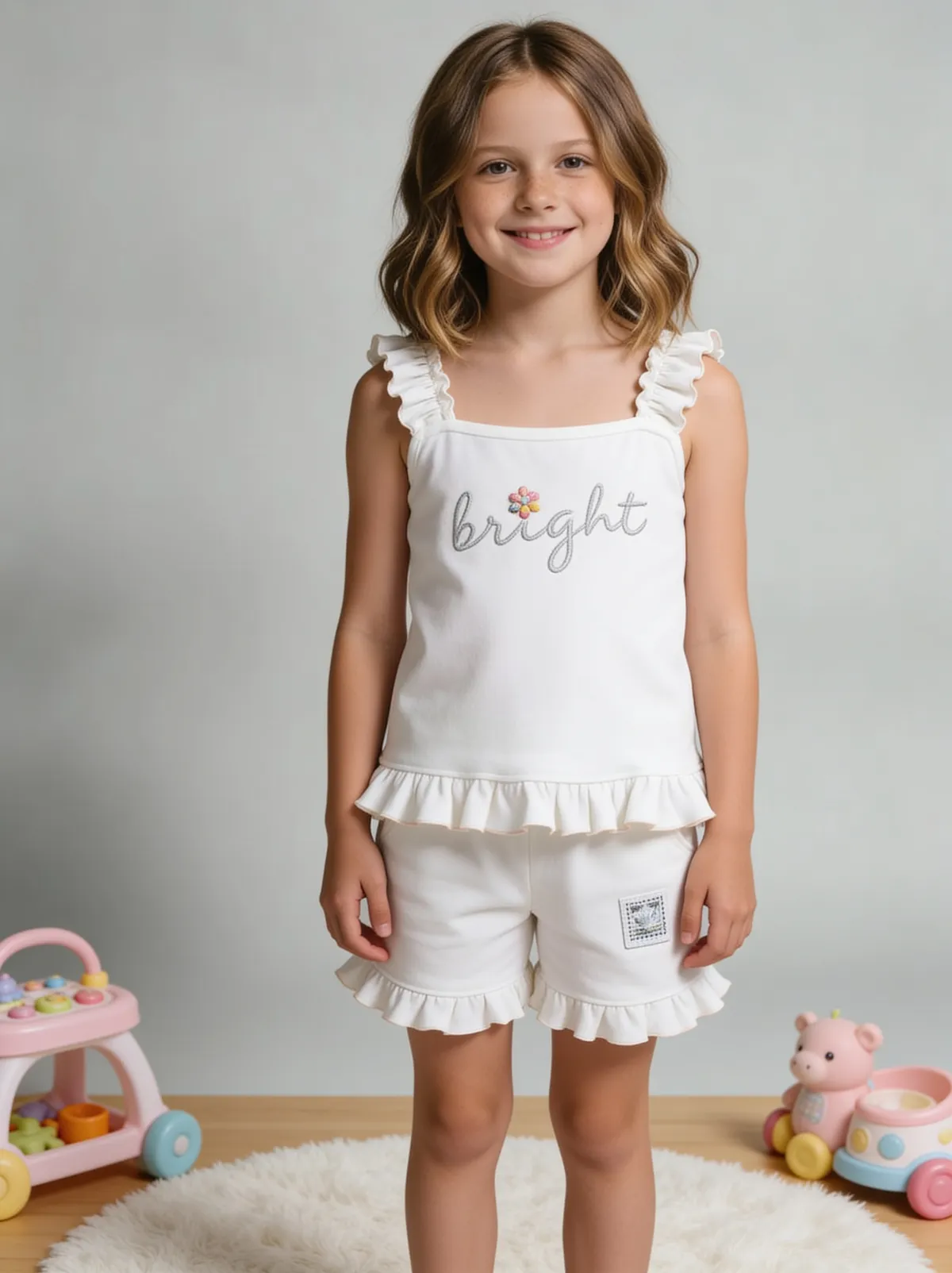
See more examples in the Fluxx.work gallery
What's fair to retouch, and what isn't
Dust particles, fingerprint smudges on glossy surfaces, a crease in packaging from shipping, a stray thread on a garment, sensor dust spots from the camera itself — these are photography artifacts, not properties of the product, and removing them is standard, expected retouching. Smoothing away a fabric's actual woven texture, changing a color to look more saturated than reality, or hiding a genuine design seam crosses into misrepresentation and creates the same return-rate risk as any other photo-to-product mismatch.
Packaging dents are a common, specific case
Boxed products often arrive at a photo shoot with minor shipping dents or crushed corners that aren't representative of what a customer receives fresh from the manufacturer. Fluxx.work can correct these specific packaging defects without altering the product visible inside or through the packaging.
Common retouching needs by category
Glass and glossy plastics show every fingerprint and dust speck under studio lighting. Fabric often needs wrinkle correction from folding and shipping, without erasing the fabric's actual weave texture. Metal and jewelry show fine scratches from handling during a shoot that aren't representative of a fresh unit.
How the generation works
Upload the photo with visible flaws — dust, fingerprints, wrinkles, packaging dents, handling marks. Fluxx.work identifies and removes photography-specific artifacts while explicitly preserving the product's real color, texture, and construction details.
Benefits
Removes dust, fingerprints, and handling marks without altering the product
Corrects fabric wrinkles while preserving genuine weave texture
Fixes shipping-related packaging dents separately from product appearance
Reduces risk of over-retouched, artificial-looking images
How It Works
1
Upload the photo with visible dust, fingerprints, wrinkles, or dents.
2
Fluxx.work identifies photography artifacts versus genuine product features.
3
Artifacts are removed while real color, texture, and construction are preserved.
4
Review and download the corrected image.
Best Practices
- check_circleClean the physical product before shooting to minimize the retouching needed afterward
- check_circleReview retouched output against the physical product to confirm color and texture accuracy weren't altered
- check_circleHandle packaging and product retouching as distinct concerns rather than one blanket smoothing pass
- check_circleKeep genuine design details (seams, natural material grain) intact even while removing shoot artifacts
Common Mistakes
- cancelSmoothing away genuine fabric texture along with actual wrinkles
- cancelRetouching color inconsistencies that are actually the true product color under different light
- cancelIgnoring packaging dents and shipping visible customer-facing complaints later
- cancelOver-retouching to the point the product looks artificially flawless compared to reality
Trusted by 1,200+ businesses worldwide
“We used to book a studio every quarter. Now one product photo gives us the hero, lifestyle and detail shots in a single pass, and the catalogue finally looks like one brand instead of six separate shoots.”
Marcus T.
Founder, Home Goods Brand · Austin, TX
“The garment is genuinely the same in every frame — colour, print and trims all hold. That was the part I did not believe until we ran our own SKUs through it.”
Dana R.
Head of Ecommerce, Activewear · Brooklyn, NY
“Glass and reflections are where most tools fall apart. Ours come out clean, so we can photograph a new scent the week it launches instead of waiting on a studio slot.”
Layla A.
Founder, Fragrance Brand · Dubai, UAE
“Metal finish and stone detail survive a zoom now, which is what our listings actually needed. We stopped reshooting pieces that came back soft.”
Omar S.
Marketing Director, Jewellery · Abu Dhabi, UAE
“The textures and lighting are so realistic that customers tell us they can almost feel the product. We reshoot far less than we used to.”
Sneha P.
Founder, Coffee Brand · Coorg, India
“The AI-contextual backgrounds just work. It reads the product and picks the right aesthetic. We've stopped paying for stock photo subscriptions.”
Priya S.
Founder, Skincare Brand · Mumbai, India
Frequently Asked Questions
Will retouching change my product's actual color?
No, retouching targets photography artifacts (dust, fingerprints, dents) specifically and does not alter the product's real color or proportions.
Can it fix wrinkles in fabric without making the material look artificially smooth?
Yes, wrinkle correction targets shipping/folding creases while preserving the fabric's genuine weave and texture.
Does it work on packaging dents from shipping, not just the product itself?
Yes, packaging-specific defects like shipping dents or crushed corners can be corrected separately from the product visible inside or through it.
Is there a risk of over-retouching into misrepresentation?
The tool is built to remove photography artifacts specifically, not to alter genuine product properties — but you should always review output against your actual product before publishing.
Why Fluxx.work
Fluxx.work draws a clear line between cleaning up a photography artifact and altering the product itself, so retouched images stay honest to what ships.