One Product Image Generator, Every Category
Whether it's a garment, a gadget, a skincare bottle, or a kitchen tool, the underlying need is the same: an accurate, sellable image generated from a real product photo without a full photoshoot. Fluxx.work is a general-purpose product image generator that adapts its lighting, staging, and framing conventions to whatever category you're shooting, while locking the product's real appearance across every output.
Last updated:
Real output from Fluxx.work
Generated from a single uploaded product photo.
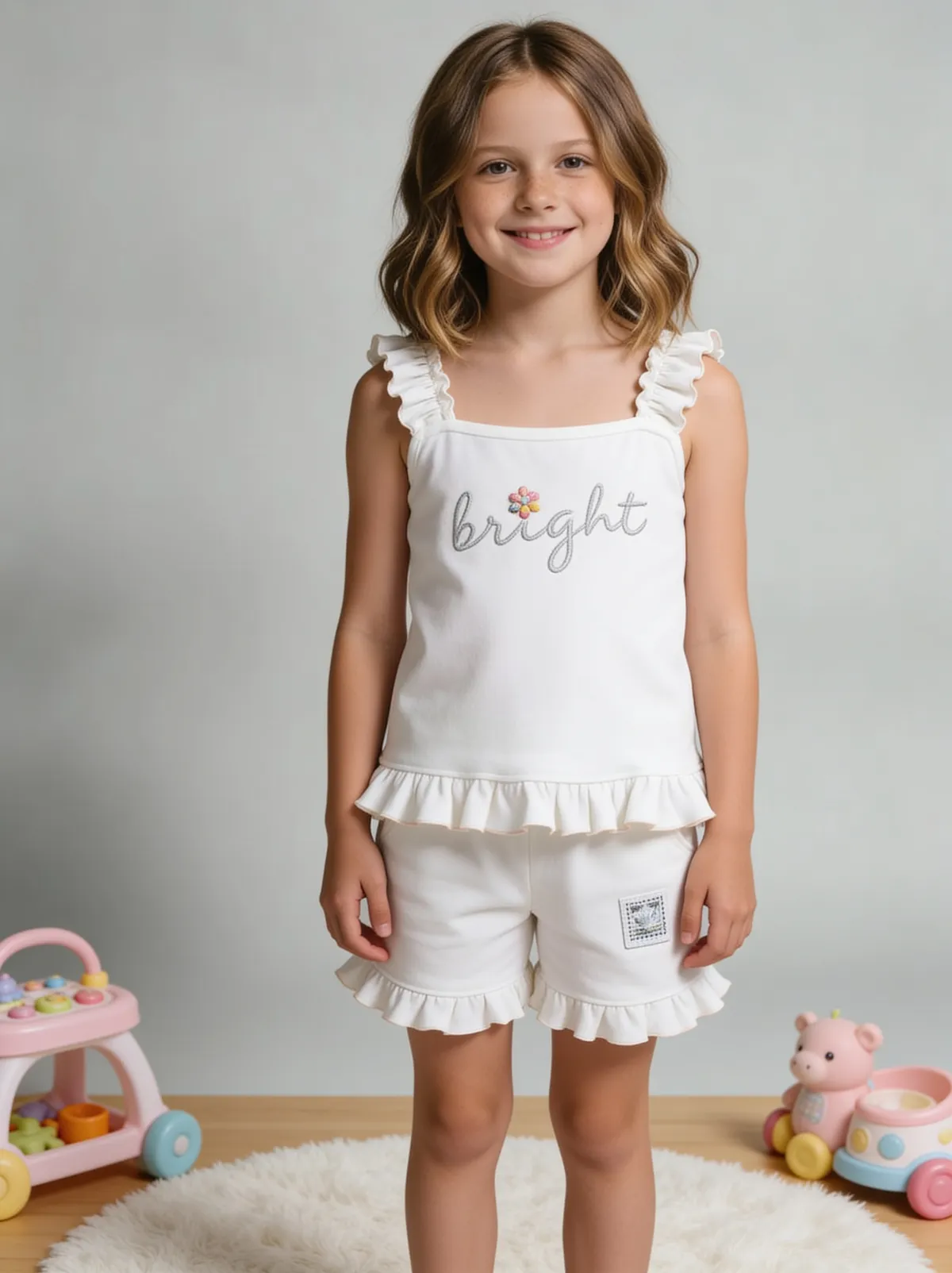
See more examples in the Fluxx.work gallery
Why category matters even in a general tool
A generic 'make this look professional' output fails because different categories have entirely different photography conventions. Electronics favor clean geometric framing and cool, neutral light. Beauty products favor soft, warm light and often a reflective or wet-look surface. Home goods lean toward styled, warmer lifestyle contexts even for primary listing images. A generator that doesn't account for this produces technically clean but categorically wrong-feeling images.
Material behavior differs sharply by category
Glass and metal (electronics, beauty) need accurate specular highlights and reflection; fabric (apparel) needs accurate drape and weave; matte ceramics or wood (home goods) need soft, non-reflective light rendering. Fluxx.work adjusts its material rendering based on what it detects in the source photo rather than applying one lighting model to everything.
What one tool covers
White-background hero shots for marketplace listings, supporting angle shots, lifestyle and in-use context images, and category-specific formats (on-model for apparel, flat-lay for accessories, in-hand for small electronics) — all from the same underlying generation engine and the same identity-lock guarantee.
How the generation works
Upload a reference photo of the product. Fluxx.work identifies the category and material properties, then generates output using conventions appropriate to that category, applying an identity-lock check so color, shape, and branding stay accurate to the real item regardless of category.
Benefits
One tool covering any product category, not a narrow single-use generator
Lighting and staging conventions adapted per category automatically
Accurate material rendering for glass, metal, fabric, and matte surfaces alike
Identity-lock guarantee applied consistently regardless of category
How It Works
1
Upload a reference photo of any product.
2
Fluxx.work detects category and material properties.
3
Generate hero, angle, and lifestyle images using category-appropriate conventions.
4
Identity-lock QA confirms accuracy before download.
Best Practices
- check_circleLet the tool detect category and material rather than forcing one preset across a mixed catalog
- check_circleReview specular highlight accuracy specifically on glass, metal, and glossy plastic products
- check_circleUse category-appropriate staging (flat-lay, on-model, in-hand) rather than a one-size-fits-all frame
- check_circleRun color-critical categories (cosmetics, apparel dye-matching) through identity-lock QA before publishing
Common Mistakes
- cancelUsing one generic lighting preset across a genuinely mixed-category catalog
- cancelIgnoring category-specific framing conventions buyers expect (e.g. flat-lay for jewelry vs. on-model for apparel)
- cancelNot correcting for reflective-surface highlights on glass or metal products
- cancelTreating identity-lock as optional on categories where color accuracy is critical, like cosmetics shade-matching
Trusted by 1,200+ businesses worldwide
“We used to book a studio every quarter. Now one product photo gives us the hero, lifestyle and detail shots in a single pass, and the catalogue finally looks like one brand instead of six separate shoots.”
Marcus T.
Founder, Home Goods Brand · Austin, TX
“The garment is genuinely the same in every frame — colour, print and trims all hold. That was the part I did not believe until we ran our own SKUs through it.”
Dana R.
Head of Ecommerce, Activewear · Brooklyn, NY
“Glass and reflections are where most tools fall apart. Ours come out clean, so we can photograph a new scent the week it launches instead of waiting on a studio slot.”
Layla A.
Founder, Fragrance Brand · Dubai, UAE
“Metal finish and stone detail survive a zoom now, which is what our listings actually needed. We stopped reshooting pieces that came back soft.”
Omar S.
Marketing Director, Jewellery · Abu Dhabi, UAE
“The textures and lighting are so realistic that customers tell us they can almost feel the product. We reshoot far less than we used to.”
Sneha P.
Founder, Coffee Brand · Coorg, India
“The AI-contextual backgrounds just work. It reads the product and picks the right aesthetic. We've stopped paying for stock photo subscriptions.”
Priya S.
Founder, Skincare Brand · Mumbai, India
Frequently Asked Questions
Does it work the same way for every product category?
The underlying identity-lock and generation engine is the same, but lighting, staging, and framing conventions are adapted per category so output looks appropriate rather than generic.
Can I generate images for a catalog that spans multiple categories?
Yes, this is a common use case — a mixed catalog (say, apparel plus accessories plus home goods) can be processed with category-appropriate conventions applied automatically per item.
How does it handle reflective materials like glass or polished metal?
Reflective and specular materials are rendered with accurate highlight and reflection behavior rather than the flatter lighting used for matte materials.
Is this different from category-specific tools like the fashion or jewelry generators?
This is the general entry point covering any category; category-specific pages go deeper into the conventions and edge cases unique to that category.
Why Fluxx.work
Fluxx.work is one engine that still respects the fact that a watch, a t-shirt, and a serum bottle need to be photographed differently.