An Image Generator Tuned to Flipkart's Listing Conventions
Flipkart's catalog system has its own specific conventions around image count, background treatment, and how size and specification information typically gets layered onto secondary images — distinct enough from other marketplaces that a generic product photo set often needs rework before it fits cleanly. Fluxx.work generates images tuned to Flipkart's specific gallery structure directly from one product photo.
Last updated:
Real output from Fluxx.work
Generated from a single uploaded product photo.
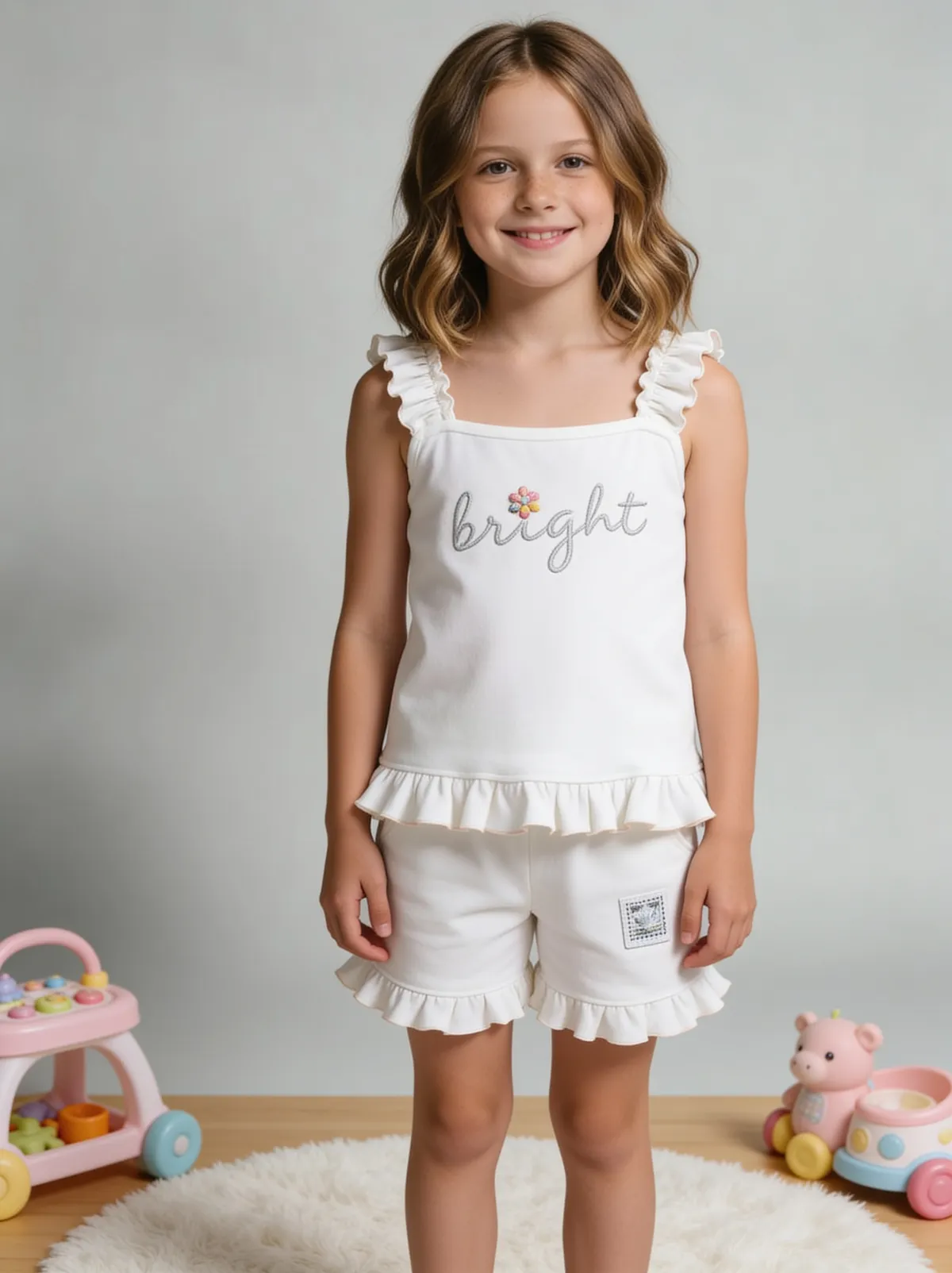
See more examples in the Fluxx.work gallery
Where Flipkart's conventions differ from a generic listing photo set
Flipkart catalogs, especially in fashion and lifestyle categories, lean heavily on a full multi-angle gallery (front, back, side, close-up) rather than relying on a single hero image doing most of the work, and secondary images frequently carry size-chart or fit-guide overlays directly in the gallery rather than only in the description. A photo set built for a single strong hero image and one or two supporting shots under-serves this expectation and can look thin compared to well-optimized competitor listings on the platform.
Multi-angle coverage matters more here than a single strong hero
Because Flipkart shoppers are used to scrolling through a fuller gallery before purchasing, a listing with only 2-3 images can look under-documented next to competitors showing 6-8 angles, even if the single hero image is objectively excellent.
Size and fit overlays need dedicated composition space
Apparel and footwear listings on Flipkart commonly include a size-chart or fit-guide image directly in the gallery. That image needs a clean, uncluttered background specifically so chart text and measurements stay legible, which is a different composition goal than a lifestyle or hero shot.
What Flipkart-specific generation covers
A white-background primary image, a full multi-angle gallery set (front, back, side, detail) generated as a matched set, and composition space reserved for size-chart or specification overlays on designated secondary images.
How the generation works
Upload your product photo. Select the Flipkart image preset, and Fluxx.work generates the primary white-background image plus a complete multi-angle gallery, including secondary images composed with clean space for size or specification overlays.
Benefits
Full multi-angle gallery generated as a matched set, not just a single hero
Secondary images composed with clean space for size-chart overlays
Primary image meets Flipkart's white-background listing standard
One coordinated set instead of manually building out each gallery angle
How It Works
1
Upload your product photo.
2
Select the Flipkart image preset.
3
Fluxx.work generates a primary image plus a full multi-angle gallery.
4
Download a listing-ready, Flipkart-tuned image set.
Best Practices
- check_circleAim for a full multi-angle gallery (front, back, side, detail) rather than relying on one strong hero image
- check_circleReserve a clean, low-clutter composition specifically for size-chart or spec-overlay images
- check_circleKeep lighting and background consistent across every angle in the gallery
- check_circleCheck the primary image against Flipkart's current white-background and framing guidelines before publishing
Common Mistakes
- cancelPublishing only 2-3 images when a fuller multi-angle gallery is the category norm
- cancelAdding a size-chart overlay onto a busy or lifestyle-styled image, hurting legibility
- cancelUsing an off-white or inconsistently lit background across gallery angles
- cancelTreating the primary and gallery images as unrelated instead of a matched, consistent set
Trusted by 1,200+ businesses worldwide
“We used to book a studio every quarter. Now one product photo gives us the hero, lifestyle and detail shots in a single pass, and the catalogue finally looks like one brand instead of six separate shoots.”
Marcus T.
Founder, Home Goods Brand · Austin, TX
“The garment is genuinely the same in every frame — colour, print and trims all hold. That was the part I did not believe until we ran our own SKUs through it.”
Dana R.
Head of Ecommerce, Activewear · Brooklyn, NY
“Glass and reflections are where most tools fall apart. Ours come out clean, so we can photograph a new scent the week it launches instead of waiting on a studio slot.”
Layla A.
Founder, Fragrance Brand · Dubai, UAE
“Metal finish and stone detail survive a zoom now, which is what our listings actually needed. We stopped reshooting pieces that came back soft.”
Omar S.
Marketing Director, Jewellery · Abu Dhabi, UAE
“The textures and lighting are so realistic that customers tell us they can almost feel the product. We reshoot far less than we used to.”
Sneha P.
Founder, Coffee Brand · Coorg, India
“The AI-contextual backgrounds just work. It reads the product and picks the right aesthetic. We've stopped paying for stock photo subscriptions.”
Priya S.
Founder, Skincare Brand · Mumbai, India
Frequently Asked Questions
How many gallery images does Flipkart typically expect?
Well-optimized listings, especially in fashion and lifestyle categories, commonly use a fuller multi-angle gallery (front, back, side, detail) rather than just one hero shot — Fluxx.work generates this full set as a matched group.
Can I get an image with clean space reserved for a size chart overlay?
Yes, secondary images can be composed with an uncluttered background specifically suited to size-chart or specification overlays.
Will the primary image meet Flipkart's white-background requirement?
Yes, the primary image preset generates a compliant white background at the appropriate product-to-frame ratio for Flipkart's listing standards.
Is this the same as the general Flipkart marketplace guidance elsewhere on this site?
No — this page covers the image generation workflow and presets tuned to Flipkart's gallery conventions specifically, distinct from general marketplace listing guidance.
Why Fluxx.work
Fluxx.work builds the fuller multi-angle gallery Flipkart listings typically need, rather than leaving you to manually extend one hero shot into a complete set.