AI Accessories Photography for Bags, Watches, Eyewear and More
AI accessories photography covers the small, detail-heavy products that are hardest to shoot well: bags, watches, eyewear, belts, wallets and jewelry. Fluxx.work generates accessory product photos and on-model shots from one source photo, keeping hardware, finish and proportions accurate.
Last updated:
Real output from Fluxx.work
Generated from a single uploaded product photo — Jewellery & watches
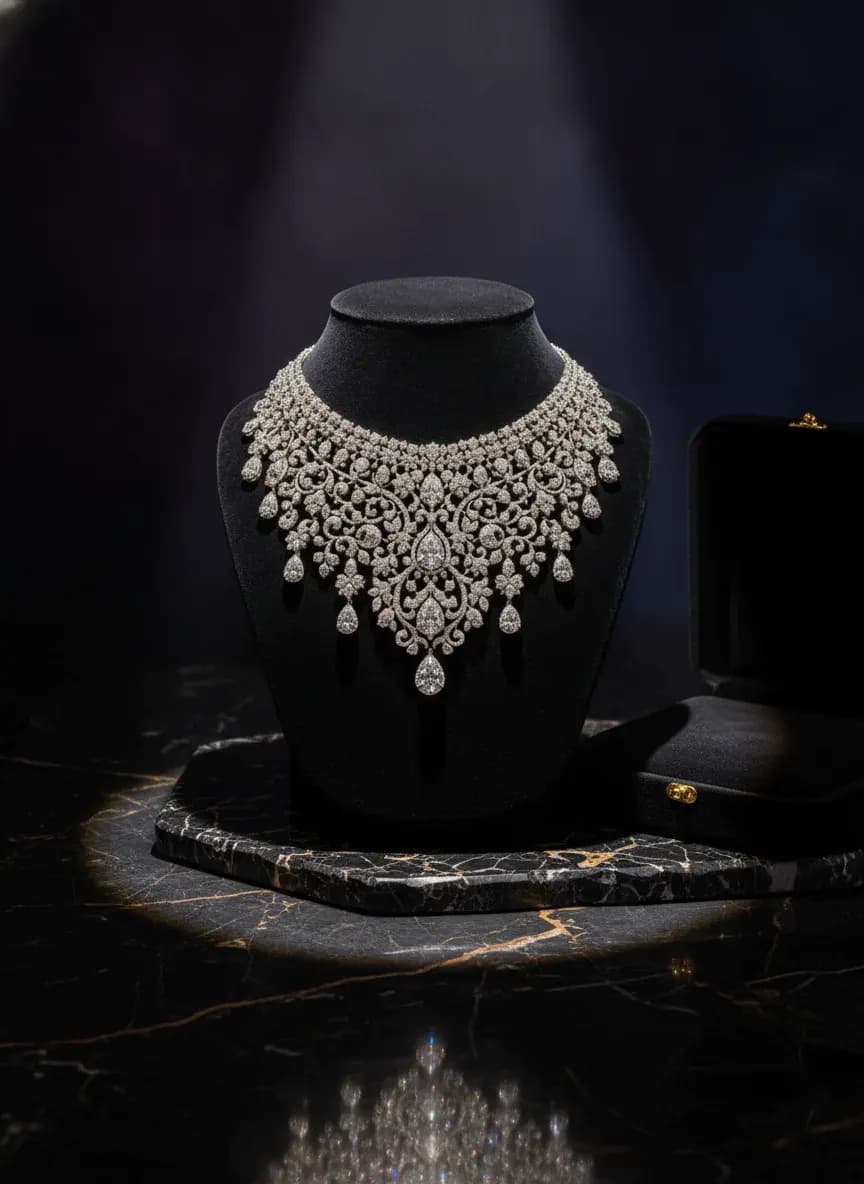
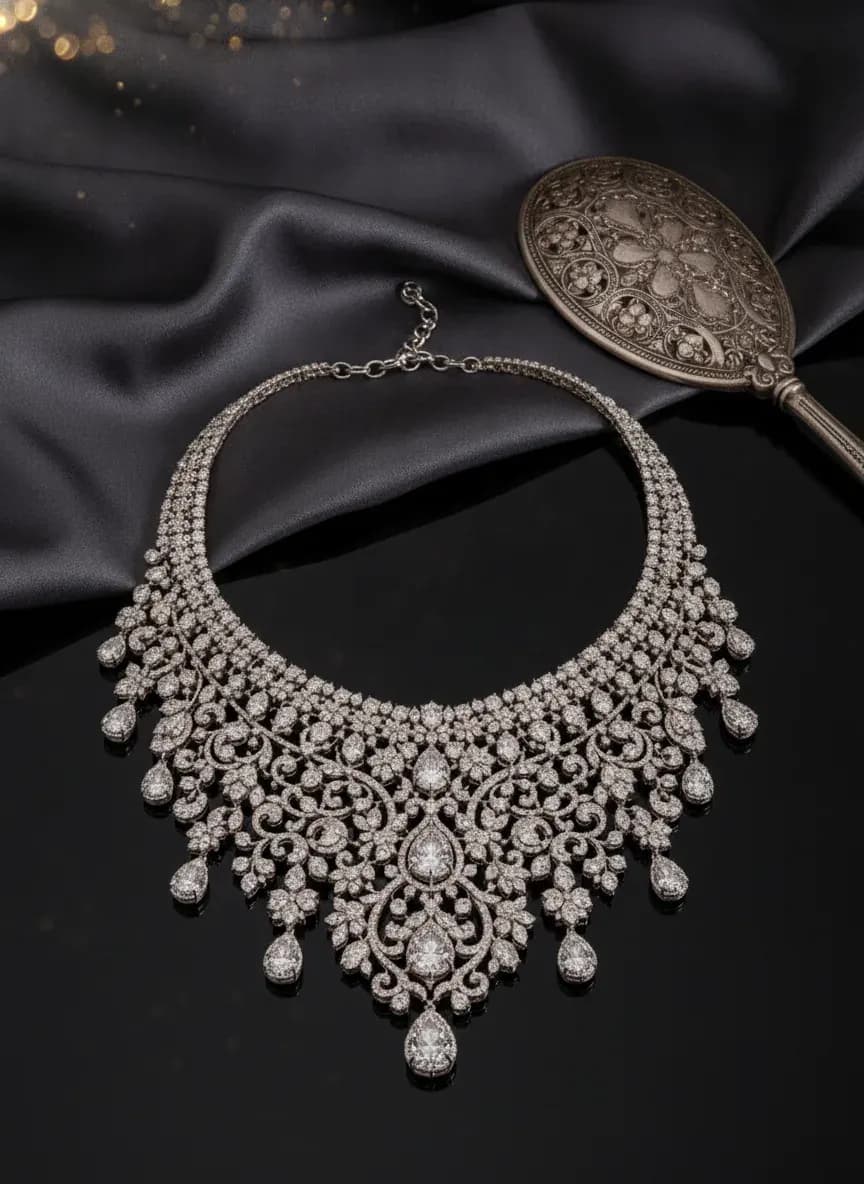
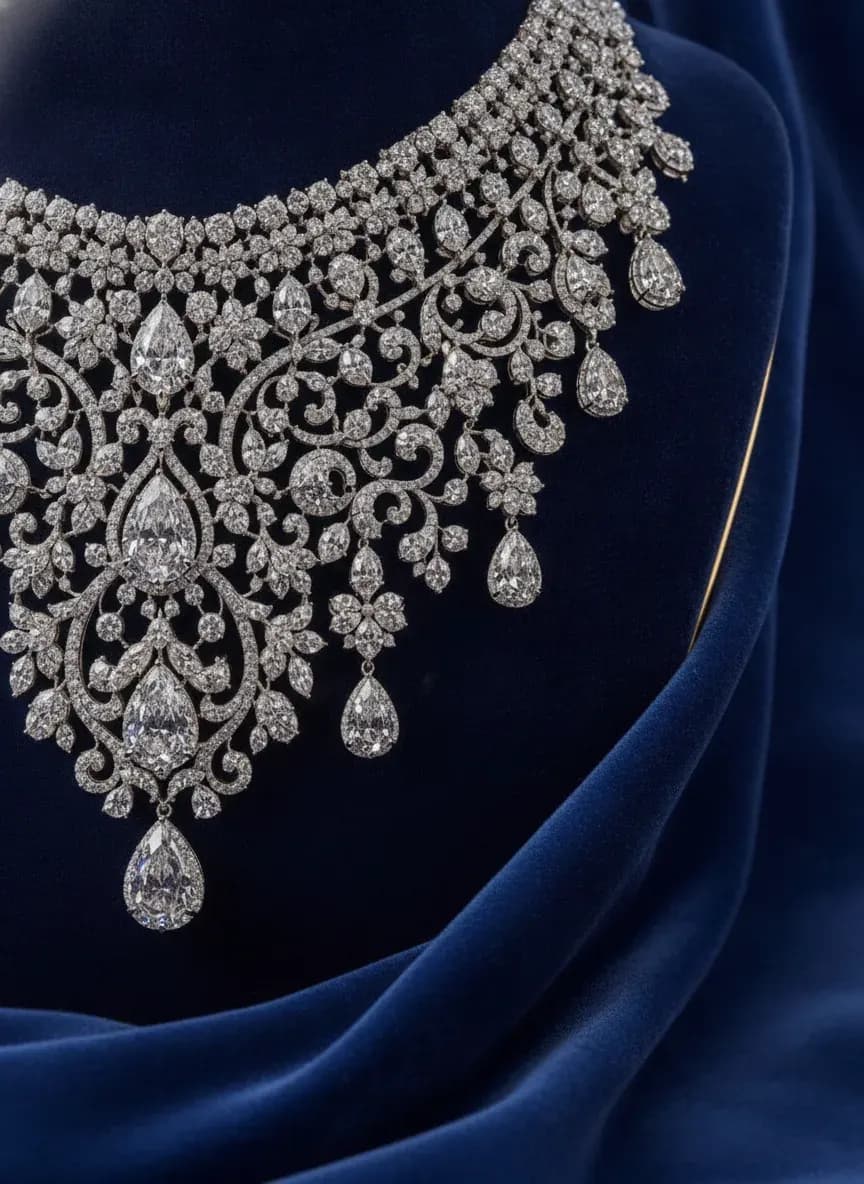
See more examples in the Fluxx.work gallery
What counts as an accessory shoot
Accessories need both detail and context: a close-up of the hardware and a worn or held shot for scale. Fluxx.work is built around the same split with its accessories model shoot.
Generate accessory product photos
Start with a sharp source photo. Generate a clean studio shot, then a worn or held shot, then a lifestyle scene. Each uses the same source, so the product stays consistent.
Accessories photoshoot generator for a whole range
Apply the same model look, light and background across the range so bags, belts and wallets read as one brand.
Benefits
Studio, worn and lifestyle shots from one photo
Hardware and finish kept accurate
No studio or model booking
Consistent look across a range
How It Works
1
Upload a sharp product photo.
2
Choose studio, worn or lifestyle.
3
Generate the images.
4
Review and download.
Best Practices
- check_circlePhotograph hardware sharply
- check_circleGenerate studio, worn and lifestyle versions
- check_circleKeep model and light consistent per range
- check_circleVerify scale before publishing
Common Mistakes
- cancelSoft or cropped source photos
- cancelSkipping a close-up of hardware
- cancelMixing model looks within a range
- cancelNot verifying scale
Brands that shoot with Fluxx








“With ChatGPT and Gemini, I kept rewriting prompts to get the look I wanted, and even then the model's face, expression and body would change from one image to the next. With Fluxx.work, I pick everything before I generate: how the model looks, the background, the style. Choosing a model is simple, there's no prompt to write again and again, and the model stays the same in every image.”
Prerna
Toonyport
“A photoshoot is never just the photos. There's the studio, the photographer, models, props and all the coordination. Fluxx.work lets me create product visuals without arranging all of that for every creative, so I can try more ideas and keep my marketing budget in check.”
Deepak
We Are Unproven
“As a small business, I can't have a designer on hand for every requirement. Fluxx.work lets me create product visuals myself, with no complicated production setup, so I spend less time on creatives and more on running the business.”
Aakash
Mr. Mop
“In an online store, product images are the first thing customers notice. Starting from photos I already have, Fluxx.work gives me clean product shots and lifestyle visuals for every marketing need, without booking a new shoot for each idea.”
Arihant
Wishkey
Frequently Asked Questions
What can an accessories photoshoot generator handle?
Bags, watches, eyewear, wallets, belts, scarves and jewelry. Anything that can be worn, held or placed in a scene works. As an AI accessories photoshoot generator it also covers an AI fashion model photo generator workflow for belts, scarves and bags.
How do I generate accessory product photos with models?
Upload the source photo, choose a model look and placement, and generate. Check scale and hardware detail on the first result.
Is AI accessories photography good enough for marketplace listings?
Often for secondary images. Check each marketplace's main image rules before uploading.
Can I mix studio and lifestyle shots for accessories?
Yes. Use studio shots for the listing and lifestyle shots for ads and social, generated from one source.
Why Fluxx.work
Fluxx.work uses your photo as the fixed reference, so accessories keep their real hardware and finish in every shot.
Related Pages
AI Photography
Bag Photography That Keeps the Shape Held and the Hardware Sharp
AI Photography
Watch Photography Where the Dial Actually Reads Clearly
AI Photography
AI Eyewear Photography and Sunglasses Photoshoots
AI Photography
Jewelry Photography That Gets the Sparkle Right
AI Photography
AI Model Photoshoot: Your Product on a Model, Without the Shoot