Toy Photography With Accurate Color and Visible Safety Info
Toy images can be 5000 x 5000 px or 25 megapixels and under 20 MB on Shopify, while Amazon takes a 500 px minimum, recommends 1,000 px or more and caps the longest side at 10,000 px with the toy filling 85% of a pure white frame. Fluxx.work holds colour and safety-label text at 12 credits per image.
Last updated:
Key facts
- Shopify accepts toy images up to 5000 x 5000 px or 25 megapixels, with each file smaller than 20 MB.
- Amazon's floor is 500 px on the longest side, it recommends 1,000 px or more, and its ceiling is 10,000 px.
- Amazon's main image carries no text or pricing details, so a toy's age grading has to come from the 85%-fill product shot itself or a secondary image.
- Google Merchant Center asks for a 75% to 90% fill, a 500 x 500 px minimum and around 1500 x 1500 px.
- Google's caps are 64 megapixels and 16 MB per image, and added logos, watermarks and promo text are banned.
- A 7-image toy listing set costs 84 credits on Fluxx.work at 12 credits per image.
Real output from Fluxx.work
Generated from a single uploaded product photo.
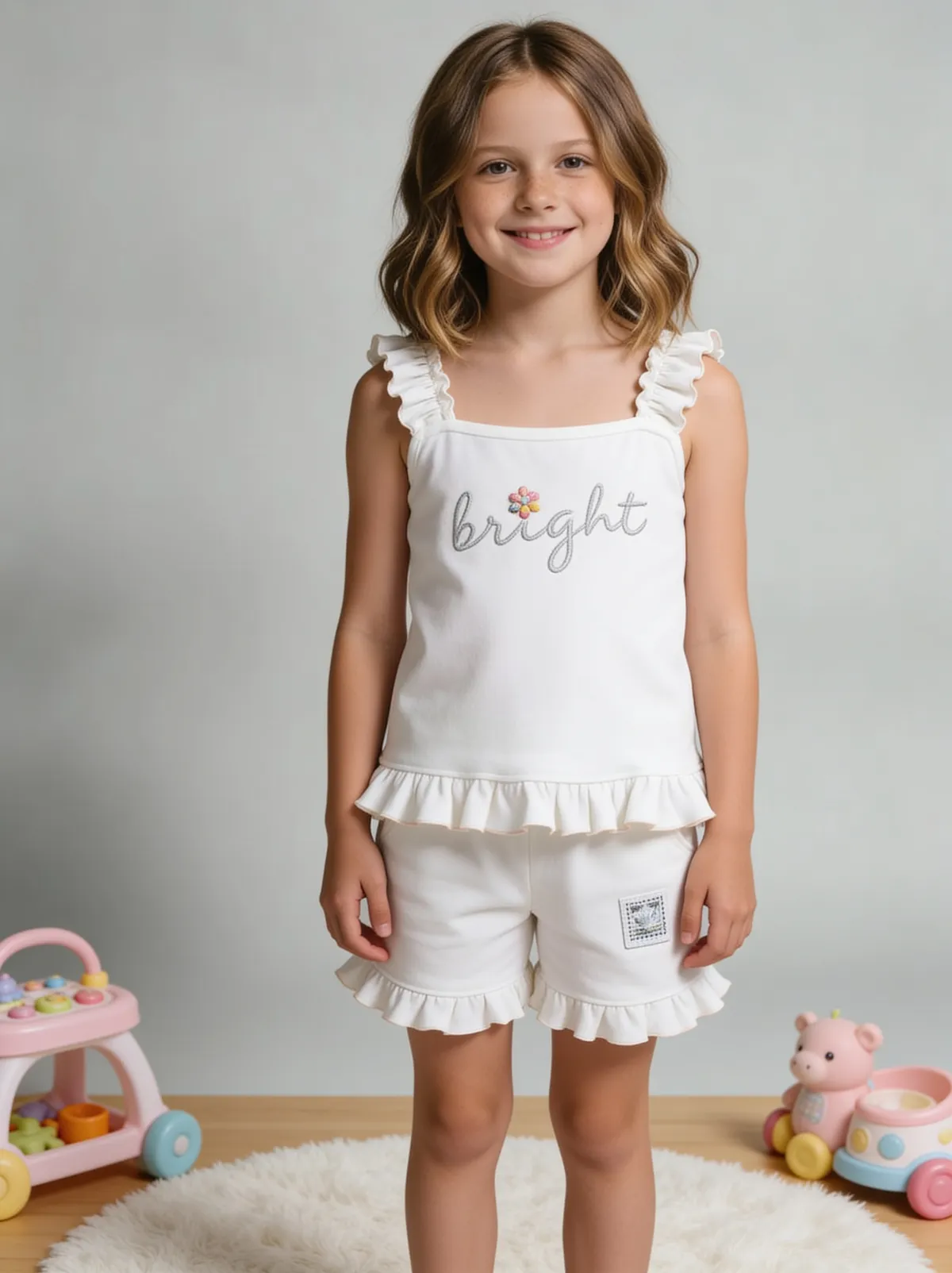
See more examples in the Fluxx.work gallery
Color accuracy matters more for toys than most categories
Toys are frequently color-coded by theme, character, or age range, and a shopper — often a parent choosing a gift — relies on the photo's color to match what a child expects or what a set is meant to look like. Fluxx.work locks the toy's actual colors to the source photo across every generated background, avoiding the color drift that can make a bright, saturated toy look washed out or mismatched from its real-world appearance.
Safety labeling and age-grading must stay legible
Age recommendations, choking-hazard warnings, and safety certifications are often small but critical text on toy packaging that parents check before purchasing, and any listing that obscures or blurs this information creates real trust and even compliance concerns. Fluxx.work preserves safety and age-grading text sharply from the source photo, and can generate age-appropriate lifestyle scenes (a child of the right age range playing with the toy) without misrepresenting the intended use.
| Requirement | Shopify | Google Merchant Center | Amazon (general spec) |
|---|---|---|---|
| Minimum size | Not published | At least 500 x 500 px (a new size requirement begins 31 January 2027) | 500 px on the longest side |
| Recommended size | 2048 x 2048 px for square images | Around 1500 x 1500 px | 1,000 px or more for zoom |
| Maximum size | 5000 x 5000 px or 25 megapixels | No larger than 64 megapixels | 10,000 px on the longest side |
| Max file size | Smaller than 20 MB | No larger than 16 MB | Not stated |
| Product fill in frame | Not published | No less than 75%, no more than 90% | 85% of the image |
| Text and overlays | Not published | No promo overlays, prices, watermarks or added logos | No text or pricing details on any image |
Benefits
Toy colors locked accurately across every generated scene
Safety and age-recommendation labeling stays sharp and legible
Age-appropriate lifestyle context shots without a child model shoot
Consistent photography style across a full toy line
How It Works
1
Upload a color-accurate photo of the toy with labeling visible.
2
Choose studio background or age-appropriate lifestyle scene.
3
Generate — color and safety-label legibility stay locked to the source.
Best Practices
- check_circlePhotograph the source toy in bright, even, color-accurate lighting
- check_circleKeep safety and age-label text fully visible and in focus in the source photo
- check_circleMatch any lifestyle context to the toy's actual labeled age range
Common Mistakes
- cancelLetting color drift make a toy look duller or brighter than the real product
- cancelCropping or blurring safety and age-grading text out of listing images
- cancelUsing lifestyle context that doesn't match the toy's actual intended age range
Trusted by 1,200+ businesses worldwide
“We used to book a studio every quarter. Now one product photo gives us the hero, lifestyle and detail shots in a single pass, and the catalogue finally looks like one brand instead of six separate shoots.”
Marcus T.
Founder, Home Goods Brand · Austin, TX
“The garment is genuinely the same in every frame — colour, print and trims all hold. That was the part I did not believe until we ran our own SKUs through it.”
Dana R.
Head of Ecommerce, Activewear · Brooklyn, NY
“Glass and reflections are where most tools fall apart. Ours come out clean, so we can photograph a new scent the week it launches instead of waiting on a studio slot.”
Layla A.
Founder, Fragrance Brand · Dubai, UAE
“Metal finish and stone detail survive a zoom now, which is what our listings actually needed. We stopped reshooting pieces that came back soft.”
Omar S.
Marketing Director, Jewellery · Abu Dhabi, UAE
“The textures and lighting are so realistic that customers tell us they can almost feel the product. We reshoot far less than we used to.”
Sneha P.
Founder, Coffee Brand · Coorg, India
“The AI-contextual backgrounds just work. It reads the product and picks the right aesthetic. We've stopped paying for stock photo subscriptions.”
Priya S.
Founder, Skincare Brand · Mumbai, India
Frequently Asked Questions
What size should a toy photo be for Amazon?
At least 500 px on the longest side, 1,000 px or more recommended so zoom works, a 10,000 px maximum, 72 dpi minimum, and the toy at 85% of a pure white RGB 255,255,255 image.
Can I overlay age or safety text on a toy listing image?
Amazon's rules allow no text or pricing details on any image, and Google bans promo overlays, watermarks and added logos, so age and safety copy has to sit on the toy or its packaging inside the 85%-fill shot from at least 500 x 500 px.
How big can a toy image be on Shopify?
Up to 5000 x 5000 px or 25 megapixels with a file smaller than 20 MB, and Shopify recommends 2048 x 2048 px for square images.
What fill percentage do toys need on Google Shopping?
Google Merchant Center's best practice is a 75% to 90% fill, with a 500 x 500 px minimum, around 1500 x 1500 px recommended and a 16 MB file cap.
Can I get a lifestyle shot with a child without hiring a model?
Yes — scene recreation costs 15 credits and a background removal costs 2 credits, on top of 12 credits per generated image, so a 7-image set stays at 84 credits.
Why Fluxx.work
Parents check color and safety labeling before they check anything else — Fluxx.work protects both instead of treating them as optional detail.