Tea Photography With Real Leaf and Steeping Detail
Tea photos need a 2048 x 2048 px square for Shopify, a minimum of 500 x 500 px with the pack filling 75% to 90% of the frame for Google Merchant Center, and 2,000 px or more recommended for Etsy. Fluxx.work generates leaf, sachet and steeping-cup images from one packaging photo at 12 credits each.
Last updated:
Key facts
- Shopify accepts tea tin, caddy and pouch images up to 5000 x 5000 px or 25 megapixels, with a file smaller than 20 MB.
- A 2048 x 2048 px square is the size Shopify says displays best — a useful frame for round caddies and square pouches.
- Google Merchant Center requires at least 500 x 500 px, recommends around 1500 x 1500 px, and caps images at 64 megapixels and 16 MB.
- Google's fill guidance for a tea pack is no less than 75% and no more than 90% of the full image.
- Etsy recommends at least 2,000 px for listing photos, wants the first photo at 635 px or more, and warns that images over 1 MB may not finish uploading.
- On Fluxx.work one image costs 12 credits, so a 7-image tea listing set costs 84 credits.
Real output from Fluxx.work
Generated from a single uploaded product photo — Food & beverage packaging
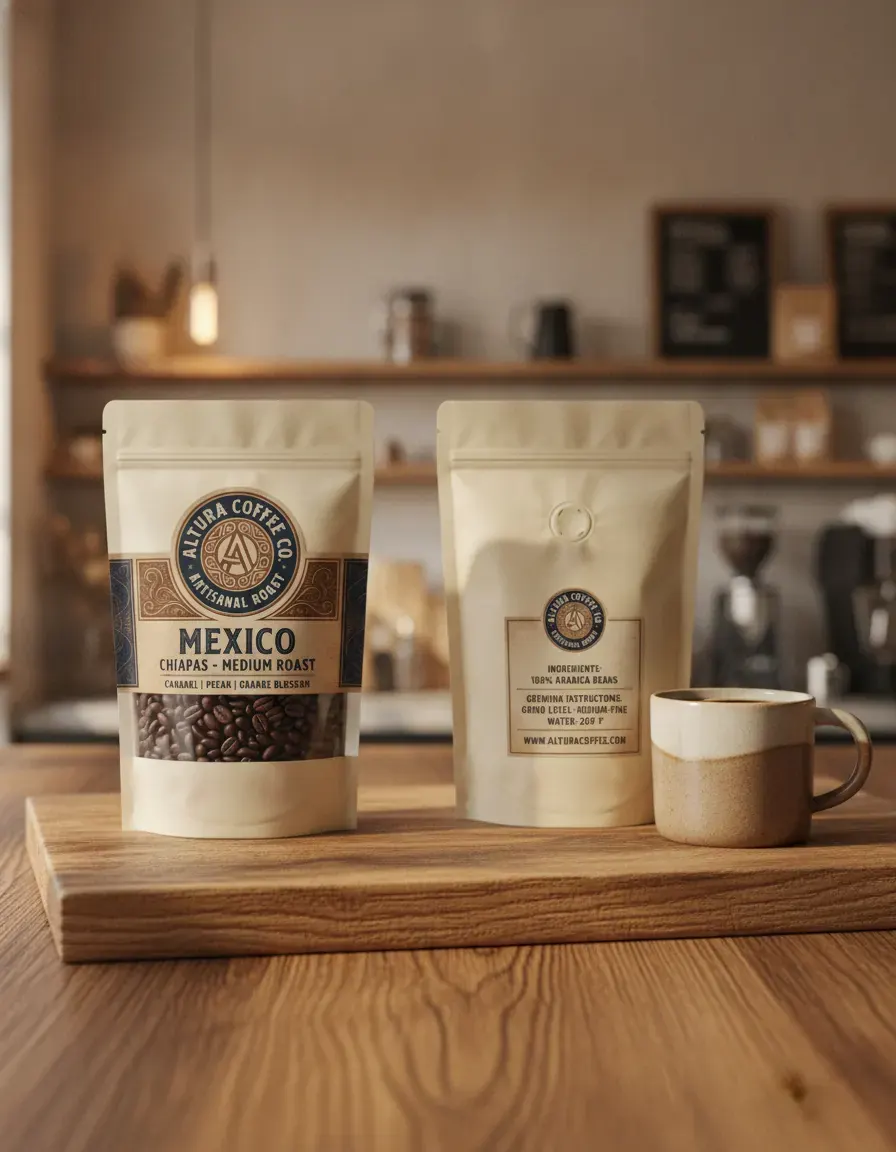
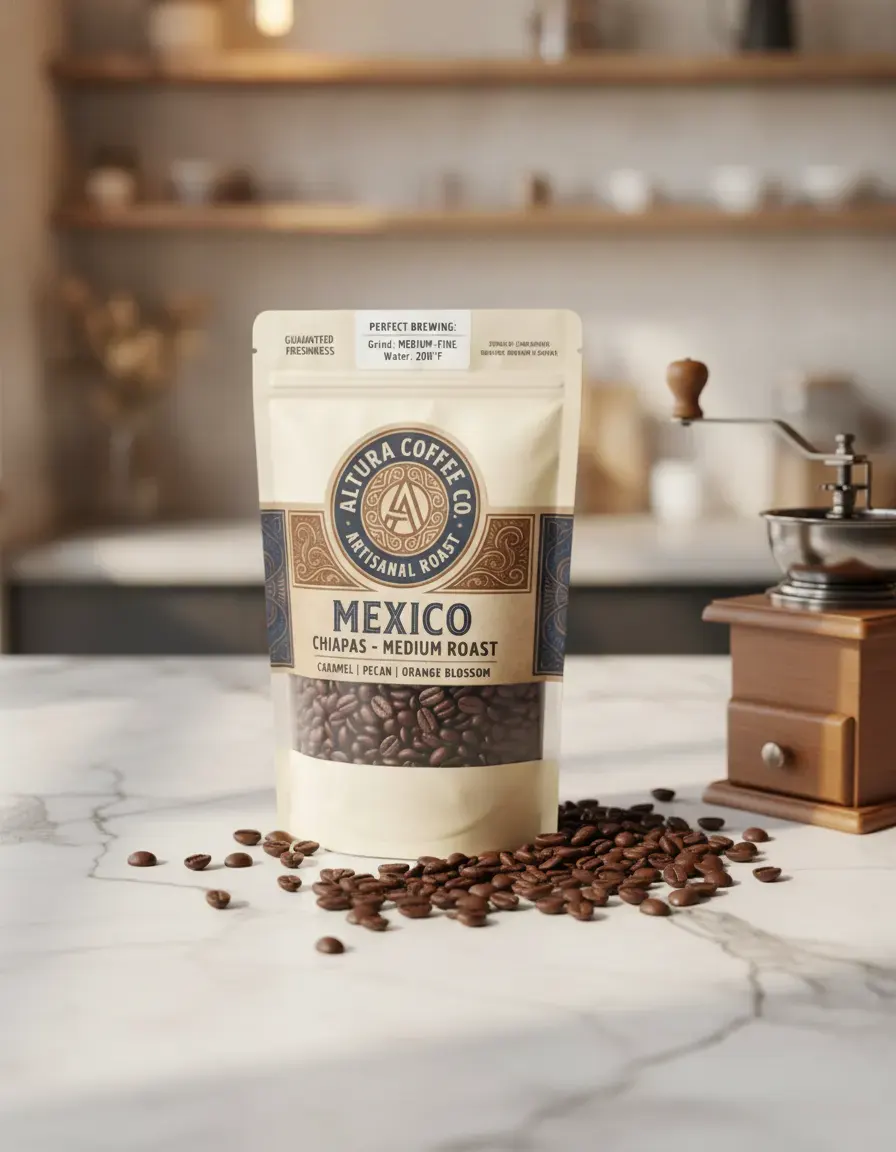
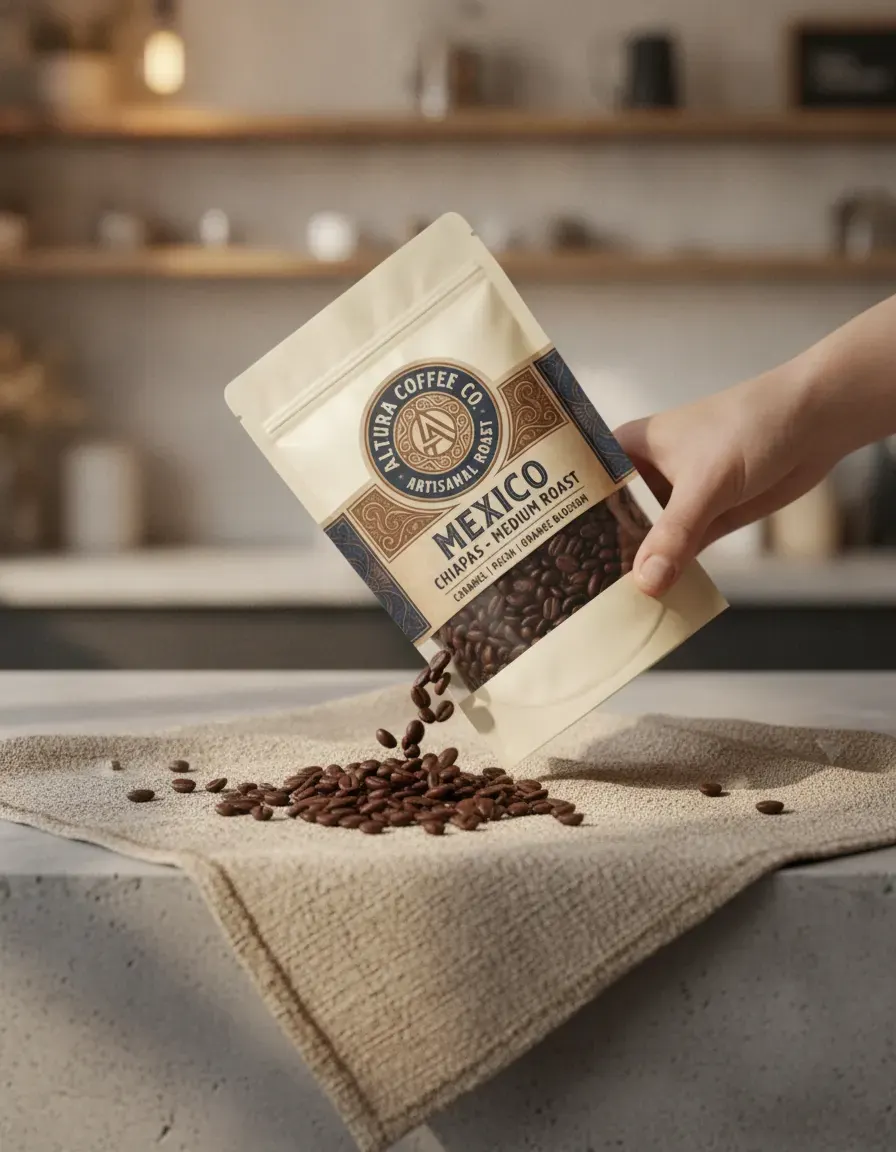
See more examples in the Fluxx.work gallery
Leaf and sachet texture is a quality signal
Loose-leaf tea buyers judge quality partly from leaf appearance — whole-leaf versus broken/dust grade is visible in a close-up — while sachet or pyramid-bag tea needs the bag material and string/tag detail to look premium rather than generic. Fluxx.work can generate leaf or sachet close-ups and context shots that respect your product's actual grade and packaging rather than substituting generic stock tea leaves.
Steeping shots need believable color and steam
A cup with tea visibly steeping — color diffusing into the water, steam rising — is a strong conversion element for tea listings because it shows the end result, but the steeping color has to plausibly match the tea type (pale green vs. deep black). Fluxx.work generates these steeping and steam context shots around your actual packaging, keeping tin, box, or pouch design accurate in the same scene.
| Requirement | Shopify | Google Merchant Center | Etsy |
|---|---|---|---|
| Max image size | Up to 5000 x 5000 px or 25 megapixels | No larger than 64 megapixels | No maximum published |
| Max file size | Smaller than 20 MB | No larger than 16 MB | Over 1 MB may not finish uploading |
| Recommended size | 2048 x 2048 px for square images | Around 1500 x 1500 px | At least 2000 px; first photo at least 635 px |
| Minimum size | Not published | At least 500 x 500 px (a new size requirement begins 31 January 2027) | Not published |
| Product fill in frame | Not published | No less than 75%, no more than 90% | Not published |
| Accepted formats | PNG best, then JPEG; plus TIFF, BMP, GIF, SVG, HEIC, WebP | JPEG and WebP recommended; PNG, GIF, BMP and TIFF accepted | .jpg, .gif, .png, .svg, .heic |
Benefits
Leaf and sachet texture context shots without a food-styling session
Believable steeping-cup and steam visuals matched to tea type
Packaging format detail (tin, box, sachet) preserved accurately
Consistent styling across a full tea range for catalog and ads
How It Works
1
Upload a clear photo of the tea packaging or tin.
2
Choose studio, leaf-texture, or steeping-cup context styling.
3
Generate — packaging design and material finish stay locked to the source.
Best Practices
- check_circlePhotograph the source packaging with any grade or leaf-type labeling clearly legible
- check_circleMatch steeping-cup color styling to the actual tea type for credibility
- check_circleKeep scene styling consistent across a tea range so the collection reads as one line
Common Mistakes
- cancelUsing generic stock tea-leaf imagery that doesn't match the product's actual grade
- cancelSteeping-cup colors that don't match the tea type (e.g., dark color shown for a pale green tea)
- cancelLosing sachet tag or string detail in low-resolution source photos
Trusted by 1,200+ businesses worldwide
“We used to book a studio every quarter. Now one product photo gives us the hero, lifestyle and detail shots in a single pass, and the catalogue finally looks like one brand instead of six separate shoots.”
Marcus T.
Founder, Home Goods Brand · Austin, TX
“The garment is genuinely the same in every frame — colour, print and trims all hold. That was the part I did not believe until we ran our own SKUs through it.”
Dana R.
Head of Ecommerce, Activewear · Brooklyn, NY
“Glass and reflections are where most tools fall apart. Ours come out clean, so we can photograph a new scent the week it launches instead of waiting on a studio slot.”
Layla A.
Founder, Fragrance Brand · Dubai, UAE
“Metal finish and stone detail survive a zoom now, which is what our listings actually needed. We stopped reshooting pieces that came back soft.”
Omar S.
Marketing Director, Jewellery · Abu Dhabi, UAE
“The textures and lighting are so realistic that customers tell us they can almost feel the product. We reshoot far less than we used to.”
Sneha P.
Founder, Coffee Brand · Coorg, India
“The AI-contextual backgrounds just work. It reads the product and picks the right aesthetic. We've stopped paying for stock photo subscriptions.”
Priya S.
Founder, Skincare Brand · Mumbai, India
Frequently Asked Questions
What size should a tea packaging photo be for Shopify?
Shopify accepts anything up to 5000 x 5000 px or 25 megapixels and a file smaller than 20 MB, and it says 2048 x 2048 px displays best for square images such as tins and pouches.
How much of the frame should a tea pack fill on Google Shopping?
Google Merchant Center's best practice is a fill between 75% and 90% of the full image, with a minimum image size of 500 x 500 px and around 1500 x 1500 px recommended.
Can one tea photo work for Shopify, Google and Etsy at once?
Yes, if you start at 2048 x 2048 px: that clears Etsy's 2,000 px recommendation, Shopify's 2048 px square guidance and Google's 500 x 500 px minimum, while staying under Google's 16 MB cap.
What does Etsy require for loose-leaf tea listing photos?
Etsy recommends at least 2,000 px, wants the first photo at 635 px or more, allows up to 20 photos and 2 videos, and warns that images over 1 MB may not finish uploading.
How many Fluxx credits does a tea listing set cost?
One image costs 12 credits, so a 7-image set costs 84 credits; the ₹475 Starter pack holds 95 credits, which is 7 images at ₹67.86 each.
Does Google Merchant Center allow AI-generated tea images?
Yes, but Google requires generative-AI images to keep their IPTC DigitalSourceType metadata, and it caps every image at 64 megapixels and 16 MB.
Why Fluxx.work
Tea sells on texture and steeping visuals that are hard to shoot consistently — Fluxx.work generates them believably while keeping your packaging exactly as photographed.