Protein Powder Photography With Legible Labels and Real Texture
A protein tub photo needs 2048 x 2048 px for Shopify's square display, at least 500 x 500 px with the tub filling 75% to 90% of the frame for Google Merchant Center, and a file under 16 MB there. Fluxx.work generates scoop, angle and label shots from one tub photo at 12 credits each.
Last updated:
Key facts
- Shopify accepts tub images up to 5000 x 5000 px or 25 megapixels and a file smaller than 20 MB.
- A 2048 x 2048 px square is Shopify's best-display size, which gives a clean crop for a cylindrical tub.
- Google Merchant Center wants the tub filling 75% to 90% of the frame, at no less than 500 x 500 px.
- Google recommends around 1500 x 1500 px and caps images at 64 megapixels and 16 MB.
- Google blocks promotional overlays, prices, watermarks and added logos on the 1500 x 1500 px images it recommends.
- A 7-image protein listing set on Fluxx.work costs 84 credits at 12 credits per image, and failed generations are refunded.
Real output from Fluxx.work
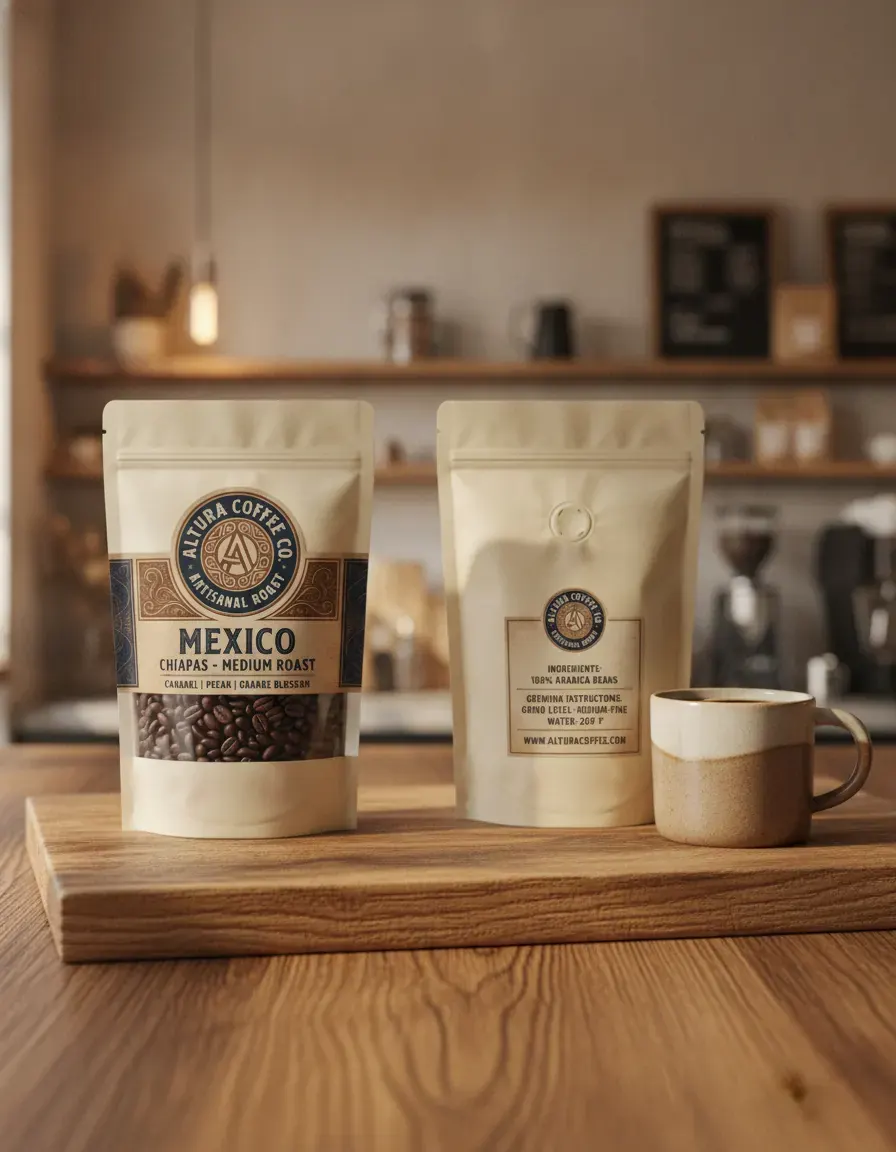
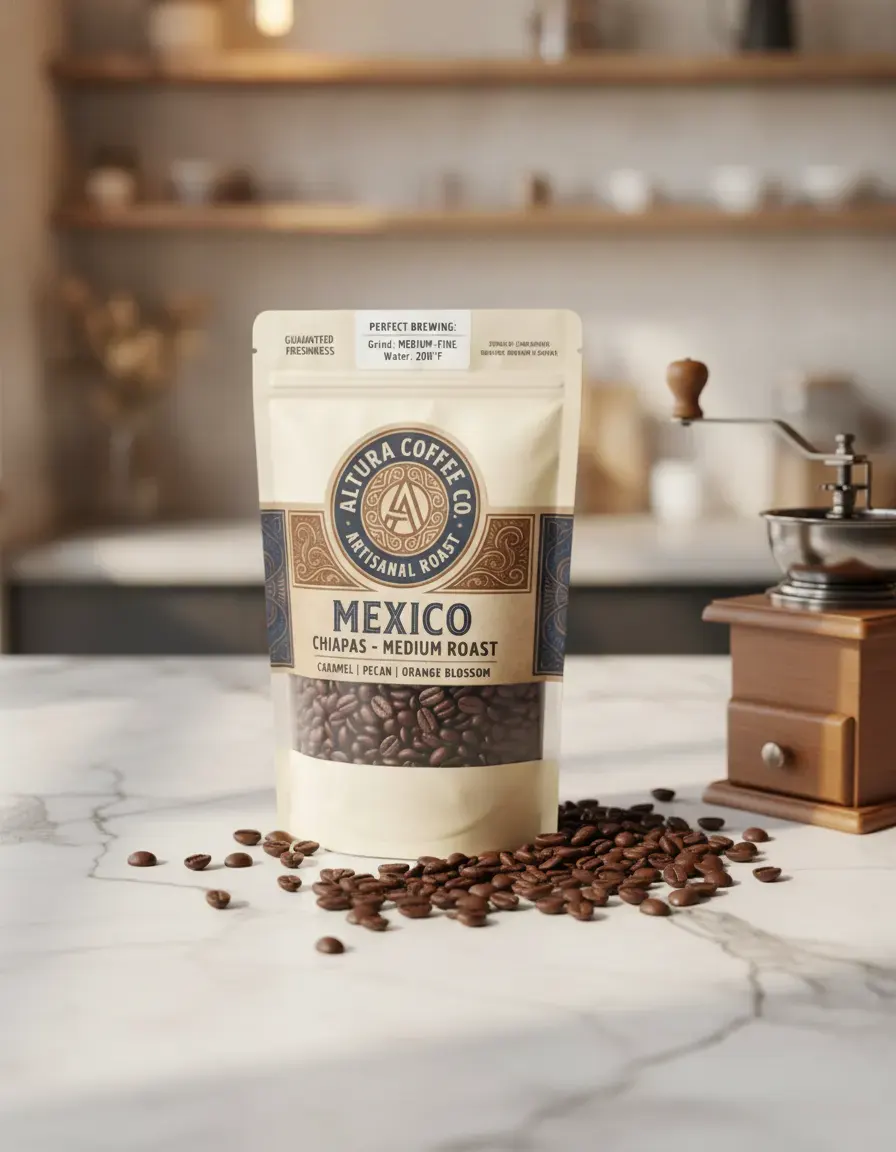
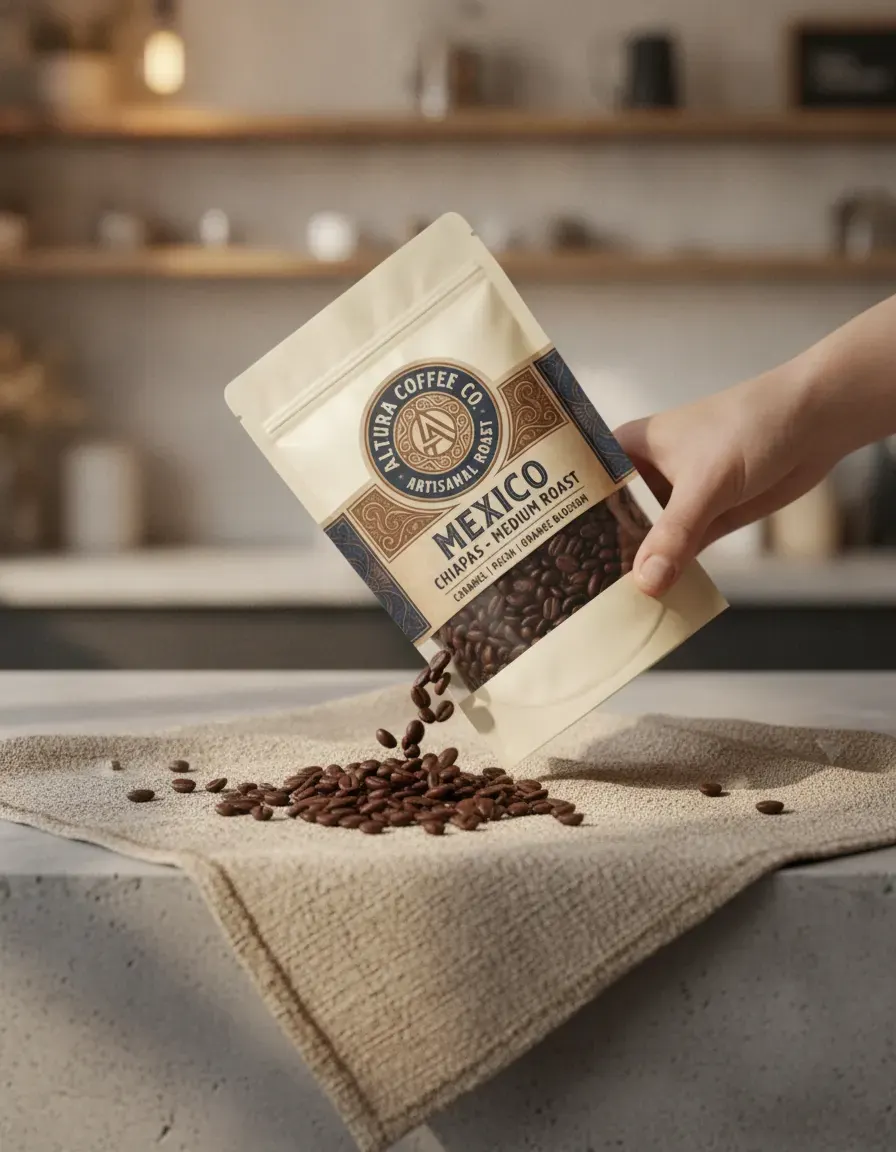
Generated from a single uploaded product photo — Food & beverage packaging
See more examples in the Fluxx.work gallery
Cylindrical labels need careful handling
A large protein tub label wraps around a wide cylinder and typically carries dense text — flavor name, certifications, nutritional callouts — that must stay sharp and undistorted for compliance and shopper trust. Fluxx.work preserves the label's actual wrap and text legibility from the source photo across every generated angle, rather than warping or softening dense label copy the way generic AI upscaling can.
Scoop and powder texture context shots
A scoop of powder next to the tub is a category-standard shot because it communicates texture (fine vs. chalky), color (which hints at flavor), and serving size at a glance. Fluxx.work can generate this scoop-and-powder context around your actual tub, keeping the powder's real color and consistency from your source photo rather than using a generic powder texture that doesn't match your formula.
| Requirement | Shopify | Google Merchant Center |
|---|---|---|
| Max image size | Up to 5000 x 5000 px or 25 megapixels | No larger than 64 megapixels |
| Max file size | Smaller than 20 MB | No larger than 16 MB |
| Square image guidance | 2048 x 2048 px | Around 1500 x 1500 px |
| Minimum size | Not published | At least 500 x 500 px (a new size requirement begins 31 January 2027) |
| Product fill in frame | Not published | No less than 75%, no more than 90% |
| Preferred formats | PNG best, then JPEG; plus TIFF, BMP, GIF, SVG, HEIC, WebP | JPEG and WebP recommended; PNG, GIF, BMP and TIFF accepted |
| AI-generated images | Not addressed | Must keep IPTC DigitalSourceType metadata |
Benefits
Dense cylindrical label text stays sharp and legible across every angle
Scoop-and-powder context shots using your actual powder color and texture
Consistent tub photography across a full flavor lineup
No separate macro or texture photography session required
How It Works
1
Upload a sharp photo of the tub with the label facing camera.
2
Choose studio tub shot or scoop-and-powder context.
3
Generate — label legibility and powder texture stay locked to the source.
Best Practices
- check_circlePhotograph the source tub straight-on with the full label panel in sharp focus
- check_circleGenerate scoop shots per flavor so powder color stays accurate to each SKU
- check_circleKeep angle and lighting consistent across your flavor lineup for a uniform shelf page
Common Mistakes
- cancelLetting label text blur or distort when generating angled tub shots
- cancelUsing generic powder texture in scoop shots that doesn't match the actual flavor's color
- cancelInconsistent scoop styling across a flavor range, making the lineup look mismatched
Trusted by 1,200+ businesses worldwide
“We used to book a studio every quarter. Now one product photo gives us the hero, lifestyle and detail shots in a single pass, and the catalogue finally looks like one brand instead of six separate shoots.”
Marcus T.
Founder, Home Goods Brand · Austin, TX
“The garment is genuinely the same in every frame — colour, print and trims all hold. That was the part I did not believe until we ran our own SKUs through it.”
Dana R.
Head of Ecommerce, Activewear · Brooklyn, NY
“Glass and reflections are where most tools fall apart. Ours come out clean, so we can photograph a new scent the week it launches instead of waiting on a studio slot.”
Layla A.
Founder, Fragrance Brand · Dubai, UAE
“Metal finish and stone detail survive a zoom now, which is what our listings actually needed. We stopped reshooting pieces that came back soft.”
Omar S.
Marketing Director, Jewellery · Abu Dhabi, UAE
“The textures and lighting are so realistic that customers tell us they can almost feel the product. We reshoot far less than we used to.”
Sneha P.
Founder, Coffee Brand · Coorg, India
“The AI-contextual backgrounds just work. It reads the product and picks the right aesthetic. We've stopped paying for stock photo subscriptions.”
Priya S.
Founder, Skincare Brand · Mumbai, India
Frequently Asked Questions
What size should a protein powder tub photo be for Shopify?
Shopify's ceiling is 5000 x 5000 px or 25 megapixels with a file smaller than 20 MB, and it recommends 2048 x 2048 px for square images, which suits a straight-on tub crop.
How should a protein tub sit in a Google Shopping image?
Google Merchant Center asks for a product fill between 75% and 90%, a minimum of 500 x 500 px, a recommendation of around 1500 x 1500 px, and a file no larger than 16 MB.
Can I show a scoop of powder beside the tub in a listing image?
Yes — a scoop and powder context shot can be generated from the tub photo, but keep the tub itself filling 75% to 90% of the frame and avoid price or promo overlays on Google. Each generated image costs 12 Fluxx credits.
Does Google allow AI-generated protein tub images?
Yes. Google Merchant Center accepts generative-AI product images as long as they keep their IPTC DigitalSourceType metadata, stay under 64 megapixels and 16 MB, and show no added logos or watermarks.
How many angles can I get from one protein tub photo?
A 7-image set is the standard listing build and costs 84 credits at 12 credits per image; the ₹475 Starter pack holds 95 credits, which is 7 images at ₹67.86 each.
Why Fluxx.work
Dense label copy on a curved tub is exactly where generic AI tools blur text — Fluxx.work keeps it sharp while still adding the scoop context shoppers expect.