Furniture Photography at Room Scale, From One Photo
Furniture images on Shopify can be up to 5000 x 5000 px or 25 megapixels and under 20 MB, Amazon takes a 500 px minimum with 1,000 px or more recommended and a 10,000 px maximum, and Google Merchant Center caps files at 16 MB. Fluxx.work generates room-scale shots from one piece at 12 credits.
Last updated:
Key facts
- Shopify accepts furniture images up to 5000 x 5000 px or 25 megapixels, with a file smaller than 20 MB.
- Amazon's floor is 500 px on the longest side, below which the image cannot be uploaded; it recommends 1,000 px or more for zoom, up to a 10,000 px maximum.
- On Amazon the product should fill 85% of the image on a pure white RGB 255,255,255 background.
- Google Merchant Center recommends around 1500 x 1500 px and caps images at 64 megapixels and 16 MB.
- No channel publishes a furniture-specific rule: Amazon's general 500 px to 10,000 px spec is the only image-size rule that applies.
- A 7-image furniture listing set costs 84 credits on Fluxx.work, at 12 credits per image.
Real output from Fluxx.work
Generated from a single uploaded product photo — Home & kitchenware
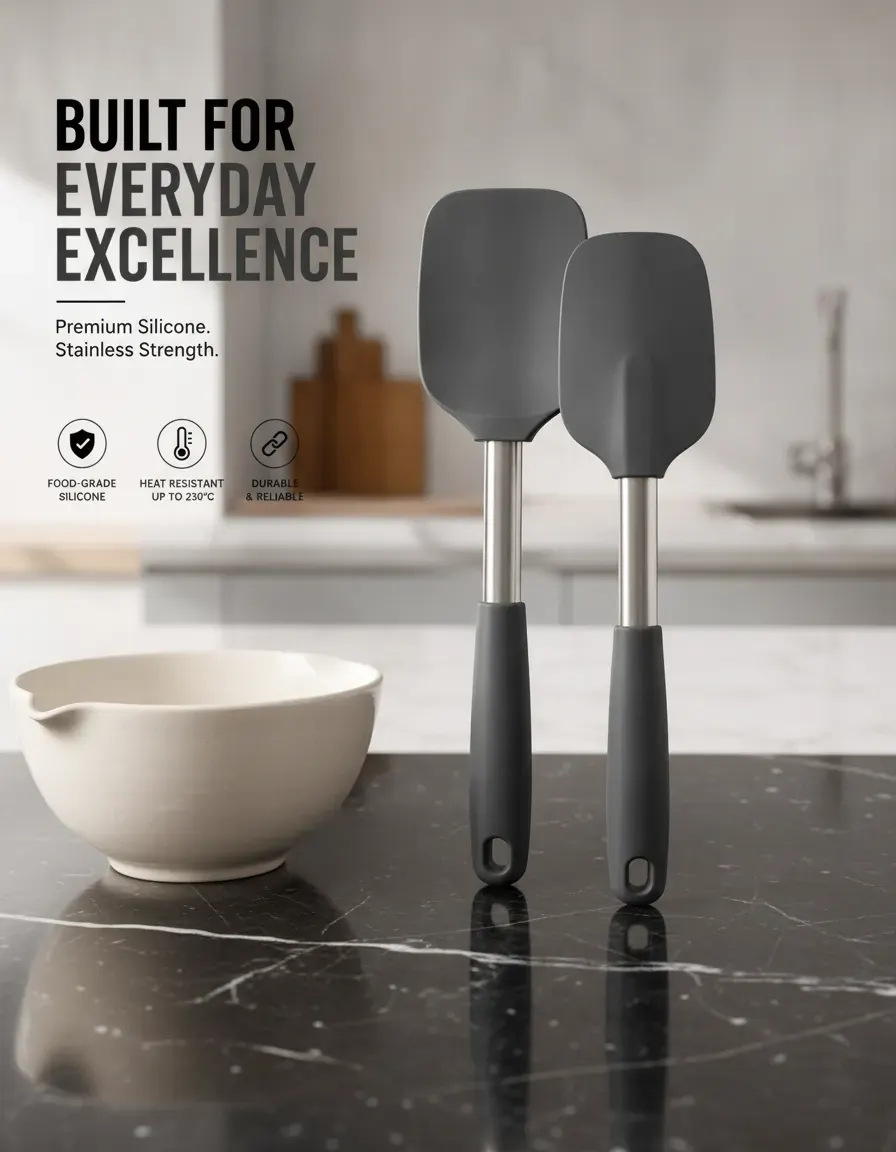

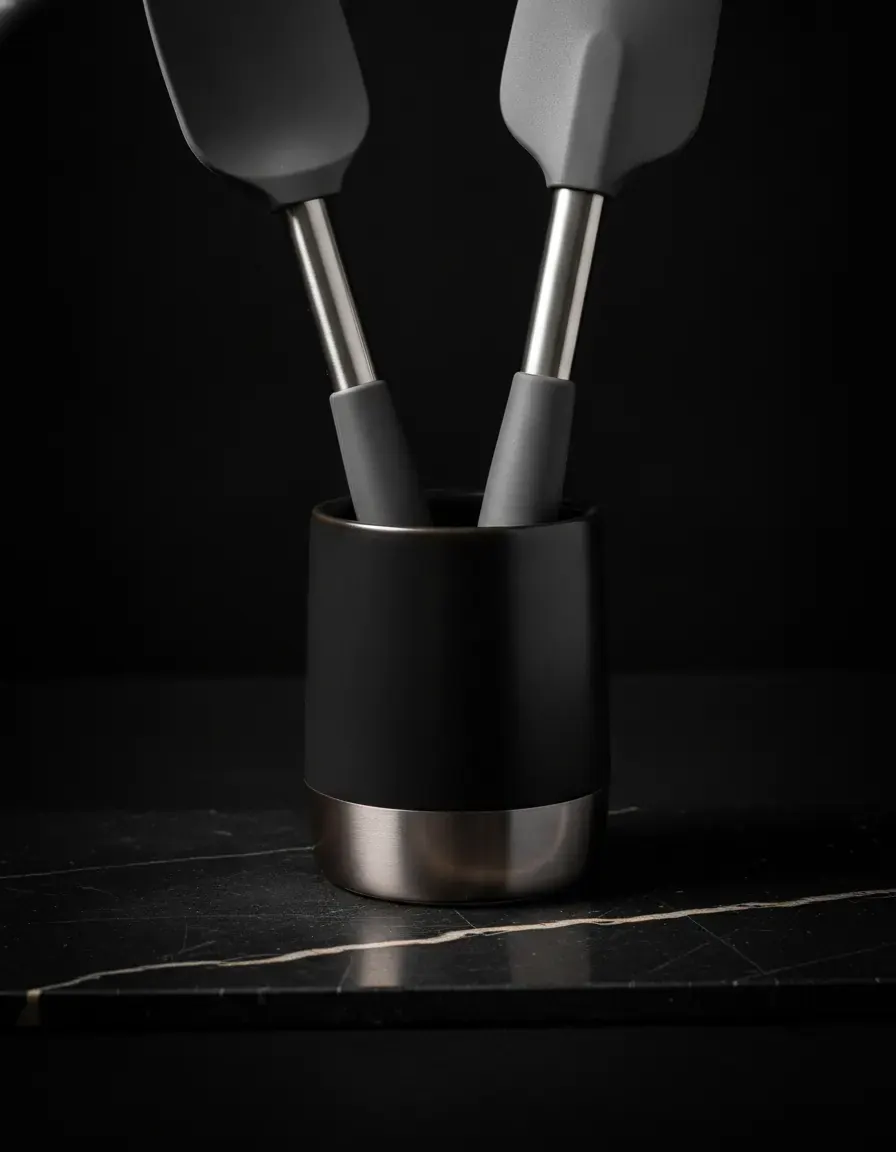
See more examples in the Fluxx.work gallery
Material texture is the main trust signal
A shopper can't touch the wood grain or feel the upholstery weave before buying, so photography has to carry that information — the depth of a walnut grain, the nap of a velvet sofa, the weave of a linen chair. Fluxx.work preserves these material textures at close range from your source photo rather than smoothing them into a generic surface, which matters enormously for perceived quality and price justification.
Room-scale context solves the 'how big is this really' problem
Furniture is one of the few categories where scale ambiguity directly kills conversions — a chair or sofa shot in isolation gives no sense of proportion. Fluxx.work can place your actual piece into styled room scenes at believable scale, letting shoppers judge how it would look and fit without you needing to build or rent a physical room set for every SKU and every angle.
| Requirement | Shopify | Google Merchant Center | Amazon (general spec) |
|---|---|---|---|
| Longest side | Up to 5000 x 5000 px or 25 megapixels | No larger than 64 megapixels | 500 px minimum, 10,000 px maximum |
| Recommended size | 2048 x 2048 px for square images | Around 1500 x 1500 px | 1,000 px or more for zoom |
| Max file size | Smaller than 20 MB | No larger than 16 MB | Not stated |
| Product fill in frame | Not published | No less than 75%, no more than 90% | 85% of the image |
| Background | Not published | Not specified | Pure white, RGB 255,255,255 |
| Furniture-specific rule | None published | None published | None published |
Benefits
Wood grain, upholstery, and finish texture preserved at close range
Room-scale lifestyle scenes without renting or building a physical set
Multiple angles and detail shots from a single source photo
Consistent styling across a full furniture collection
How It Works
1
Upload a clear, well-lit photo of the furniture piece.
2
Choose studio angles, close-up material detail, or room-scale lifestyle scenes.
3
Generate — wood grain, upholstery, and finish stay locked to the source.
Best Practices
- check_circlePhotograph the source piece with even lighting that shows true material texture and color
- check_circleGenerate at least one room-scale lifestyle image alongside isolated studio angles
- check_circleKeep room styling consistent across a collection to reinforce a cohesive brand look
Common Mistakes
- cancelShooting furniture only in isolation with no scale or room context
- cancelLosing material texture detail through over-smoothing or low-resolution source photos
- cancelInconsistent room styling across a collection making it hard to visualize as a cohesive line
Trusted by 1,200+ businesses worldwide
“We used to book a studio every quarter. Now one product photo gives us the hero, lifestyle and detail shots in a single pass, and the catalogue finally looks like one brand instead of six separate shoots.”
Marcus T.
Founder, Home Goods Brand · Austin, TX
“The garment is genuinely the same in every frame — colour, print and trims all hold. That was the part I did not believe until we ran our own SKUs through it.”
Dana R.
Head of Ecommerce, Activewear · Brooklyn, NY
“Glass and reflections are where most tools fall apart. Ours come out clean, so we can photograph a new scent the week it launches instead of waiting on a studio slot.”
Layla A.
Founder, Fragrance Brand · Dubai, UAE
“Metal finish and stone detail survive a zoom now, which is what our listings actually needed. We stopped reshooting pieces that came back soft.”
Omar S.
Marketing Director, Jewellery · Abu Dhabi, UAE
“The textures and lighting are so realistic that customers tell us they can almost feel the product. We reshoot far less than we used to.”
Sneha P.
Founder, Coffee Brand · Coorg, India
“The AI-contextual backgrounds just work. It reads the product and picks the right aesthetic. We've stopped paying for stock photo subscriptions.”
Priya S.
Founder, Skincare Brand · Mumbai, India
Frequently Asked Questions
What size should a sofa photo be for Amazon?
Amazon needs at least 500 px on the longest side, recommends 1,000 px or more so zoom works, caps the longest side at 10,000 px, and wants the sofa at 85% of a pure white RGB 255,255,255 image at 72 dpi minimum.
Does Amazon publish furniture-specific image rules?
No. Only the general spec applies — a 500 px minimum, 1,000 px or more recommended, a 10,000 px maximum and an 85% fill — and Amazon does not state a maximum image count, recommending at least 6 additional images plus 1 video.
How large can a furniture photo be on Shopify?
Up to 5000 x 5000 px or 25 megapixels, with a file smaller than 20 MB; Shopify recommends 2048 x 2048 px for square images and publishes no background, fill or text rule.
What fill percentage should a wardrobe photo have for Google Shopping?
Google Merchant Center's best practice is no less than 75% and no more than 90% of the frame, at a 500 x 500 px minimum and around 1500 x 1500 px recommended, capped at 64 megapixels and 16 MB.
Can I get room-scale furniture shots without building a set?
Yes — room scenes can be generated from one product photo. Scene recreation costs 15 credits, a background removal costs 2 credits and a standard image costs 12 credits, so a 7-image set is 84 credits.
Do I need a white background for a dining table listing?
Only on Amazon, which requires pure white RGB 255,255,255 with the product at 85%; Shopify and Google Merchant Center are the two channels that do not publish a background colour requirement.
Why Fluxx.work
Furniture sells on texture and scale that photos alone must communicate — Fluxx.work keeps material detail real while placing your piece into believable room context.