Electronics Photography Without Screen Glare Problems
Electronics images on Shopify can be 5000 x 5000 px or 25 megapixels and under 20 MB, while Amazon needs 500 px minimum, recommends 1,000 px or more, allows up to 10,000 px and wants the device at 85% of a pure white frame. Fluxx.work renders glare-controlled angles at 12 credits each.
Last updated:
Key facts
- Shopify accepts device images up to 5000 x 5000 px or 25 megapixels, with files smaller than 20 MB.
- Amazon's 500 px floor is also an upload limit — below it the image cannot be uploaded — and 1,000 px or more is what enables zoom.
- Amazon accepts only JPEG, TIFF, PNG and non-animated GIF at 72 dpi minimum, and rejects EPS, BMP, PDF, PSD and AI files.
- Google Merchant Center's minimum is 500 x 500 px, its recommendation is around 1500 x 1500 px, and its caps are 64 megapixels and 16 MB.
- Amazon recommends at least 6 additional images plus 1 video for a device listing, and Google caps a catalogue image at 16 MB.
- Fluxx.work's 12-credit image price makes a 7-image electronics set 84 credits; the ₹2,999 Pro pack is 62 images.
Real output from Fluxx.work
Generated from a single uploaded product photo — Electronics

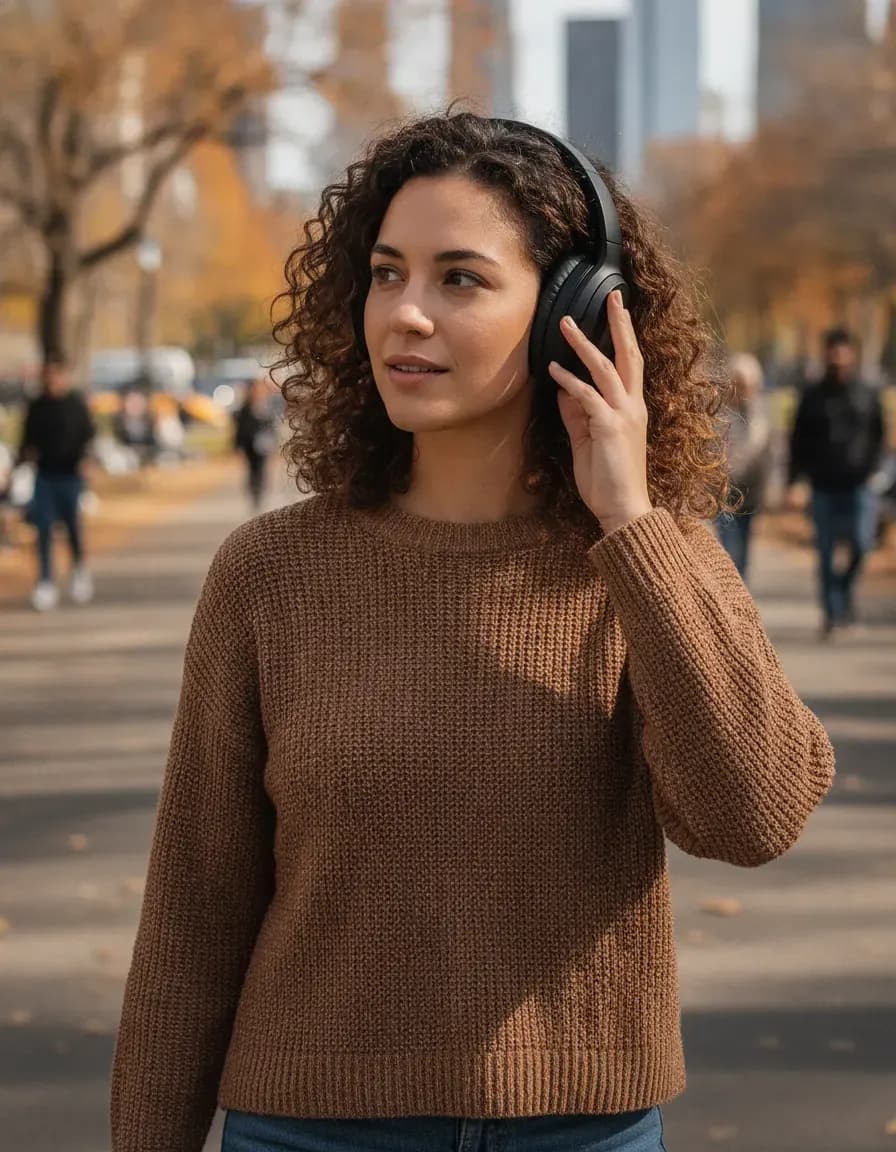
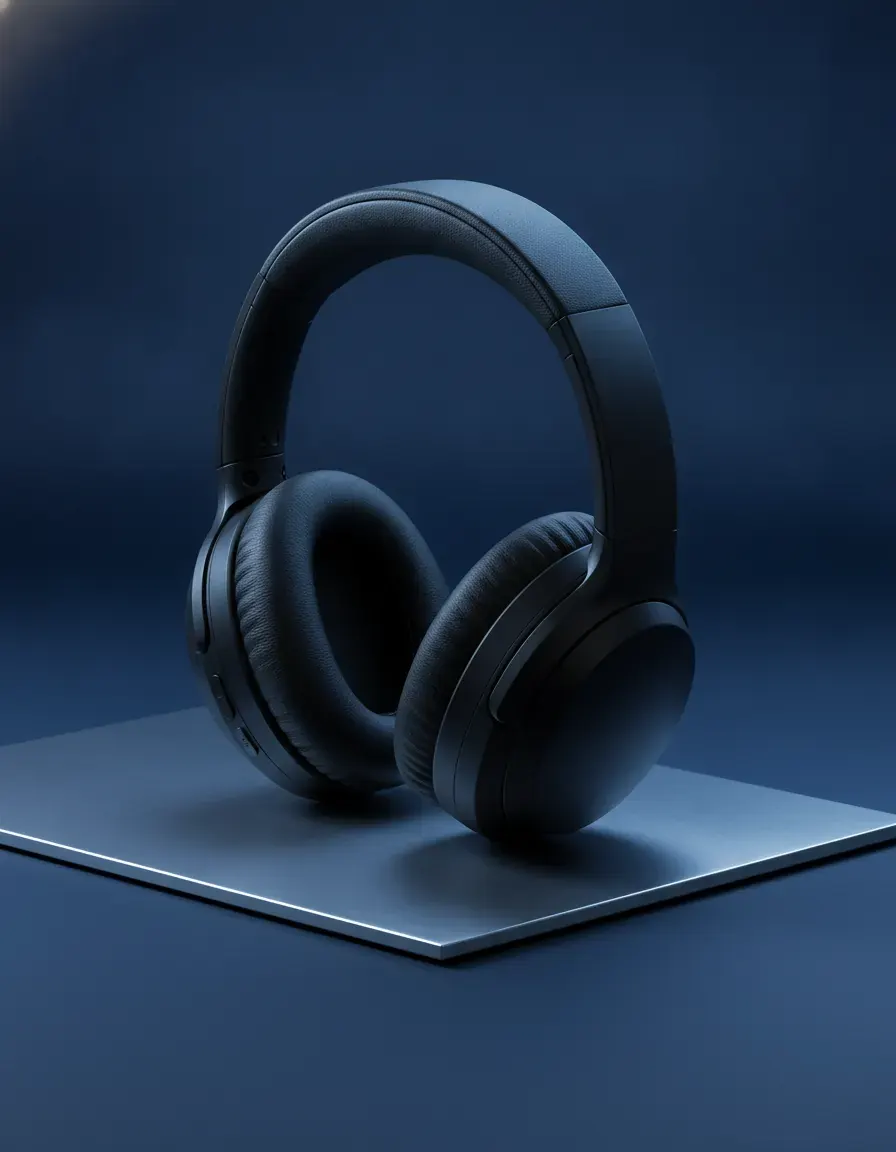
See more examples in the Fluxx.work gallery
Screen glare and reflection control
Glossy screens and glass panels are magnets for reflections in real photography — studio lights, the photographer, the room — which is why electronics photography traditionally needs diffusion tents and careful angle control. Fluxx.work generates clean screen renders without the distracting reflections a physical shoot would introduce, while keeping the screen's actual displayed content (if any) or the panel's true reflectivity accurate to the source.
Ports, buttons, and casing finish are functional details
Shoppers checking electronics often zoom in on port placement, button layout, and casing texture to verify compatibility or judge build quality — a blurred USB-C port or a matte finish rendered as glossy erodes trust immediately. Fluxx.work keeps these physical details sharp and accurate to the source photo, including the correct matte-versus-glossy casing finish, across every generated angle.
| Requirement | Shopify | Google Merchant Center | Amazon (general spec) |
|---|---|---|---|
| Minimum size | Not published | At least 500 x 500 px (a new size requirement begins 31 January 2027) | 500 px on the longest side, or it cannot be uploaded |
| Recommended size | 2048 x 2048 px for square images | Around 1500 x 1500 px | 1,000 px or more for zoom |
| Maximum size | 5000 x 5000 px or 25 megapixels | No larger than 64 megapixels | 10,000 px on the longest side |
| Max file size | Smaller than 20 MB | No larger than 16 MB | Not stated |
| Product fill in frame | Not published | No less than 75%, no more than 90% | 85% of the image |
| AI-generated images | Not addressed | Must keep IPTC DigitalSourceType metadata | Photorealistic AI people must be tagged contains-synthetic-performer |
Benefits
Clean screen renders with glare and reflections controlled
Sharp, accurate port and button detail across every angle
True matte-versus-glossy casing finish preserved from the source
Consistent photography style across a full electronics lineup
How It Works
1
Upload a sharp photo of the device from a clean angle.
2
Choose studio background or angled detail shots.
3
Generate — casing finish, ports, and buttons stay accurate to the source.
Best Practices
- check_circlePhotograph the source device with the screen off or showing a clean reference image to avoid glare artifacts
- check_circleCapture ports and buttons in sharp focus from a straight angle before generating variants
- check_circleKeep casing finish rendering consistent across color variants of the same device
Common Mistakes
- cancelLetting screen reflections obscure product detail in listing photos
- cancelBlurring or repositioning ports and buttons, undermining compatibility checks
- cancelRendering matte casing as glossy or vice versa, misleading shoppers on build feel
Trusted by 1,200+ businesses worldwide
“We used to book a studio every quarter. Now one product photo gives us the hero, lifestyle and detail shots in a single pass, and the catalogue finally looks like one brand instead of six separate shoots.”
Marcus T.
Founder, Home Goods Brand · Austin, TX
“The garment is genuinely the same in every frame — colour, print and trims all hold. That was the part I did not believe until we ran our own SKUs through it.”
Dana R.
Head of Ecommerce, Activewear · Brooklyn, NY
“Glass and reflections are where most tools fall apart. Ours come out clean, so we can photograph a new scent the week it launches instead of waiting on a studio slot.”
Layla A.
Founder, Fragrance Brand · Dubai, UAE
“Metal finish and stone detail survive a zoom now, which is what our listings actually needed. We stopped reshooting pieces that came back soft.”
Omar S.
Marketing Director, Jewellery · Abu Dhabi, UAE
“The textures and lighting are so realistic that customers tell us they can almost feel the product. We reshoot far less than we used to.”
Sneha P.
Founder, Coffee Brand · Coorg, India
“The AI-contextual backgrounds just work. It reads the product and picks the right aesthetic. We've stopped paying for stock photo subscriptions.”
Priya S.
Founder, Skincare Brand · Mumbai, India
Frequently Asked Questions
What resolution should a phone or gadget photo be for Amazon?
At least 500 px on the longest side, with 1,000 px or more recommended for zoom and a 10,000 px maximum, at 72 dpi minimum and the device at 85% of a pure white RGB 255,255,255 image.
Which file formats does Amazon reject for electronics images?
Amazon rejects EPS, BMP, PDF, PSD, AI, ART, CDR, CPT, FH, FLA, PICT and PSP files, and accepts JPEG, TIFF, PNG or non-animated GIF at 72 dpi minimum.
Do AI-generated electronics images need a label on Google Shopping?
Google Merchant Center requires generative-AI images to keep their IPTC DigitalSourceType metadata, and caps each image at 64 megapixels and 16 MB with a 75% to 90% fill.
What file size can a Shopify electronics photo be?
Smaller than 20 MB, within a 5000 x 5000 px or 25 megapixel ceiling, and Shopify recommends 2048 x 2048 px for square images.
Can AI remove screen reflections from a device photo?
Yes — a background removal costs 2 credits, an edit costs 10 credits and scene recreation costs 15 credits, against 12 credits for a standard generated image.
Why Fluxx.work
Glossy screens and small functional details are where electronics photography usually breaks down — Fluxx.work controls glare while keeping every port and button trustworthy.