AI Photography for Beauty Brands Scaling Across Shade Ranges
A 12-shade beauty range at 7 images per shade is 84 images and 1,008 credits, because every image costs 12 credits. Those images have to satisfy Google Merchant Center's 75–90% fill band at 500 x 500 px minimum and Shopify's 2048 x 2048 px recommendation for square product shots.
Last updated:
Key facts
- 12 shades at 7 images each is 84 images, which is 1,008 credits at 12 credits an image, and the ₹2,999 Pro pack holds 750 credits while ₹9,999 Business holds 2,857.
- Shopify states that for square product images a size of 2048 x 2048 px usually displays best, with files smaller than 20 MB and any size up to 5000 x 5000 px or 25 megapixels.
- Google Merchant Center requires at least 500 x 500 px, recommends around 1500 x 1500 px, and sets product fill between 75% and 90% of the full image.
- Google Merchant Center caps images at 64 megapixels and 16 MB, and generative-AI images must keep their IPTC DigitalSourceType metadata.
- Per-image cost falls from ₹67.86 on the ₹475 Starter pack to ₹37.82 on the ₹24,999 Agency pack, and a 7-image set is 84 credits on every pack.
- Shopify publishes no background colour, fill percentage, text or maximum image count rule, and its 20 MB file ceiling is looser than Google's 16 MB, so one shade-accurate master exports to all 3 channels without a reshoot.
Real output from Fluxx.work
Generated from a single uploaded product photo — Beauty & cosmetics
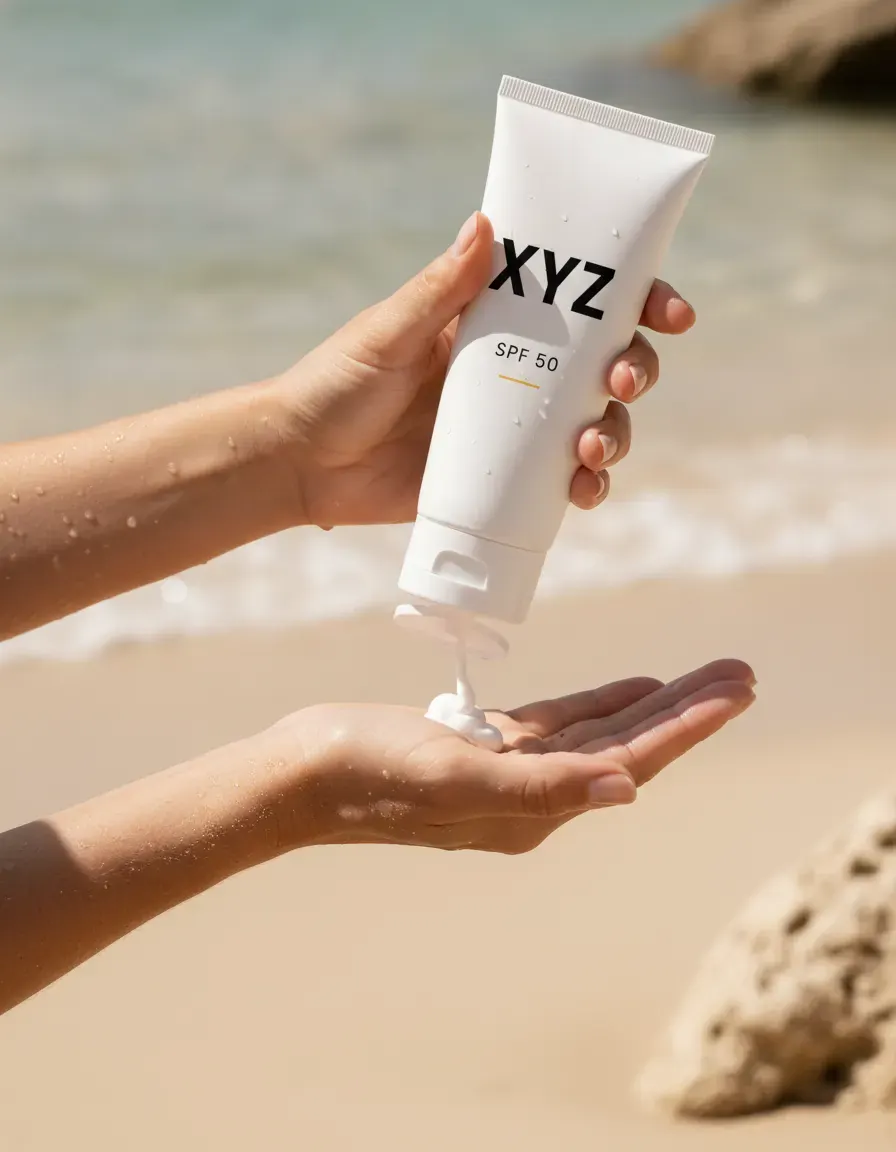
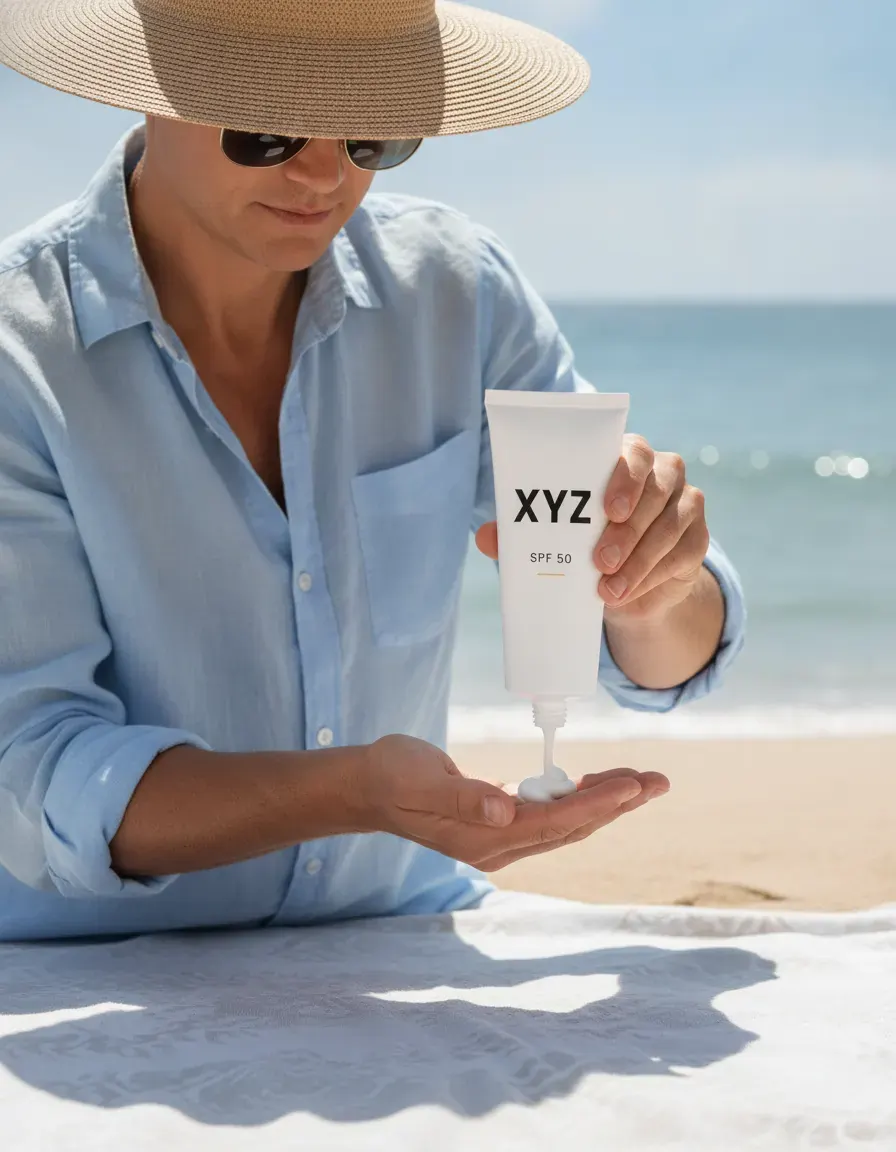
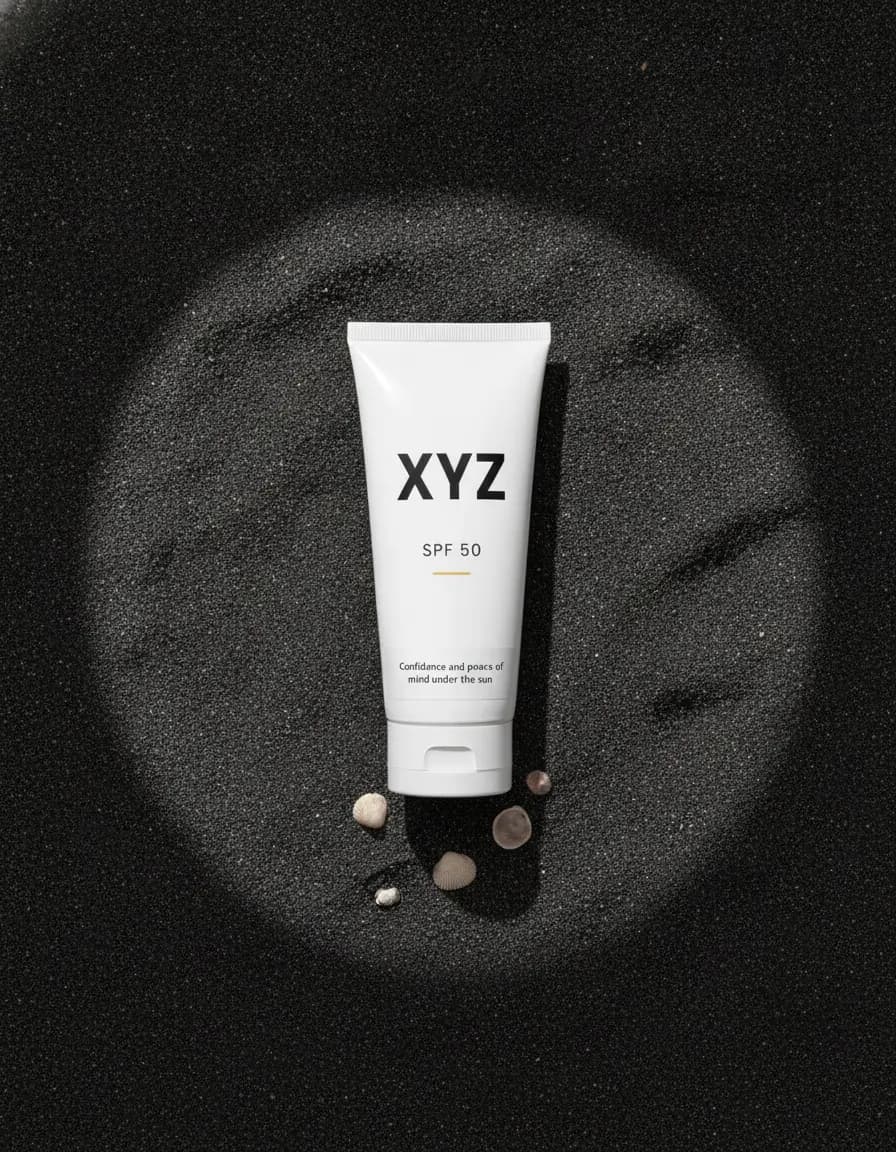
See more examples in the Fluxx.work gallery
Shade accuracy is non-negotiable
Beauty shoppers buy by color more than almost any other category, and a shade that photographs even slightly off leads to returns and trust loss. Reshooting a 12-shade foundation range or a 20-shade lipstick wall in a traditional studio means controlling lighting precisely for every single unit. Fluxx.work locks the product identity per SKU so pigment, finish, and packaging print stay accurate across the full shade range instead of drifting shot to shot.
Launch cadence outpaces studio capacity
Beauty brands often launch limited editions, collabs, and seasonal collections on a compressed calendar, and each one arrives with its own shade range and packaging refresh. Booking a studio for every micro-launch doesn't scale. Generating catalog and campaign imagery directly from product photos already on hand means a launch can go live with a full, consistent shade wall on day one instead of trickling in shots over weeks.
| Requirement | Amazon (official) | Shopify (official) | Google Merchant Center (official) |
|---|---|---|---|
| Minimum dimensions | 500 px on the longest side; below 500 px cannot be uploaded | No minimum published; up to 5000 x 5000 px or 25 megapixels | At least 500 x 500 px, with a new size requirement beginning 31 January 2027 |
| Recommended dimensions | 1,000+ px, which is what enables zoom | 2048 x 2048 px displays best for square images | Around 1500 x 1500 px |
| Background | Pure white, RGB 255,255,255 | No background rule published | No background colour specified |
| Product fill | Product shown as 85% of the image | No fill rule published | Between 75% and 90% of the full image |
| Maximum file size | Not stated by Amazon | Smaller than 20 MB | 16 MB, and no image larger than 64 megapixels |
| Images per listing | Not stated; at least 6 additional images plus 1 video recommended | No maximum published | Maximum additional images not stated |
| Text and logos | No text, pricing, logos or badges | No rule published | No promo overlays, prices, watermarks or added logos |
Benefits
Shade and finish accuracy preserved across full color ranges
Launch-ready imagery without booking a shoot per collection drop
Consistent packaging presentation across formulas and sizes
Scales cleanly from a 3-shade launch to a 30-shade wall
How It Works
1
Upload a source photo for each shade or formula variant.
2
Set a consistent style preset for the product line.
3
Generate accurate imagery across the entire shade range.
Best Practices
- check_circleGenerate every shade in a range from its own accurate source photo, not one shade adjusted digitally
- check_circleStandardize one packaging angle and lighting style across the whole brand catalog
- check_circleRefresh imagery each time a formula or packaging design updates
Common Mistakes
- cancelRelying on generic color correction that shifts shade accuracy across a range
- cancelPhotographing only hero shades and leaving the rest of the range under-represented
- cancelInconsistent packaging angles across a line, making the catalog feel disjointed
Trusted by 1,200+ businesses worldwide
“We used to book a studio every quarter. Now one product photo gives us the hero, lifestyle and detail shots in a single pass, and the catalogue finally looks like one brand instead of six separate shoots.”
Marcus T.
Founder, Home Goods Brand · Austin, TX
“The garment is genuinely the same in every frame — colour, print and trims all hold. That was the part I did not believe until we ran our own SKUs through it.”
Dana R.
Head of Ecommerce, Activewear · Brooklyn, NY
“Glass and reflections are where most tools fall apart. Ours come out clean, so we can photograph a new scent the week it launches instead of waiting on a studio slot.”
Layla A.
Founder, Fragrance Brand · Dubai, UAE
“Metal finish and stone detail survive a zoom now, which is what our listings actually needed. We stopped reshooting pieces that came back soft.”
Omar S.
Marketing Director, Jewellery · Abu Dhabi, UAE
“The textures and lighting are so realistic that customers tell us they can almost feel the product. We reshoot far less than we used to.”
Sneha P.
Founder, Coffee Brand · Coorg, India
“The AI-contextual backgrounds just work. It reads the product and picks the right aesthetic. We've stopped paying for stock photo subscriptions.”
Priya S.
Founder, Skincare Brand · Mumbai, India
Frequently Asked Questions
How many images does a 12-shade beauty range need?
At 7 images per shade, a 12-shade range is 84 images, which is 1,008 credits at 12 credits an image. The ₹9,999 Business pack holds 2,857 credits, so it covers 3 shade ranges of that size.
What image size should a beauty brand use on Shopify?
Shopify states that for square product images 2048 x 2048 px usually displays best, with files smaller than 20 MB and any size up to 5000 x 5000 px or 25 megapixels. Shopify publishes no background or fill rule.
How full should the bottle be in a Google Shopping image?
Google Merchant Center sets fill between 75% and 90% of the full image, on an image of at least 500 x 500 px with around 1500 x 1500 px recommended. Promotional overlays, prices and added logos are not allowed in that image.
Does a beauty image cost more at 4K than at 1K?
No. 4K output costs the same 12 credits as 1K, so the same ₹37.82 an image on the ₹24,999 Agency pack buys 4K. Credits never expire and failed generations are refunded.
Why Fluxx.work
Color accuracy is the one thing beauty shoppers won't forgive getting wrong, and Fluxx.work is built to hold shade and finish steady across an entire range.