Shadows That Match the Product's Actual Shape
A product cutout with no shadow looks like a sticker; a product cutout with a generic blurred-oval shadow looks like a sticker with a smudge under it. Fluxx.work generates a contact shadow calibrated to the product's actual silhouette and a chosen light direction, so it reads as an object genuinely resting on a surface.
Last updated:
Real output from Fluxx.work
Generated from a single uploaded product photo.
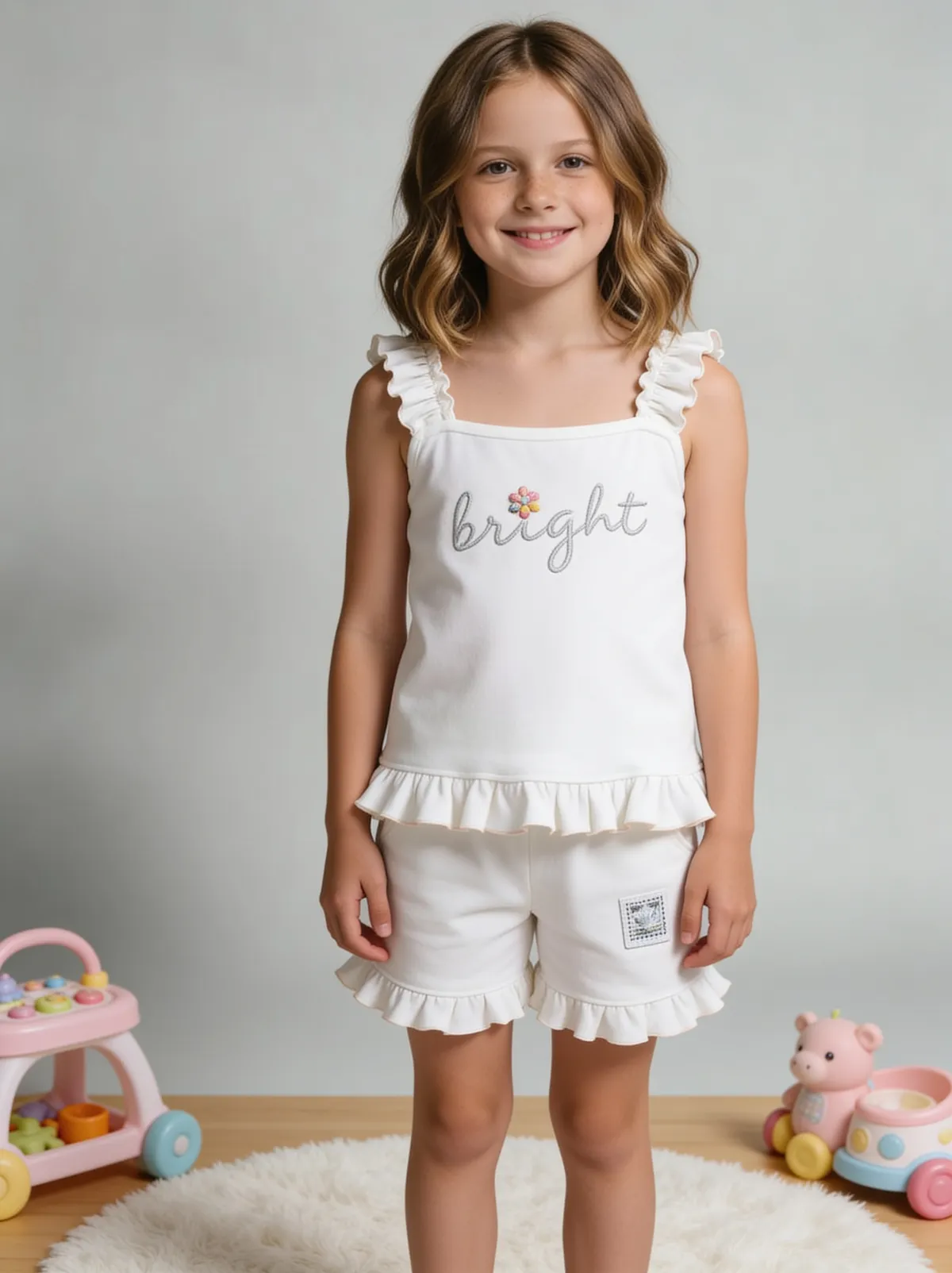
See more examples in the Fluxx.work gallery
Why generic drop shadows don't work
A default drop-shadow filter applies the same soft blurred ellipse under every object regardless of its actual base shape. A shoe's contact shadow should follow the sole's footprint, not a generic oval; a bottle's shadow should be tighter and darker directly beneath it with a soft falloff, not a uniform blur radius. When the shadow shape doesn't match the object's actual ground contact points, the eye registers it as wrong even without consciously analyzing why.
Contact shadow vs. cast shadow
A contact shadow is the tight, dark area where an object actually touches the surface — critical for making something look grounded. A cast shadow is the longer shape thrown by a directional light source. Realistic product images usually need both together, calibrated to the same light direction, not just one generic blur.
When shadow accuracy matters most
Marketplace primary images where a flat, shadowless product looks unprofessional next to competitors' shadowed listings; catalog consistency where every SKU needs the same light direction and shadow style; any composited scene where mismatched shadow direction between product and background is the most obvious tell that an image was assembled rather than shot.
How the generation works
Upload an already-isolated product cutout or a photo with a background to remove. Choose a light direction and intensity. Fluxx.work generates a contact shadow shaped to the product's actual silhouette plus a matching cast shadow, calibrated consistently across a full batch if needed.
Benefits
Contact shadow shaped to the product's actual silhouette
Consistent light direction across an entire catalog batch
Distinguishes contact shadow from cast shadow for realistic grounding
Handles complex multi-contact-point shapes like footwear accurately
How It Works
1
Upload an isolated cutout or a photo to remove the background from.
2
Choose light direction and shadow intensity.
3
Fluxx.work generates a contact and cast shadow matched to the product's shape.
4
Batch-apply the same settings across a full catalog if needed.
Best Practices
- check_circleCalibrate shadow shape specifically for complex silhouettes like footwear or multi-part products
- check_circleKeep light direction consistent across a full catalog for visual cohesion
- check_circleUse both contact and cast shadow together rather than just one
- check_circleMatch shadow intensity to the background surface — a matte studio floor vs. a glossy tabletop behave differently
Common Mistakes
- cancelApplying a generic blurred-oval drop shadow regardless of product shape
- cancelUsing inconsistent shadow direction across different SKUs in the same catalog
- cancelAdding only a cast shadow with no contact shadow, leaving the product looking like it's floating
- cancelMaking shadows too dark or too sharp-edged, which reads as artificial rather than natural
Trusted by 1,200+ businesses worldwide
“We used to book a studio every quarter. Now one product photo gives us the hero, lifestyle and detail shots in a single pass, and the catalogue finally looks like one brand instead of six separate shoots.”
Marcus T.
Founder, Home Goods Brand · Austin, TX
“The garment is genuinely the same in every frame — colour, print and trims all hold. That was the part I did not believe until we ran our own SKUs through it.”
Dana R.
Head of Ecommerce, Activewear · Brooklyn, NY
“Glass and reflections are where most tools fall apart. Ours come out clean, so we can photograph a new scent the week it launches instead of waiting on a studio slot.”
Layla A.
Founder, Fragrance Brand · Dubai, UAE
“Metal finish and stone detail survive a zoom now, which is what our listings actually needed. We stopped reshooting pieces that came back soft.”
Omar S.
Marketing Director, Jewellery · Abu Dhabi, UAE
“The textures and lighting are so realistic that customers tell us they can almost feel the product. We reshoot far less than we used to.”
Sneha P.
Founder, Coffee Brand · Coorg, India
“The AI-contextual backgrounds just work. It reads the product and picks the right aesthetic. We've stopped paying for stock photo subscriptions.”
Priya S.
Founder, Skincare Brand · Mumbai, India
Frequently Asked Questions
Will the shadow shape match my product's actual base, not a generic oval?
Yes, the contact shadow is calibrated to the product's silhouette and ground-contact points rather than applied as a uniform blurred shape.
Can I control the light direction for the shadow?
Yes, you can set light direction and intensity, and Fluxx.work generates contact and cast shadows consistent with that choice.
Can I apply the same shadow style across an entire catalog?
Yes, batch-generating consistent shadow direction and intensity across a full SKU range is supported and recommended for catalog consistency.
Does this work on complex shapes like shoes or multi-part products?
Yes, complex silhouettes with multiple ground-contact points (like a shoe's sole or a multi-piece product) are handled specifically rather than approximated with one blob shadow.
Why Fluxx.work
Fluxx.work calibrates shadow shape to the product's actual silhouette instead of dropping in a generic blur, which is what makes a cutout look genuinely grounded.